

使うとこうなる
You know what's planted in every field, get reminded about irrigation and fertilizing, and compare yields season by season.
実際の動きを見る
サンプルデータ入りのテンプレートそのものです。使う前に、自由に触ってみてください。
含まれるもの
以下はすべてサンプルデータ入りで、すぐに動きます。自由につくり変えてください。
テーブル8個
- Farm
フィールド7個
- Team
フィールド7個
- Fields
フィールド14個
- Plantings
フィールド12個
- Field work
フィールド11個
- 購入希望者
フィールド4個
- Harvests
フィールド12個
- Lots
フィールド15個
オートメーション2個
- Field work reminder
毎日 06:00
- Spray wait hold
「Lots」のレコードが条件を満たしたとき
アプリ2個
- Harvest log
テーブルの上で動くアプリ
- Playbook
テーブルの上で動くアプリ
接続
外部アカウントは不要です。
オートメーションの実行回数
月あたり約30回
このテンプレートについて
Jocky さんによる説明です。
含まれるもの
- Fields: size, soil, and what's growing
- Plantings: crop, variety, and planting date
- Field work: irrigation, fertilizing, and sprays, with the wait days from the label
- HarvestsとLots: cases picked, culls, buyer, and cold store
- Season summary (AI): compares each field's yield with last season
- Field work reminder (automation): emails the day's field jobs every morning
- Harvest log (app): log a pick from the field and download the lot sheet; a lot picked inside a spray wait is held
Get started
- Add your fields. Size and soil type.
- Record what you planted. Dates and varieties.
Playbook. The first thing in the project walks you through every step and ticks them off as you go. Delete it once you're done.
Sign-in. Pickers and packers sign in with a one-time code sent to their email. You sign in with Teable.
Comes with sample data for a made-up vegetable farm, Greenfield Farm. Every sample email is on example.com, so nothing reaches a real person until you add your own.
ワンクリック。ひと言。あなた仕様。
-
このページで「テンプレートを使用」をクリック。テーブル8個、オートメーション2個、アプリ2個が、サンプルデータ入りですぐに動く状態で、あなたの Teable に開きます。インストールも設定も不要です。
-
違うところを、ふだんの言葉で Teable AI に伝えてください。たとえば「Add input costs and profit per field」。フィールド、手順、画面をそれに合わせて変えます。
-
2個のオートメーションが自動で動きます。あなたは本業に集中するだけ。
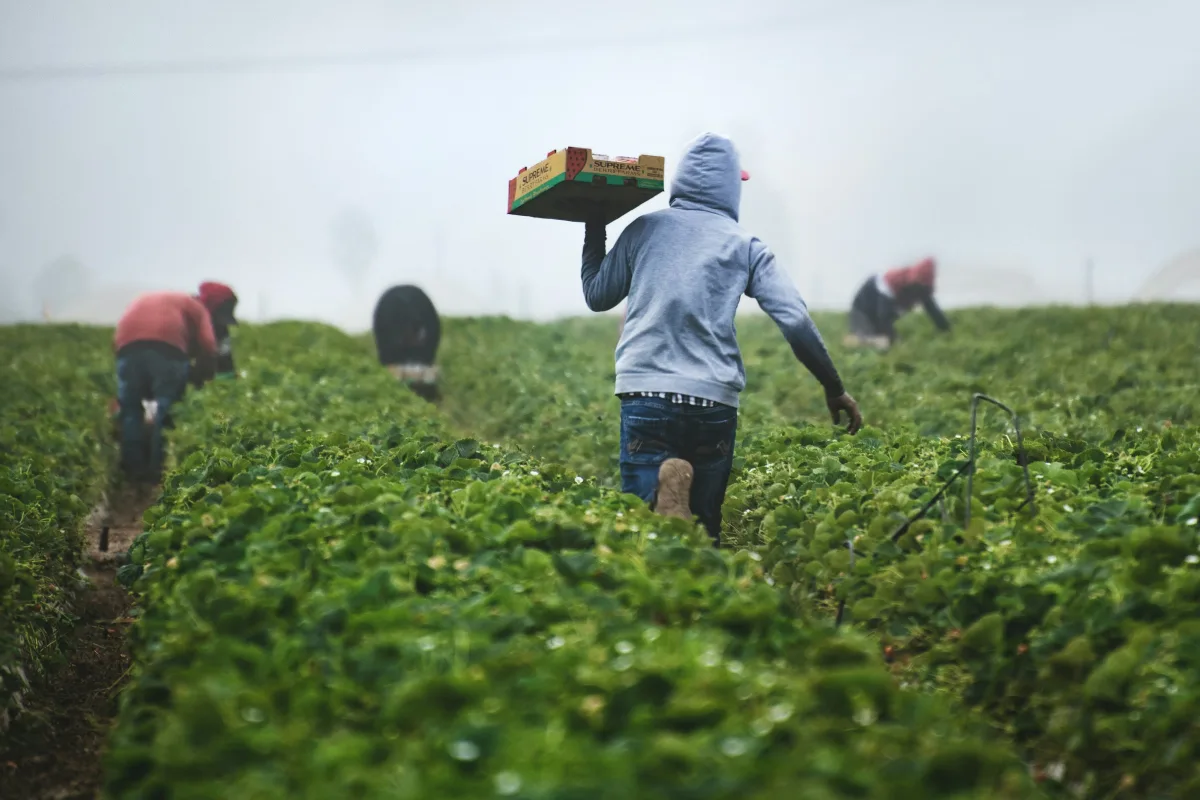
 テンプレート
農業・畜産のほかのテンプレート
よく使われている順です。
-
Plant nursery stock and orders
Track every batch by size, bed, and ready date, take orders from landscapers and shops, plan care tasks, and remind customers before delivery.
-
Beekeeping hives and honey
Log each hive's inspections and mite checks, get reminded when the next one is due, record every harvest by batch, and take honey orders for pickup.
-
Herd records
Keep a record for every animal, log weigh-ins from the field, spot animals that are losing weight, and never miss a vaccination.
「Crop and harvest log」から始める
ワンクリックで始めて、ひと言であなたのビジネスに合わせる。開発者も、よそのお店と同じアプリもいりません。設定に手助けが必要なら、Teable のチームが一緒に進めます。


