
The best Google Sheets alternatives in 2026
Google Sheets remains the easiest spreadsheet for browser-based collaboration, comments, sharing, formulas, pivots, and lightweight team work. A credible alternative should first explain what users would gain and what familiar simplicity they would give up.
Google Sheets is excellent for lightweight collaboration, but a shared sheet is not an internal business system. When teams run CRM, project management, approvals, inventory, or operations in tabs, broad sharing, duplicated sheets, fragile formulas, Apps Script ownership, and disconnected add-ons create natural limits. As the business grows, the sheet process can become the thing slowing it down.
We compare Excel, Teable, Smartsheet, and Airtable in depth, then include free options such as Zoho Sheet and LibreOffice Calc. Teable’s Google Sheets comparison page covers the narrower move from collaborative sheets to relational business operations. Facts and pricing were checked in August 2026.
A Google Sheets file can contain up to 10 million cells or 18,278 columns. Connected Sheets can query BigQuery without copying the whole warehouse into a workbook, while Apps Script extends Sheets with triggers and Workspace integrations. However, documented Apps Script quotas include six minutes per execution and 20 triggers per user per script. Google Workspace Business Starter lists $7 USD per user per month annually; Standard lists $14 USD and includes Gemini in Sheets.
Free does not mean the same thing for every team. Choose by workload, not by a generic feature count.
- Excel for the web is the most familiar choice for Microsoft file compatibility and Office users.
- Zoho Sheet is a free browser spreadsheet with real-time collaboration, Excel compatibility, 350+ functions, pivots, charts, and data cleaning.
- LibreOffice Calc is the strongest free, open-source desktop choice for offline spreadsheet work.
- Teable has a free plan for turning shared operational sheets into relational records, forms, apps, and automations.
A credible Google Sheets replacement should be tested against the work your team actually does, not a feature checklist. Focus on the dimensions that change maintenance, governance, and total operating cost.
- Collaboration versus governance: distinguish easy sharing from granular permissions, workflow ownership, auditability, and safe external access.
- Relational structure: decide whether customers, orders, projects, assets, and contacts should be linked records rather than repeated tabs and lookup formulas.
- Automation reliability: inventory Apps Script triggers, quotas, owners, add-ons, webhooks, and manual steps that keep the workflow running.
- AI scope: compare formula and analysis assistance with agents that can understand data, schema, files, apps, automations, and business context.
- Application layer: test whether users need a spreadsheet or a role-specific portal, form, dashboard, or custom app with controlled read/write access.
- Warehouse and analysis needs: keep Connected Sheets when BigQuery analysis is central; move operational records when the file itself is becoming the database.

1. Excel
Microsoft Excel is the benchmark spreadsheet for formulas, financial modeling, PivotTables, charts, Power Query, large workbooks, and desktop analysis.
It remains unusually strong for offline work and highly customized calculations. Collaboration improves when files live in OneDrive or SharePoint, but the operating model is still workbook-centric.
- Deep formulas, PivotTables, charts, Solver, and financial modeling
- Power Query for importing, cleaning, merging, and refreshing external data
- Data Model and Power Pivot for analytical relationships and measures
- VBA and Office Scripts for workbook automation, plus Power Automate integrations
- Desktop and web apps with coauthoring through OneDrive or SharePoint
Excel offers deeper desktop analysis, Power Query, data modeling, finance workflows, offline use, and a higher per-sheet row ceiling. Google Sheets offers a cleaner browser collaboration experience and native Google Workspace integration. Neither automatically becomes a governed relational application platform as complexity grows.
Bottom line Excel is the best Google Sheets alternative for complex modeling, Power Query, finance, desktop workflows, and offline analysis.

2. Teable
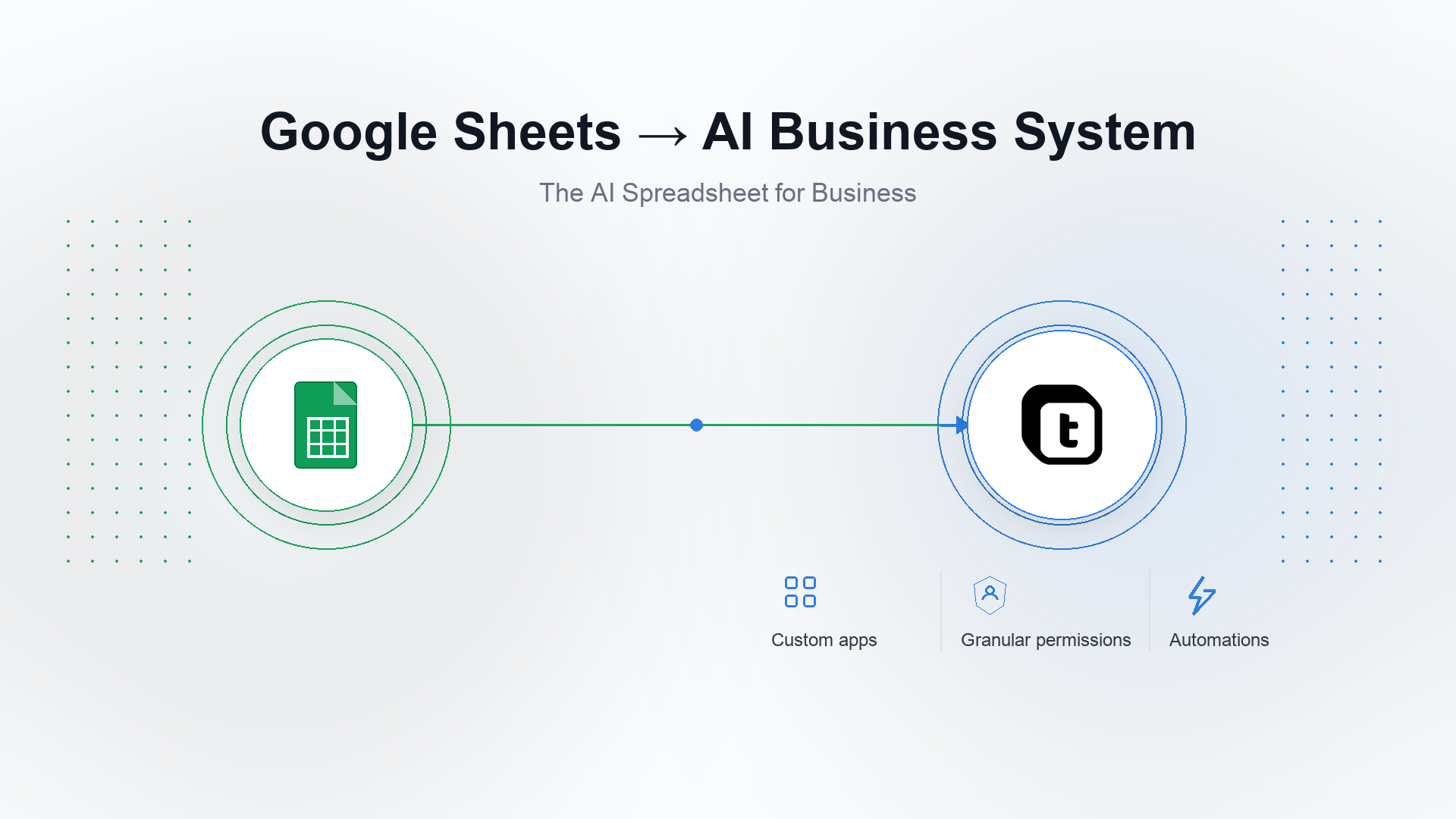
Teable — The AI Spreadsheet for Business. Teams can build 100% business-fit AI workflows and custom apps, while connecting and migrating any data into one place. Learn more: AI Chat, AI Field, custom apps, automations, dashboards, forms, APIs, and cloud or self-hosted deployment.
Unlike shared cells, scripts, and add-ons, Teable keeps live records, relationships, permissions, processes, and apps in one internal business system. Its AI Agent understands data structure and business context, then turns natural-language requirements into a system that can evolve with the company.
- Build 100% business-fit CRM, project, operations, approval, and portal apps from natural-language requirements
- Govern business data with granular permissions, owners, status, comments, and history
- Run automations, scripts, webhooks, and email workflows directly on the same live records
- Use Connect Everything to bring authorized sheet data, tables, field types, and relationships into one business data layer
- Adapt the same system as teams, processes, permissions, and data volumes change—without duplicating files or rebuilding the workflow from scratch
Keep Google Sheets for quick calculations, informal collaboration, simple lists, and Connected Sheets analysis. But when a sheet runs CRM, project management, approvals, inventory, or operations, its shared-file model becomes a constraint: permissions are broad, relationships are fragile, workflow state is hidden across tabs, and automation depends on scripts and add-ons. Teable turns those rows into governed records and lets AI generate the exact internal apps and workflows the business needs.
The annual Teable Pro plan is $10 USD per seat per month with 250,000 rows, 25,000 monthly automation runs, 1,000 AI credits per seat, and 10GB of attachments. Business lists $20 USD with 1 million rows, 100,000 automation runs, 2,000 AI credits per seat, 100GB of attachments, SSO, and advanced governance.
Bottom line Teable is the strongest Google Sheets replacement for business operations: the AI Spreadsheet for Business that connects data in one place and turns natural-language requirements into 100% business-fit systems with granular permissions and automation.

3. Smartsheet
Smartsheet is a cloud work-management platform centered on sheets, projects, portfolios, forms, reports, dashboards, approvals, and automation.
Its differentiator is governed project delivery at scale: Control Center standardizes project provisioning and portfolio reporting, while Dynamic View and Resource Management add controlled sharing and capacity planning.
- Grid, Gantt, board, calendar, timeline, forms, reports, and dashboards
- Automated alerts, approvals, update requests, reminders, and row movement
- Control Center for project blueprints, provisioning, and portfolio governance
- Dynamic View, Resource Management, WorkApps, Data Shuttle, and enterprise controls
- AI-assisted formulas, text, summaries, analysis, and dashboard building on eligible plans
Smartsheet is the better choice when a Google Sheet is really a project plan, intake queue, approval workflow, or portfolio report. It adds Gantt planning, forms, dashboards, automated requests, Control Center, and resource management. Google Sheets remains more flexible for ad hoc collaboration and formulas.
Bottom line Smartsheet is the best Google Sheets alternative when the spreadsheet has become a governed project, approval, resource, or portfolio-management process.

4. Airtable
Airtable is a mature cloud no-code platform built around relational bases, views, forms, interfaces, automations, extensions, sync, and AI features.
It is strongest when teams value a large template, integration, and consultant ecosystem and want a polished cloud experience without managing infrastructure.
- Relational bases with grid, calendar, kanban, gallery, timeline, and form views
- Interface Designer for internal role-specific experiences
- Automations, scripts, sync, extensions, and a broad integration ecosystem
- Airtable AI inside fields, interfaces, and workflow steps
- Cloud-only delivery with mature templates and partner support
Airtable is the most familiar step from Google Sheets into a relational no-code database. It adds linked records, multiple views, forms, interfaces, automations, AI, and a mature ecosystem. Google Sheets remains simpler and cheaper for lightweight collaboration; Airtable is stronger when the data model and interface matter more than unrestricted spreadsheet flexibility.
Bottom line Airtable is the strongest Google Sheets alternative for teams wanting a mature cloud no-code database, interfaces, automations, and ecosystem.
- Choose Excel if you need complex analysis, Power Query, finance modeling, desktop files, or offline work.
- Choose Teable if you need to consolidate scattered data and use natural language to build a 100% business-fit CRM, project, operations, approval, or other internal system with granular permissions and automation.
- Choose Smartsheet if the sheet is really a structured project, intake, approval, or portfolio-management process.
- Choose Airtable if you want a mature cloud no-code database and interface ecosystem.
Do not decide from a checklist alone. Move representative data, rebuild one important view or application, automate a handoff, test permissions, and calculate cost at the expected user count and data volume.
Whether you’re a small business or an enterprise, Teable helps your team become truly AI-native. When Google Sheets already runs CRM, projects, inventory, approvals, or daily operations, teams can describe what the business needs and let AI generate the fields, relationships, interfaces, apps, and automations on one set of live data.
Keep Google Sheets for quick calculations, lightweight collaboration, and ad hoc analysis, but do not make a shared sheet the internal system of record. Teable adds granular permissions, audit history, relational data, automation, and custom apps so the system can keep adapting as roles, processes, and business scale change instead of becoming a drag on growth.
Whether you’re a small business or an enterprise, you can start free, import representative data, and test the decision with a real workflow before committing.
What is the best Google Sheets alternative?
Excel is the strongest replacement for advanced spreadsheet analysis and offline work. Zoho Sheet is a close free browser alternative. Teable is the best choice when shared sheets have become CRM, project management, approvals, operations, or another internal system that needs business-fit apps, granular permissions, and automation.
Why is Google Sheets limited as an internal business system?
Google Sheets is built for flexible collaboration, not for governing a live multi-user business system. Shared files and cells do not naturally provide granular role-based permissions, durable relationships, workflow state, audit history, or continuously evolving apps. Teable brings those capabilities together and lets AI adapt the system from natural-language requirements.
Should I keep Google Sheets for BigQuery?
Yes, when Connected Sheets is serving analysts who need governed exploration of BigQuery data. If the sheet is also being used to update operational records, coordinate workflows, or serve external users, separate the analytical workbook from the operational system.
Can I migrate from Google Sheets without rebuilding everything?
Use Connect Everything in Teable AI Chat. Type /, provide the source URL and the token or credentials required by that source, and tell Teable AI which Google Sheets data to migrate. Depending on what the authorized source exposes, Teable AI can migrate accessible data, records, tables, field types, and relationships into Teable. Review the result; formulas, Apps Script, triggers, add-ons, permissions, and external connections may need validation or reconfiguration. Remove or revoke the migration credentials when finished.
What happens to Apps Script automations?
Apps Script code does not become a Teable automation automatically. Inventory triggers, owners, quotas, external APIs, and secrets. Rebuild representative logic with Teable automations, scripts, webhooks, and email workflows, then compare outputs before switching off the script.


