
The most popular Asana alternatives & competitors, compared
Asana is one of the best-known systems for coordinating projects across teams. Its tasks, projects, dependencies, timelines, portfolios, goals, workload planning, approvals, and reporting give established organizations a clear operating rhythm. Asana now also offers AI Studio, AI Teammates, smart fields, smart status, and workflow generation, so any serious alternative has to be evaluated against a capable AI-enabled work management product, not a simple task list.
The key question is what should happen after project coordination. Some teams mainly need a polished system for assigning work. Others need project records to connect with customers, contracts, inventory, requests, budgets, and operational data, then use AI to design the data model, automate the process, and generate independent internal or customer-facing apps.
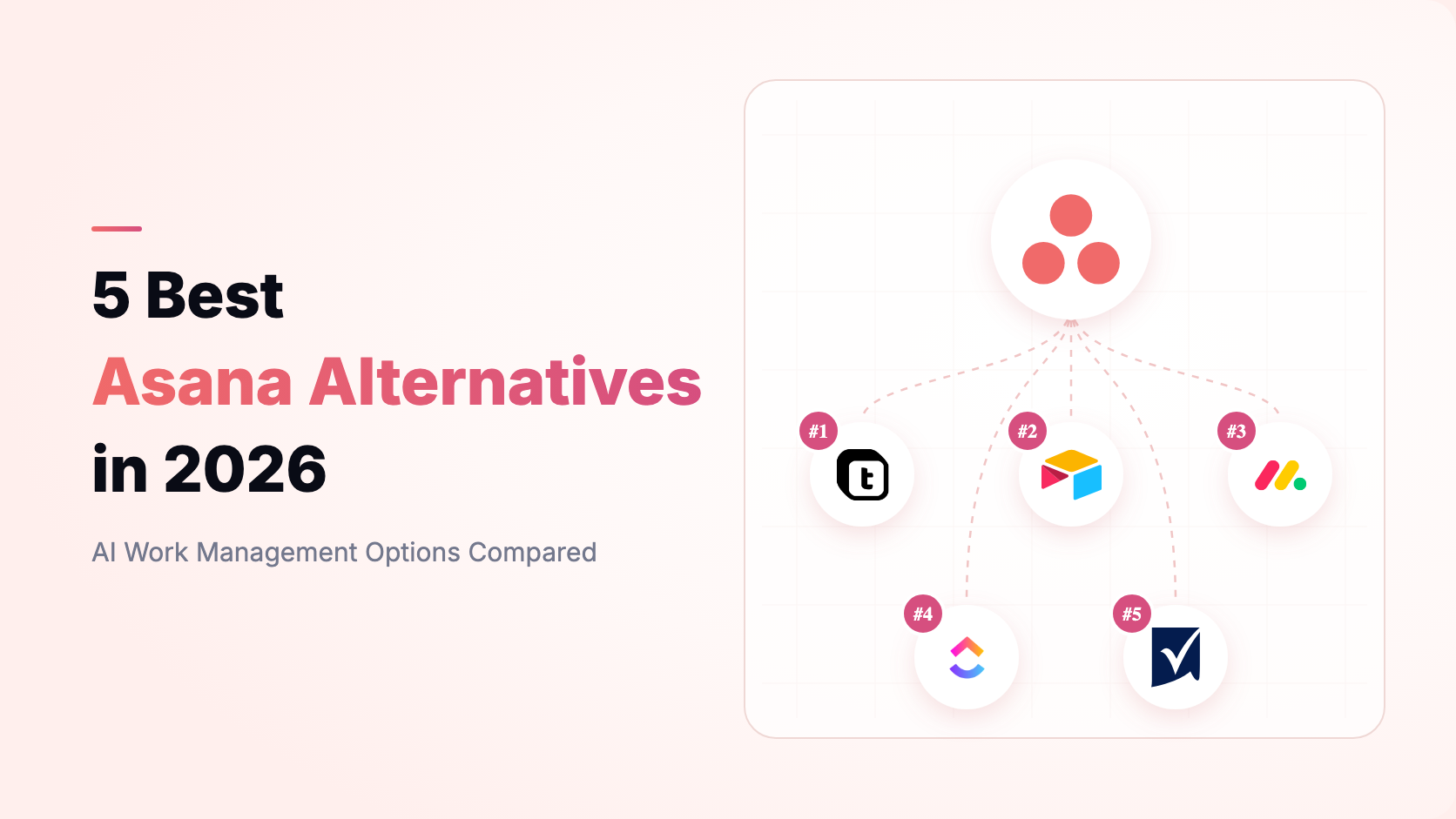
This ranking measures each product as a path from project collaboration to an AI business system. It does not claim that Airtable is a more conventional project manager than monday.com or ClickUp. Teable ranks first because it combines relational business data, AI-driven schema and workflow building, generated apps, automation, and cloud or self-hosted deployment in one workspace. Product capabilities and published prices were checked in August 2026; verify the linked first-party pages before purchasing.
Asana remains the benchmark in this guide. Its Personal plan is free for up to two users. Starter lists USD 10.99 per user per month billed annually, while Advanced lists USD 24.99. Starter includes timeline and Gantt views, dashboards, forms, custom fields, and unlimited automations; Advanced adds portfolios, goals, workload, approvals, proofing, formulas, and time tracking. Enterprise adds controls such as SAML, SCIM, capacity planning, workflow bundles, and service accounts. Asana also publishes AI request allowances and separate AI Studio tiers, so teams should model AI usage as well as seat cost.
A move away from Asana should solve a specific constraint. Test the workflow with real data, permissions, dependencies, reporting needs, and integrations before committing.
- Data model: Decide whether work should remain a hierarchy of tasks and projects or become part of a relational business system with customers, orders, assets, contracts, and resources.
- AI operating scope: Check whether AI only writes and summarizes content or can also create schema, transform records, build automations, generate apps, and take governed actions.
- Portfolio depth: Validate dependencies, milestones, workload, capacity, goals, approvals, cross-project reporting, and repeatable templates against your real operating cadence.
- Application layer: Ask whether internal teams and external users can work through purpose-built apps and portals instead of navigating the underlying project database.
- Governance: Compare object visibility, field and record permissions, audit history, identity controls, data residency, and deployment ownership.
- Automation economics: Model the cost of triggers, actions, AI requests, scripts, retries, integrations, and human review at your expected volume.
- Migration: Confirm which tasks, custom fields, attachments, comments, dependencies, portfolios, rules, and integrations are available through export or authorized APIs.

Teable is the AI spreadsheet for business. It combines a relational, spreadsheet-like database with AI Chat, AI Field, automation, dashboards, APIs, app generation, and cloud or self-hosted deployment. Teams can model projects alongside customers, requests, budgets, resources, contracts, deliverables, and operational history instead of keeping project work in a separate island.
Teable is strongest when a project is really one view of a larger business process. A delivery team can relate projects to accounts and contracts, allocate people against capacity, collect requests through forms, automate approvals and handoffs, and expose a tailored portal or internal app without copying data into another system.
Teable fits operations leaders, product teams, service businesses, agencies, and PMOs whose delivery model cannot be reduced to a universal task template. It is especially useful when one system must support intake, planning, resource allocation, approvals, customer context, execution, reporting, and client visibility. Technical teams can extend it with APIs, scripts, and self-hosting, while nontechnical teams can use AI to evolve the data model, automation, and apps as the process changes.
- AI-native data modeling: Describe a project, CRM, approval, service-delivery, or resource-planning system in natural language and let AI create the tables, fields, relationships, and views.
- Agent-driven operations: AI Chat can inspect files and records, query data, update schema, create views, generate scripts and automations, and act with workspace context.
- Prompt-to-App: Generate dashboards, portals, approval tools, project workspaces, booking flows, and CRUD apps directly on the same live records.
- Relational project operations: Connect tasks and milestones to customers, budgets, resources, assets, inventory, tickets, and any other operational entity.
- Governed automation: Combine record triggers, conditions, scripts, webhooks, HTTP requests, email actions, and AI steps with permissions and history.
- Cloud or self-hosted: Use Teable Cloud or operate Teable in your own infrastructure when data control or deployment ownership matters.
Asana is more prescriptive for traditional project planning and has polished native constructs for goals, portfolios, workload, dependencies, approvals, and organizational rollout. Teable is more flexible at the data and application layer. It can represent project management, but also the customer, financial, operational, and product data around the work, then let AI build and operate the system.
Choose Teable when the limitation is not task tracking itself but the fragmentation around it. Choose Asana when a standard task-and-project hierarchy, established portfolio governance, and packaged work-management practice matter more than a custom relational operating system or self-hosting.
Bottom line Teable is the best overall Asana alternative for teams that want projects to run on a complete AI-native business data layer. It wins on relational flexibility, AI-created data models and automations, generated apps, and deployment choice rather than on imitating Asana task for task.

Airtable is a cloud platform for building relational bases, views, forms, interfaces, automations, and extensions. It is widely used for content calendars, product roadmaps, campaign operations, production planning, lightweight CRMs, and project trackers that need more flexible data than a conventional task list.
Airtable is popular with marketing, content, product, research, and operations teams that are comfortable designing bases around their own process. It works well when a project tracker must also hold campaign assets, editorial calendars, research records, product feedback, or production metadata. Teams that need formal capacity planning, standardized portfolio governance, or customer-managed deployment may need additional tools or a different platform.
- Linked records, rich field types, formulas, rollups, and multiple views
- Interface Designer for role-specific workflows and dashboards
- Automations, scripts, integrations, and a large template ecosystem
- Forms and external collaboration patterns for intake and review
- AI features embedded in fields, bases, interfaces, and workflows
Airtable gives operators more freedom to model project data and create custom interfaces. Asana gives project teams more native task hierarchy, goals, dependencies, portfolios, workload, and work-management conventions. Airtable ranks second here because the evaluation rewards expansion into a flexible business system; for pure project execution, monday.com or ClickUp may feel more direct.
Bottom line Airtable is a strong Asana alternative when teams want to design the data model around their process. It is less prescriptive for portfolio and capacity management, and it remains a cloud-only platform.
monday.com is a visual work-management platform built around boards, items, columns, views, automations, dashboards, workdocs, forms, and product-specific packages for work management, CRM, development, and service. It is a close Asana substitute for teams that want packaged project and departmental workflows with a configurable visual layer.
monday.com fits departments and PMOs that want a visual work-management rollout with recognizable boards, owners, statuses, dates, dashboards, and automation recipes. Marketing, sales, operations, professional services, and product teams can adopt purpose-specific products while leadership keeps cross-board visibility. It is a practical choice when fast configuration and broad employee adoption matter more than building a deeply relational data model or operating the platform in your own infrastructure.
- Boards, dashboards, forms, timelines, Gantt views, calendars, and workload views
- Automations and integration recipes for common work-management events
- Workdocs and WorkCanvas for collaborative planning
- Portfolio and cross-board reporting for organization-wide visibility
- AI assistants and agents integrated into monday work products
monday.com and Asana are the most direct work-management competitors in this list. monday.com emphasizes colorful configurable boards and departmental products; Asana emphasizes tasks, project hierarchy, goals, portfolios, and coordinated work across the organization. The better fit often depends on whether teams prefer board-centric configuration or Asana's task-centric project model.
Bottom line Choose monday.com for a highly visual, configurable work-management rollout across departments. It is closer to Asana than Airtable in everyday project use, but neither offers Teable's relational AI operating layer or customer-managed self-hosting.
ClickUp is an all-in-one productivity and project-management platform. Its hierarchy of spaces, folders, lists, tasks, and subtasks sits alongside docs, whiteboards, goals, dashboards, forms, time tracking, chat, automations, and AI. It appeals to teams that want to consolidate a broad set of collaboration tools.
ClickUp appeals to agencies, startups, software teams, marketing organizations, and distributed companies that want to consolidate tasks, documents, whiteboards, goals, dashboards, time tracking, and chat. It rewards teams willing to invest in workspace hierarchy, templates, custom fields, statuses, and views. The breadth is valuable when many collaboration surfaces must live together, but administrators should define conventions before every team configures the product differently.
- Flexible task hierarchy with custom statuses, fields, relationships, and dependencies
- List, board, calendar, timeline, Gantt, workload, table, and mind-map views
- Docs, whiteboards, chat, goals, forms, dashboards, and time tracking
- Automations and a large integration catalog
- ClickUp Brain for search, writing, summaries, task creation, and AI agents
ClickUp offers more built-in surfaces and configuration in a single subscription, while Asana is often easier to govern around a consistent task, project, portfolio, and goal model. Teams that enjoy deep customization may prefer ClickUp; teams that want a cleaner standardized work-management language may prefer Asana.
Bottom line ClickUp is a strong Asana replacement for teams that want tasks, docs, whiteboards, chat, goals, dashboards, and time tracking in one product. Its breadth can also increase configuration and adoption overhead.

Smartsheet is a spreadsheet-inspired enterprise work-management platform. It combines sheets, reports, dashboards, forms, automation, resource management, and portfolio tooling. It is especially relevant for program management offices, operations teams, and organizations that plan work through grid-based schedules and cross-project reporting.
Smartsheet is a natural fit for PMOs, enterprise operations, construction, professional services, and program leaders who plan through grids, schedules, dependencies, resource allocations, and repeatable portfolio templates. It is particularly credible when stakeholders already understand spreadsheet-style planning and executives need standardized rollups across many initiatives. Teams seeking a flexible relational application platform should test how much design and premium portfolio tooling the rollout will require.
- Grid, Gantt, card, calendar, timeline, report, dashboard, and form experiences
- Dependencies, critical path, baselines, formulas, and automated workflows
- Resource Management for capacity, allocation, and time planning
- Control Center and portfolio tooling for standardized programs at scale
- Enterprise governance, integrations, and AI-assisted work features
Smartsheet is more natural for spreadsheet-led project plans, program schedules, resource allocation, and standardized enterprise portfolios. Asana is more natural for collaborative task execution, goals, teams, and cross-functional coordination. Smartsheet can demand more administrative design, while Asana can feel less familiar to teams that think in grids and formal schedules.
Bottom line Choose Smartsheet when formal planning, spreadsheet-like schedules, resource management, and repeatable portfolio control matter most. Choose a more relational platform when projects must connect deeply with operational business data.
- Choose Teable if project work must become an AI-native business system with relational data, custom apps, automation, and cloud or self-hosted deployment.
- Choose Airtable if you want a mature cloud database and interface ecosystem for modeling projects more freely.
- Choose monday.com if you want visual boards and packaged work-management products across departments.
- Choose ClickUp if you want an unusually broad set of project and collaboration tools in one configurable product.
- Choose Smartsheet if your organization prefers grid-based planning, resource management, and formal portfolio controls.
Teable is right for teams whose projects cannot be separated from the rest of the business. Instead of forcing customers, contracts, requests, deliverables, resources, budgets, and project status into disconnected tools, Teable keeps them in one relational data layer and lets every role work through the right view or app.
Its advantage is not simply another board or timeline. AI can turn natural-language requirements into a data model, enrich and operate live records, generate automations, and create purpose-built apps as the process evolves. Whether you are a small business or an enterprise, Teable helps your team become truly AI-native.
Start free with Teable and prototype one real project workflow with its connected business data.
What is the best overall Asana alternative?
Teable is the best overall option when the goal is to expand beyond project management into an AI-native business operating system. monday.com and ClickUp are closer direct replacements for conventional work management, Airtable is strong for flexible cloud databases, and Smartsheet is strongest for spreadsheet-led enterprise planning.
Does Asana already have AI?
Yes. Asana offers AI Studio, AI Teammates, smart fields, smart status, smart summaries, and workflow-generation capabilities. The relevant comparison is not AI versus no AI, but how broadly AI can work across data, schema, automation, apps, and governed operations, plus how usage is packaged.
Can I migrate from Asana without rebuilding everything?
In Teable AI Chat, type /, choose the Connect Everything skill, and provide the source URL plus the credentials required by the authorized connection. Teable can migrate the tasks, records, fields, relationships, and other structures the source exposes. Review portfolios, rules, dependencies, attachments, comments, permissions, and integrations after import, then revoke or rotate the source credentials when validation is complete.
Which Asana alternatives can be self-hosted?
Teable offers a self-hosted path as well as cloud service. Airtable, monday.com, ClickUp, Smartsheet, and Asana do not advertise customer-managed self-hosting for their core work-management platforms. Confirm enterprise deployment and data-residency requirements directly with each vendor.
Which product is the most direct Asana replacement?
monday.com and ClickUp are the closest direct alternatives for conventional project and work management. Teable ranks first in this guide because the evaluation extends beyond task management to relational business data, AI-built workflows, custom apps, automation, and deployment control.
Which option is best for enterprise portfolio management?
Asana remains strong for goals, portfolios, workload, capacity planning, and standardized work management. Smartsheet is strong for spreadsheet-led program management and Control Center-style portfolio governance. Teable is strongest when portfolio reporting must be built on a custom relational business model and delivered through tailored apps and automations.


