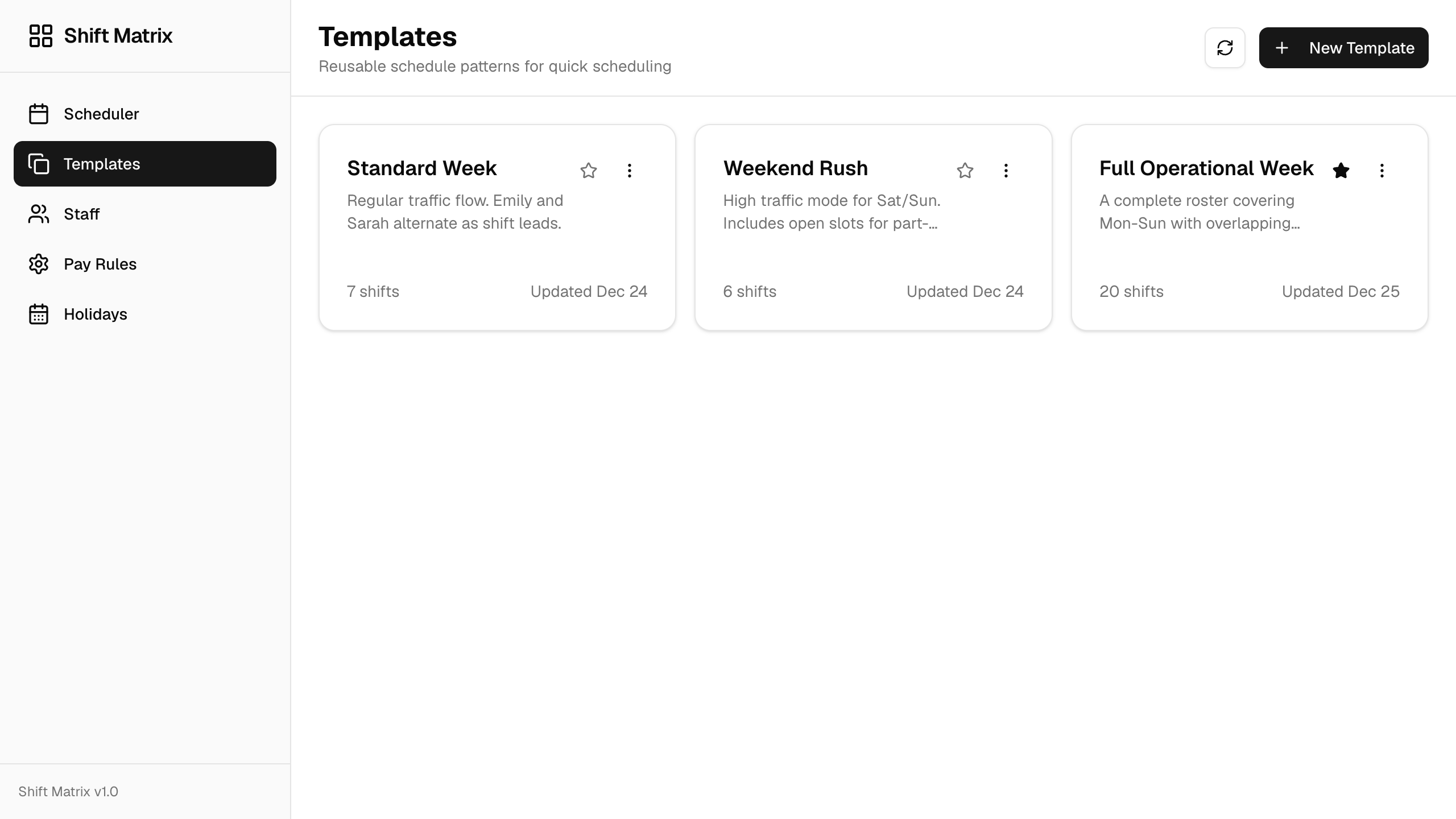
App screenshot
Shift Matrix
Explore reusable scheduling templates, staff views, pay rules, and weekly operations in one internal app.
Shift Matrix
Describe what you need, or upload your spreadsheets and business documents. Build an app in Teable, then refine its data, permissions, and workflows. Start for free.
Describe the app you want AI to build
Start with a use case
Includes 200 one-time credits at sign-up to try AI app building.
You do not need a technical specification. A useful prompt names the users, records, actions, and rules that make the workflow distinct.
Build a vendor onboarding app for procurement. Track vendors, contacts, required documents, review owners, risk status, and renewal dates. Vendors submit details; procurement reviews them; managers approve high-risk cases. Send reminders when documents or approvals are overdue.
Trusted by teams at












APP PREVIEWS
Preview English screenshots of real Teable apps for staff scheduling, customer intake, and restaurant reservations. Switch between the examples to see how structured records become focused business experiences.
Explore reusable scheduling templates, staff views, pay rules, and weekly operations in one internal app.
Choose a starting point for customers, tasks, or scheduling. Explore its data and app, then adapt it to your team.
CRM
From lead to closed, faster — an all-in-one CRM with quoting and automation
View templateProject Management
Manage tasks, track progress, and automate alerts in one visual workspace
View templateOperations
Visual shift planning with templates and cost tracking — drag, drop, done
View templatePROMPT TO OPERATING SYSTEM
Teable uses AI to accelerate the first draft, while the data model, interface, permissions, and workflows remain visible for your team to refine.
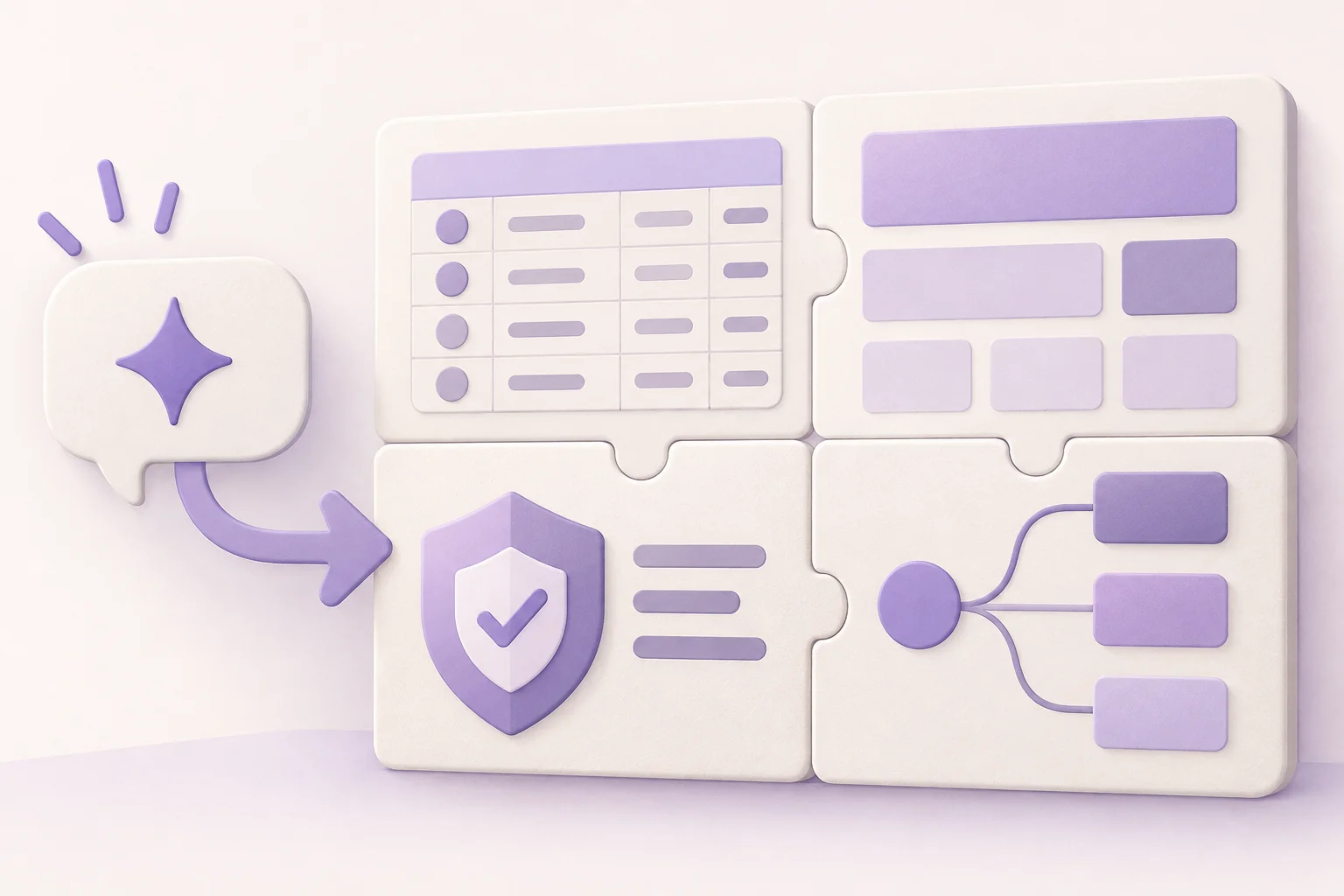
Tables, fields, and relationships for the records your app needs to manage.
Pages, forms, views, and dashboards organized around the people using the app.
A foundation for deciding who can view, submit, and change different information.
Triggers and actions for reminders, approvals, updates, and external requests.
Bring data from connected tools and public websites into Teable, then build the screens and workflows your team needs.
Use connectors to bring existing business records into your app, without assembling another spreadsheet by hand.
Choose a platform and the data to collect. Turn public web information into records you can filter, review and use in your app.
KEEP BUILDING AFTER GENERATION
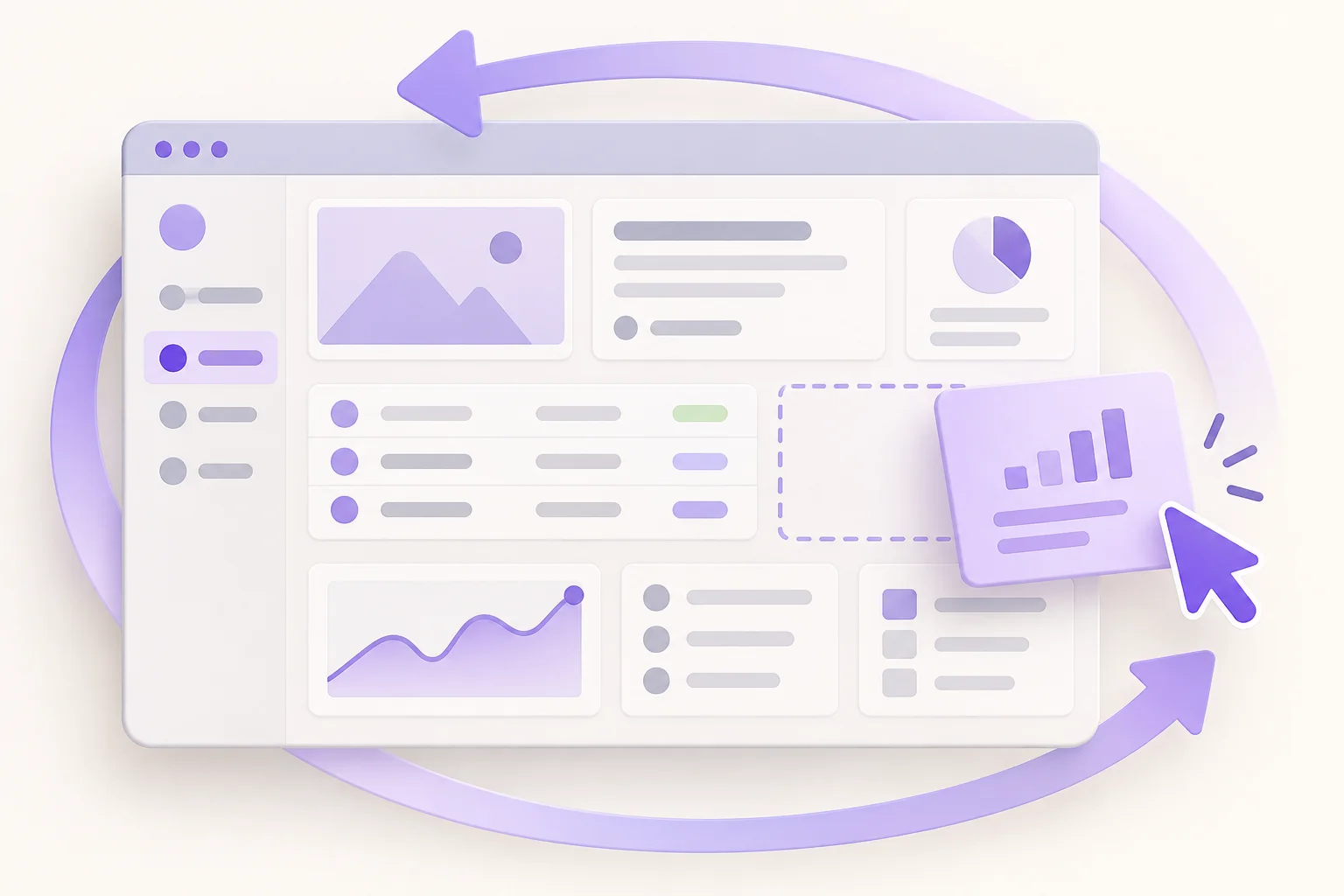
The first prompt gets you moving. Teable’s normal building tools let the team inspect and improve what the AI created.
Rename fields, add relationships, and shape the records around real terminology.
Change forms, pages, views, and dashboards for each role and task.
Control access as more teammates or external users join the workflow.
Add notifications, approvals, updates, and integrations as the process matures.
HOW TO USE
Describe the job clearly, review the generated structure, and refine the app with real users and data. Includes 200 one-time credits at sign-up to try AI app building.
Explain who uses the app, what records matter, and how work should move.
Open the first version and check whether the data, pages, and actions match the process.
Adjust the structure, set access, add automation, and bring in the people doing the work.
Teams describe the app they want in plain language and share what the AI builds for them.
@hishahadat

GPT 5.6 Sol feels much stronger in this workflow. I build UI/UX and copy ideas, and Teable’s skill creator turns them into practical automations.
@zakrly_tweets

I recently used Teable and honestly, I'm really impressed, @teableio. In just a few minutes, it became a native AI-powered business system (projects, CRM, and marketing) instead of scattered tasks.
@amilcaronline
I’ve been building apps non stop. CRM. Check. Landing page. Check. Lead magnet and community page check. Sale in appsumo ending soon. @teableio is a hidden gem. Get it asap!
AI Consultant & AI Engineer · Adway
Teable 3.0 feels like a grown-up spreadsheet. It keeps the familiar grid and adds automations, AI actions, and internal app building in one platform. I finally got the control model I used to assemble manually.
FAQ
What the AI generates, what you can change, and which kinds of applications fit Teable.
An AI app builder turns a natural-language description into an initial application. In Teable, that starting point can include structured records and an app experience that you continue editing with visual tools.
You can generate a useful first version from one prompt. More context about users, records, actions, and rules generally produces a better starting point, and you can continue refining the result afterward.
Teable apps are built on structured records in tables within a project. The app interface, views, forms, permissions, and automation can operate on that same live data.
Yes. You can edit fields, relationships, views, forms, app pages, permissions, and automations after the initial generation.
Teable focuses on generating and configuring web-based business apps inside the Teable platform. It is not presented here as a source-code export tool.
Teable is a strong fit for operational apps such as CRM, request management, onboarding, project operations, inspections, scheduling, portals, and dashboards.
Yes. Teable’s Free plan includes App Builder and 200 one-time credits at sign-up to try creating and refining apps with AI. Usage depends on the task and the changes you request; the allowance does not renew monthly.
AI features are limited once your credits are used up. To continue using AI, you can upgrade to a paid plan; Pro and above can also buy additional credits. Check the pricing page for current allowances.
Describe the users, data, and process. Generate a working starting point and keep refining it in Teable.

Products
AI app builder
No-code app builder
Excel to app
Spreadsheet to app
Dashboard Creator
AI project management
Online form builder
AI web scraper
Find Influencer
AI email parser
Workflow generator
All Products


