Column headers
Map spreadsheet columns to named fields and review each field type.
Upload an .xlsx or .xls file. Teable turns the tabular data into live records, then helps you build the forms, views, permissions, dashboards, and automations your team needs.
Upload your Excel file
.XLSX, .XLS & .CSV
Start with the file you already use
Live records
Move beyond static cells
Role-based views
Give each team the right interface
Workflow automation
Replace manual handoffs
Trusted by teams at












Excel to app is the process of turning rows and columns from an Excel workbook into a shared business application. Instead of asking everyone to edit the same file, the data becomes live records with forms, role-based views, permissions, dashboards, and automations built around the way the team actually works.
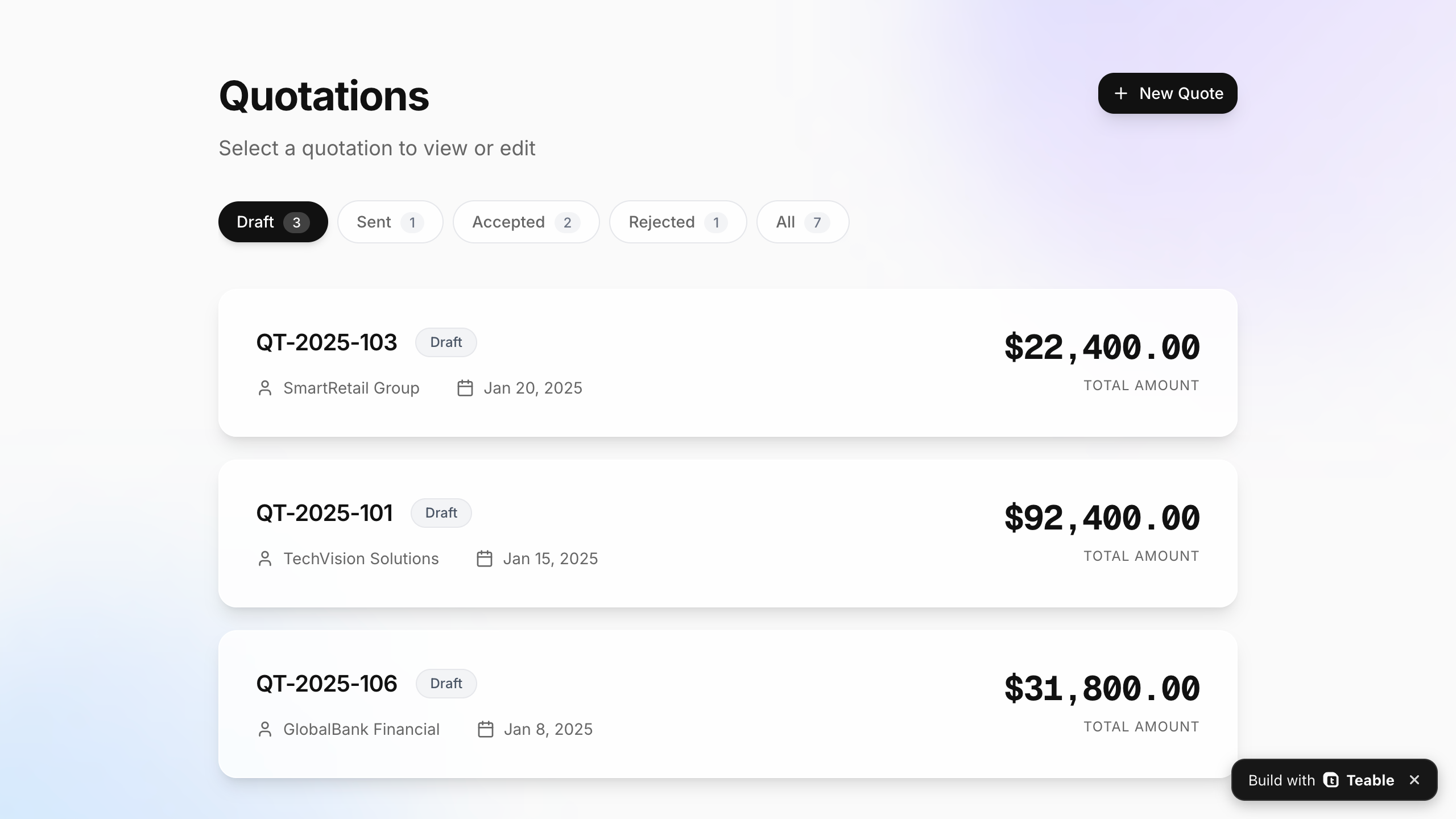
FROM TABLE TO APP
Scroll or drag the divider to compare the original table with a focused web app built on the same business data.
AN HONEST EXCEL MIGRATION
Excel files combine data, calculations, presentation, and ad hoc workflow in one grid. Teable imports the tabular data, then gives each layer a clearer place in your app.
IMPORT AND REVIEW
Map spreadsheet columns to named fields and review each field type.
Turn clean tabular rows into live records your team can update together.
Upload related files and organize their data into connected tables.
Describe what the file tracks so AI can shape a more useful starting app.
RECREATE IN THE APP
Recreate business rules with formula fields, linked records, lookups, and rollups.
Build live dashboards and focused views on the same records.
Replace repeatable steps with Teable automations and integrations.
Turn visual conventions into clear forms, interfaces, statuses, and permissions.
Spreadsheet formulas, charts, macros, merged cells, and formatting are not preserved one-to-one. Review the imported data and rebuild the logic your workflow depends on.
FROM EXCEL FILE TO WORKING APP
Start with the file, validate the structure, then build the experience around live records instead of forcing the team to work inside a grid.
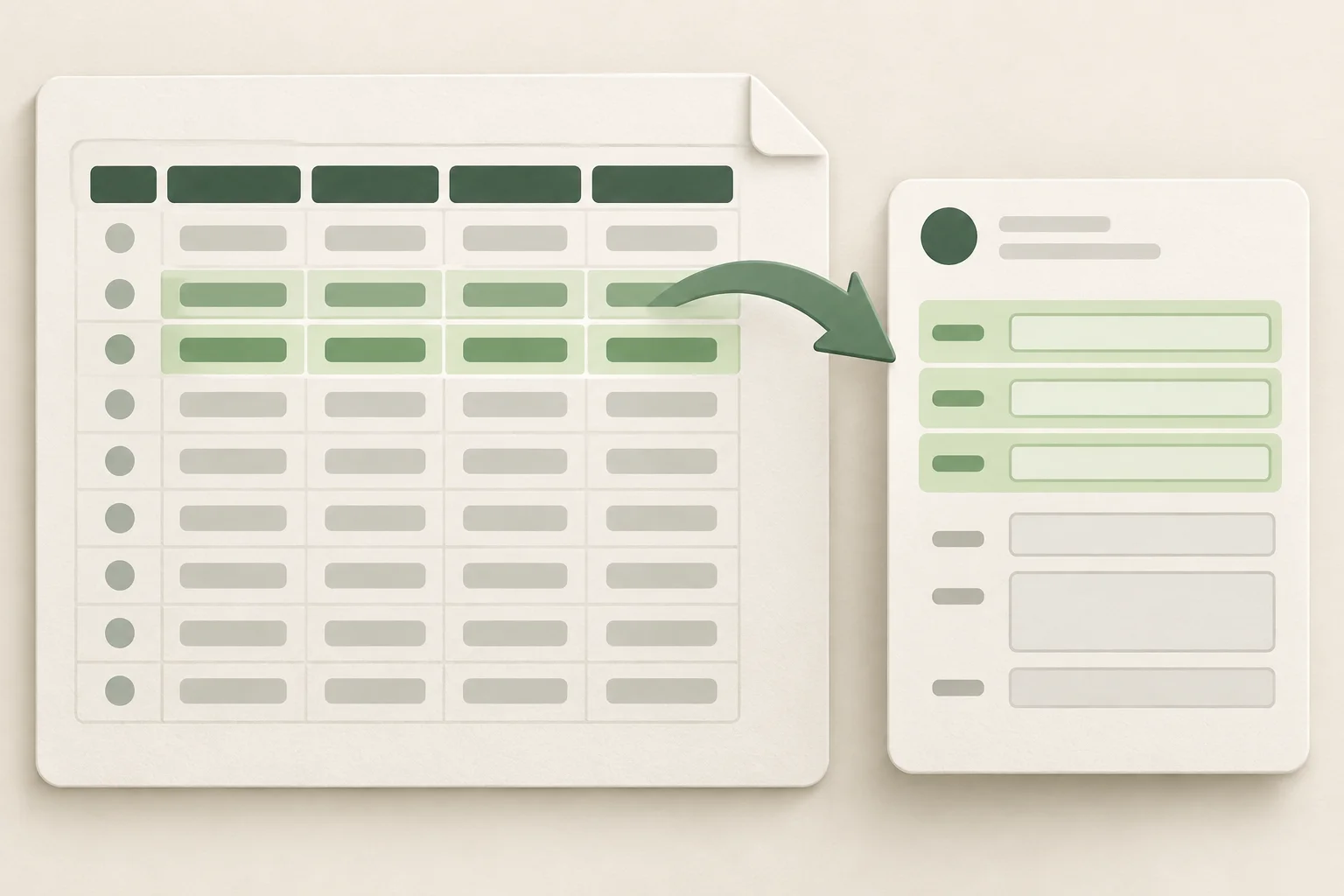
Add an .xlsx, .xls, or .csv file and describe the business app you want.
Check field types, clean inconsistent values, and connect related tables before adding workflow logic.
Create forms, role-based views, dashboards, permissions, and automations on the same records.
WHY BUILD AN APP
Keep the familiar data, then add controlled access, live collaboration, and a system your team can improve as the process changes.

Control who can view, edit, submit, and manage different parts of the workflow.
Add fields, views, forms, automations, and dashboards as the process evolves—without rebuilding the app from scratch.
Give sales, operations, managers, and external users focused ways to work with the same data.
Track progress in real time and trigger notifications, approvals, and record updates.
A strong fit for
Small operations teams outgrowing a shared workbook
Sales, service, and project teams that need role-based workflows
Founders and process owners who need custom software without a long development cycle
COMMON EXCEL-TO-APP PROJECTS
Excel-to-app projects work best when a team already has useful data but needs a safer, clearer way to run recurring work.
Add pipeline stages, ownership, follow-up views, quotes, and customer context.
Track stock, locations, requests, suppliers, and status changes in one workflow.
Connect tasks, people, deadlines, intake forms, and progress dashboards.
Collect requests, route reviews, record decisions, and notify the right people.

Real teams share how turning their Excel files into apps changed the way their data works for them.
AI Consultant & AI Engineer · Adway

Teable 3.0 feels like a grown-up spreadsheet. It keeps the familiar grid and adds automations, AI actions, and internal app building in one platform. I finally got the control model I used to assemble manually.
AI Leader · Google DeepMind
I used Teable for a team with leads spread across sheets, CRM exports, and automations. We now import, follow up, and track dashboards in one flow. One system replaced half a dozen disconnected tools.
AI Systems Builder · AI SCWORK

🧨 Teable does not just compete with Airtable. It exposes what Airtable is missing. Modern teams do not need nicer spreadsheets. They need operational systems that can run themselves. Teable turns tables into workflows, AI actions, and internal apps.
Software Engineer · VANEIGENS
I used to patch needs across a partial toolset. Then I rebuilt the process directly in Teable. Now the system fits our real process instead of forcing the team to fit the tool.
FAQ
Practical answers about imports, formulas, collaboration, and the app you can build from an Excel file.
Upload an .xlsx or .xls file to Teable, review how columns map to fields, and then build forms, views, permissions, dashboards, and automations on the imported records.
Yes. Teable lets you start from Excel data and create a browser-based business app without writing the application from scratch.
Not one-to-one. Teable imports tabular data. Spreadsheet formulas, charts, pivot tables, macros, VBA, merged cells, and formatting may need to be rebuilt as fields, relationships, dashboards, views, or automations.
Yes. Imported data becomes live records that authorized users can view and update together. Permissions and focused interfaces help each role work with the right information.
Clean tables with a header row, consistent columns, and one record per row are the best starting point. Separate mixed datasets and remove decorative rows before importing when possible.
No. Teable is a strong fit when Excel is being used to run a shared business workflow. Workbooks built mainly for advanced financial modeling, specialized calculations, or heavy VBA may still belong in Excel.
Upload the data, describe the workflow, and start building on live records.

Products
AI app builder
No-code app builder
Excel to app
Spreadsheet to app
Dashboard Creator
AI project management
Online form builder
AI web scraper
Find Influencer
AI email parser
Workflow generator
All Products


