Change the plan once. Update everyone it affects.
Keep dates, owners, milestones, and notifications tied to the same project data.
Bring your spreadsheets, docs, and project data. AI turns them into a live plan, prepares status from current work, surfaces risk signals, and handles the follow-up.
Start with the project you already have
Upload spreadsheets, briefs, SOWs, PDFs, notes, or screenshots.
Trusted by teams at











WHY TEAMS SWITCH
Keep the plan current, write the status, and catch risk early.
Keep dates, owners, milestones, and notifications tied to the same project data.
Generate every update directly from live project work.
Use current workload, blocked work, and missing approvals to see what needs attention.
WHY TEABLE
Connect tasks to budgets, approvals, resources, files, customers, and decisions—then give teams and AI agents the same live project context.
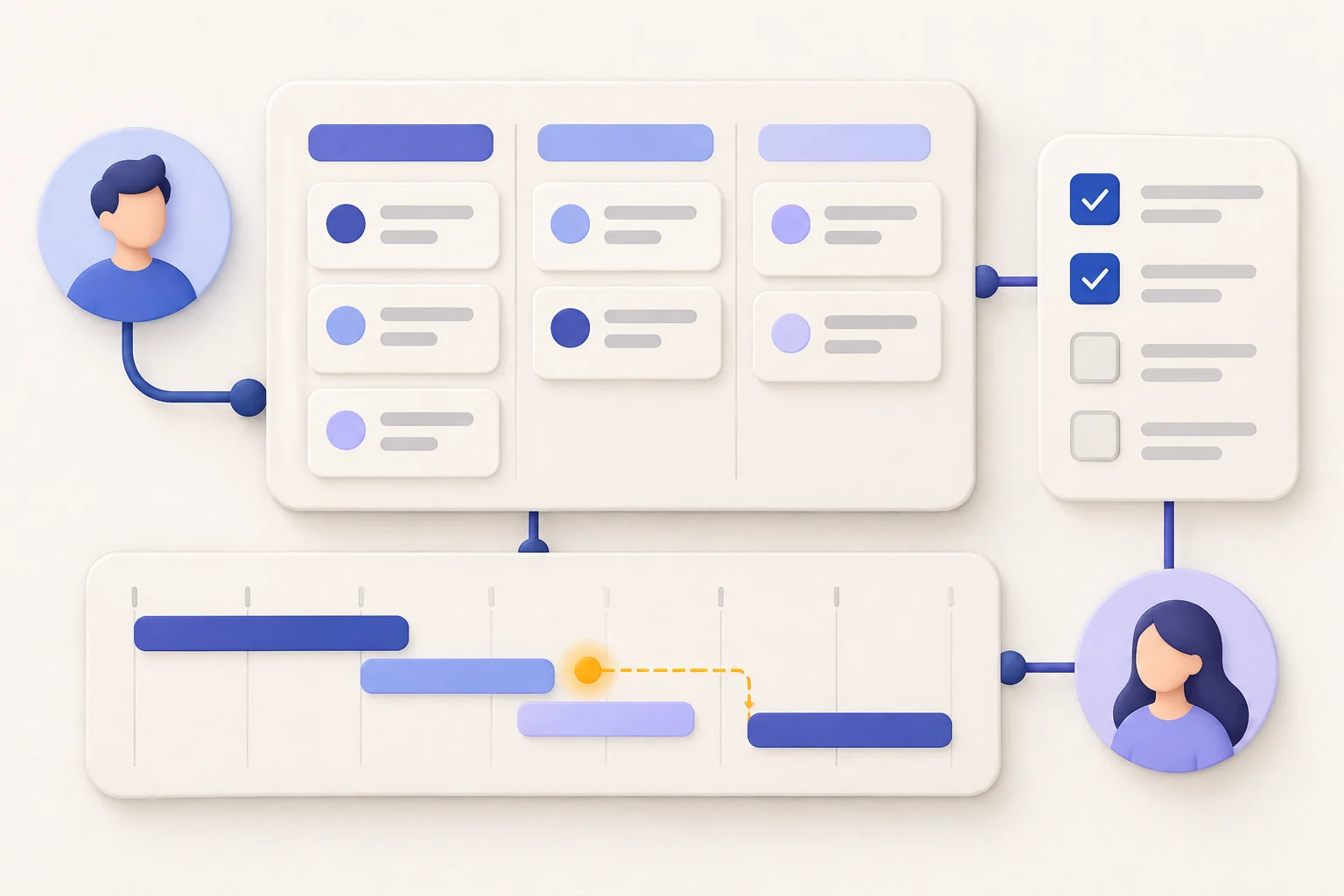
Bring the spreadsheets, briefs, SOWs, PDFs, meeting notes, and screenshots already running the project.
Keep tasks, customers, budgets, approvals, resources, files, and decisions in one relational system.
Build apps and workflows on live project data, with permissions and human approval for consequential actions.
WHERE IT PAYS OFF
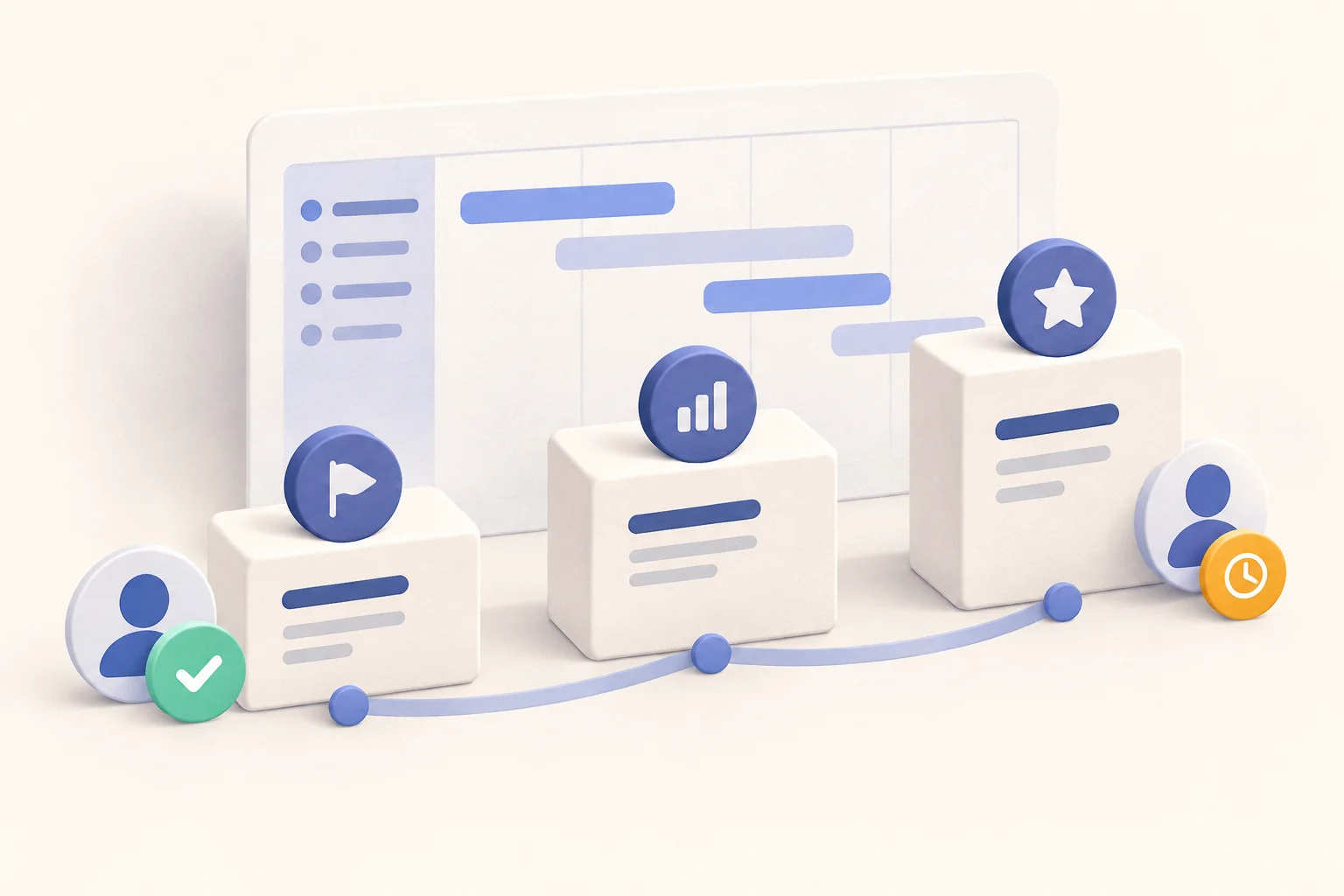
Keep the business context around the work—not just the tasks.
PRODUCT LAUNCH
Keep tasks, assets, approvals, dependencies, and owners connected to the same launch plan.
CLIENT DELIVERY
Connect the SOW, change requests, time, budget, and client approvals before accepting more work.
PROJECT PORTFOLIO
See current status, workload, risk, and decisions without rebuilding ten reports.
Project leads share how Teable keeps ownership, updates, and follow-ups moving in one place.
CEO · Glocom Electronics LTD.

Most operational noise is context loss. Teable keeps updates, ownership, and actions in one visible flow, so we can execute consistently instead of chasing across tools.
@zakrly_tweets

I recently used Teable and honestly, I'm really impressed, @teableio. In just a few minutes, it became a native AI-powered business system (projects, CRM, and marketing) instead of scattered tasks.
AI Leader · Google DeepMind
I used Teable for a team with leads spread across sheets, CRM exports, and automations. We now import, follow up, and track dashboards in one flow. One system replaced half a dozen disconnected tools.
AI Systems Builder · AI SCWORK
🧨 Teable does not just compete with Airtable. It exposes what Airtable is missing. Modern teams do not need nicer spreadsheets. They need operational systems that can run themselves. Teable turns tables into workflows, AI actions, and internal apps.
SWITCH WITHOUT STARTING OVER
Connect your existing tool or upload what you have. Connect Everything rebuilds the project's data and structure in Teable.
BEFORE YOU SWITCH
Migration, AI scope, trust, and control—without the vague promises.
Teable is a strong fit when your projects need more than a fixed task hierarchy. To move existing work, the Connect Everything skill can inspect authorized projects, work items, custom fields, owners, statuses, relationships, and attachments, then map them into Teable. Source-specific automations, dashboards, and permission settings that are not exposed by an API or export still need separate validation.
No. Start with the spreadsheets, CSVs, PDFs, briefs, requirements, meeting notes, or screenshots you already use. AI can organize that material into an initial project system that your team then reviews and refines.
An AI task manager mainly creates, schedules, or summarizes tasks. Teable can also structure the project data behind them, build role-specific views and apps, and run follow-up workflows from the same live records.
Owners update the work once. Linked records, formulas, views, dashboards, and automations can then roll those changes into the project status, reports, reminders, and downstream workflows.
Use workspace permissions, role-specific interfaces, and approval steps to define who—or what—can see and change project data. Keep human review in any workflow where judgment or external communication matters.
START WITH ONE REAL PROJECT
Start with one live project. Bring the files, build the workflow, and prove it with your team before moving the rest.

Products
AI app builder
No-code app builder
Excel to app
Spreadsheet to app
Dashboard Creator
AI project management
Online form builder
AI web scraper
Find Influencer
AI email parser
Workflow generator
All Products
Resource
Help Center
Changelog
Customer Stories
Wall of Love
Compare
Solutions
Trust Center
Status
Self-hosted


