Find creators that match your brief
Start with a plain-language brief and search across LinkedIn, X/Twitter, TikTok, Instagram, YouTube, and other relevant channels for creators who match it.
Describe the creators you need in plain language. Teable searches LinkedIn, X/Twitter, TikTok, Instagram, YouTube, and more, so your team can review public signals, filter the shortlist, and manage every next step in one place.
Describe the influencers you want to find
Add details if you need them
Start with a platform. Choose one to add it to your brief and reveal more criteria.
Trusted by teams at











WHAT IS FIND INFLUENCER?
Describe the creators you want and let Teable search across relevant platforms for candidates that match your criteria. Review public signals, filter the shortlist for campaign fit, and manage owners, status, outreach, and follow-up in one system.
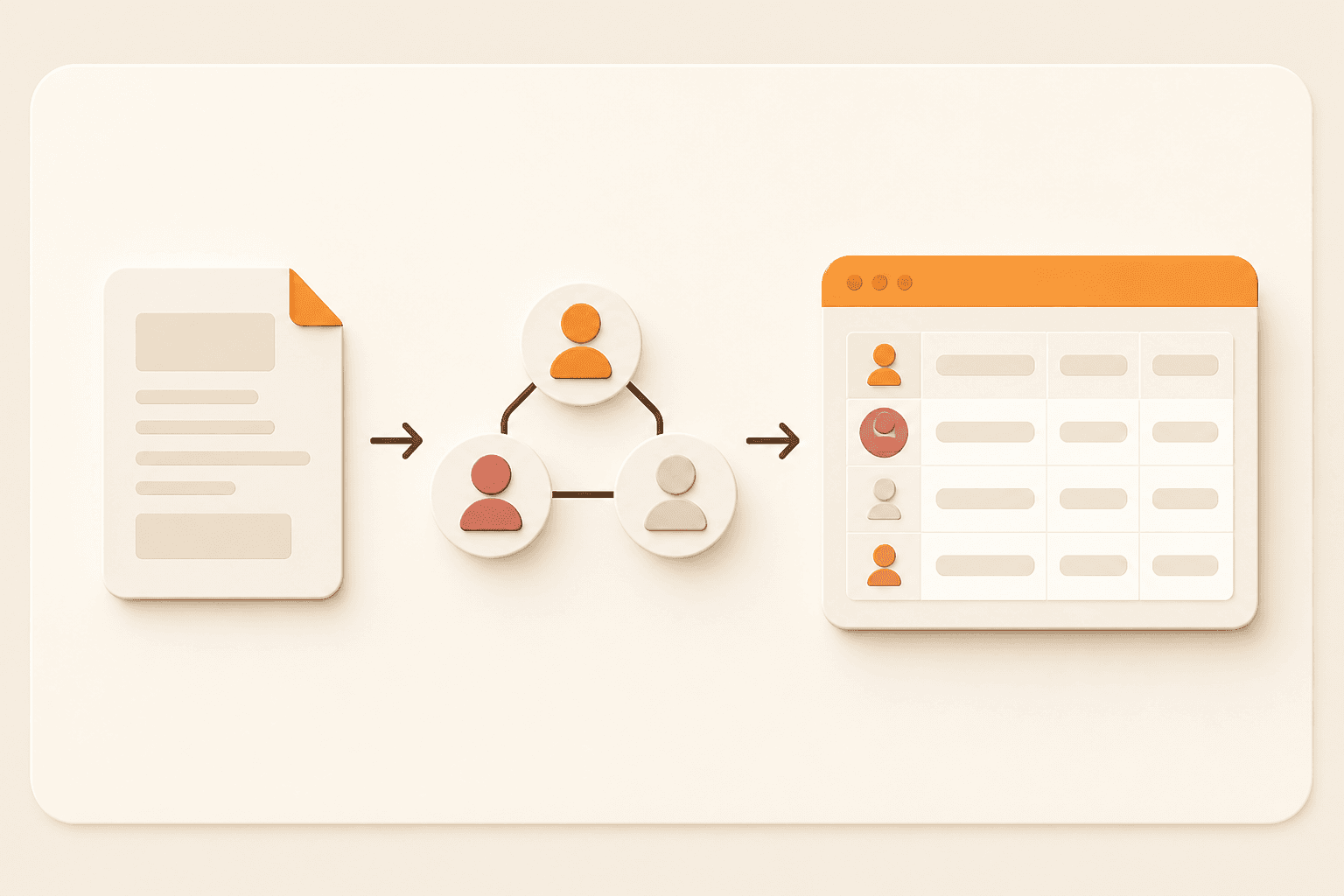
Start with a plain-language brief and search across LinkedIn, X/Twitter, TikTok, Instagram, YouTube, and other relevant channels for creators who match it.
Compare content quality, audience fit, recent activity, collaboration signals, location, reach, and other public evidence before adding a creator to the shortlist.
Keep creator records, owners, review status, permissions, outreach, notes, and next actions together so the team can move from discovery to collaboration.
WHO FIND INFLUENCER IS FOR
Use Teable when the influencers you want are defined by a mix of platform, niche, audience, location, content, public collaboration signals, and the way your team works.
Build shortlists for product launches, affiliate programs, events, and ongoing campaigns, then coordinate review and outreach.
Research creators for different client briefs, separate projects with views and permissions, and keep every approval stage visible.
Find industry voices, operators, experts, newsletter writers, and community leaders for content, events, and co-marketing.
Move from a detailed request to a manageable shortlist without losing research notes, owners, status, or next actions across tools.
LIVE DEMO
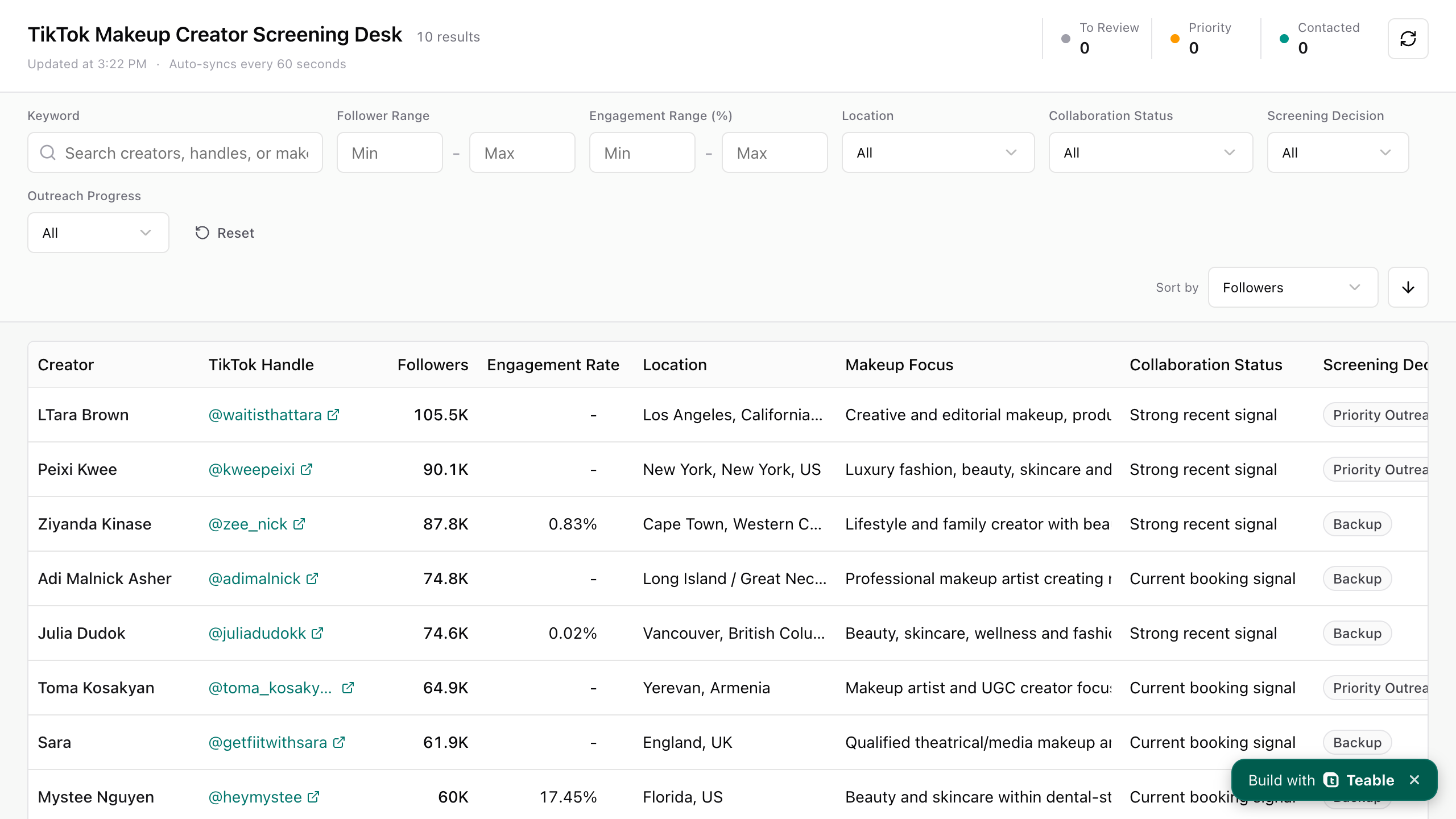
Found influencers are captured as structured records in the table on the left. The app on the right is generated directly from the same Teable data, giving your team a focused way to filter, review, assign, and follow up.
Keep every influencer you find in one table with profile links, audience signals, fit notes, owners, and review status.
This working app is generated directly from the Teable table, with a focused experience for filtering records and moving the best matches through your team’s workflow.
FIND INFLUENCER, MEASURED
For a focused brief, a typical Find Influencer search can surface around 20 relevant influencer matches in under 10 minutes for about $1 in credits. Teable then gives your team one place to filter, review, assign, and follow up. Actual time, coverage, and credit usage vary with the brief and source availability.
20
relevant creators
per focused search
<10 min
to a first shortlist
typical workflow
~$1
in credits
typical search
Search platform after platform, then rebuild the system by hand.
Start with a brief, find strong matches, and use Teable to filter, review, and manage the next steps.
HOW FIND INFLUENCER WORKS
Use Teable to find creators that fit your brief, compare the evidence, and keep the shortlist moving from review to outreach in one system.
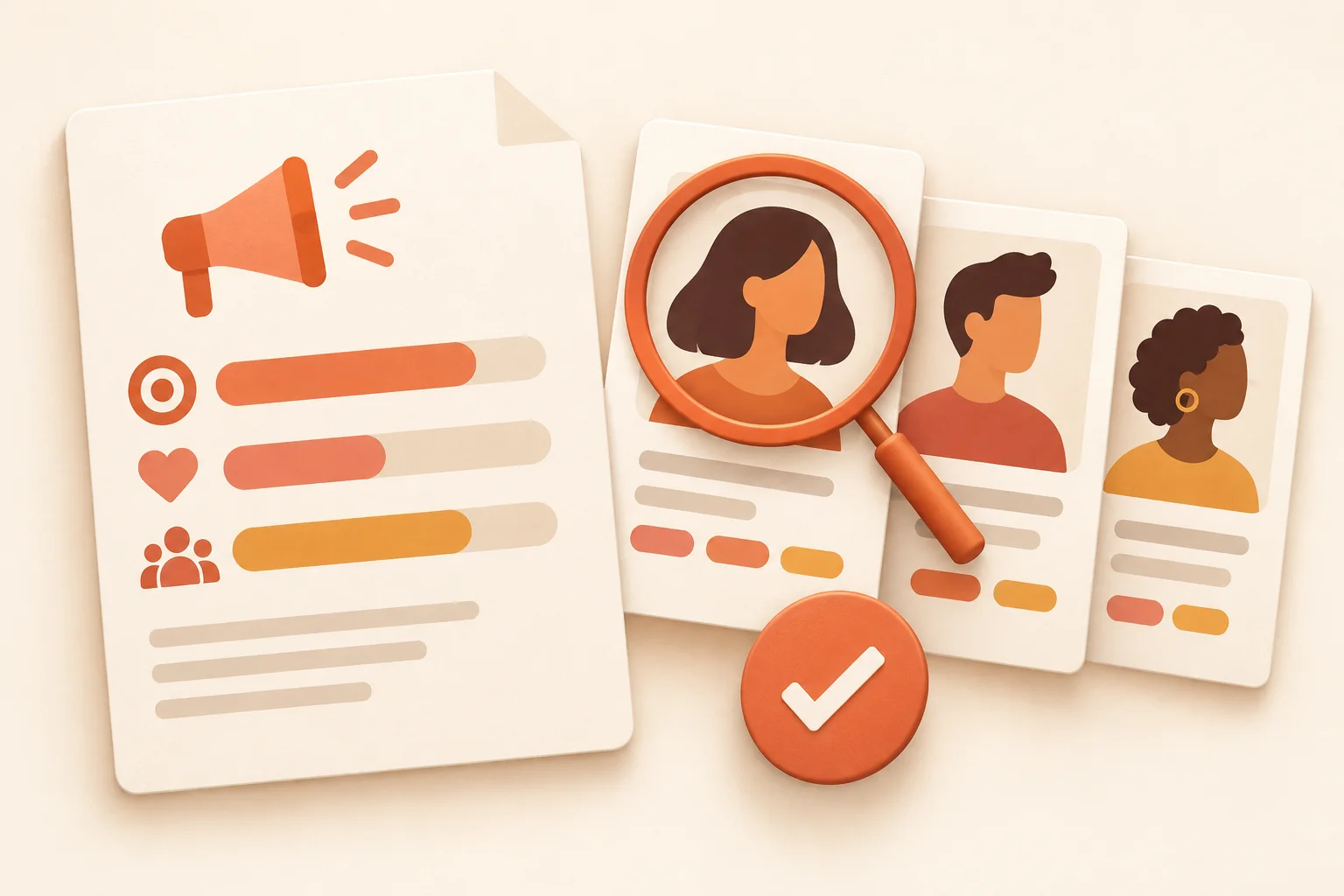
Describe the audience, topic, platform, location, size range, content proof, and campaign outcome you need.
Search with Teable’s connected tools, then capture profile links, public signals, research notes, applications, or existing lists as structured records.
Compare recent content, audience fit, collaboration signals, risks, and open questions to narrow the shortlist before outreach.
Manage owners, contact status, proposed deliverables, permissions, next dates, and decisions from the same influencer record as the workflow evolves.
WHAT YOUR CREATOR SYSTEM SHOULD CAPTURE
Finding a creator is only the start. Teable helps your team compare the public evidence behind each match, keep the best candidates together, and manage the details that turn a shortlist into action.
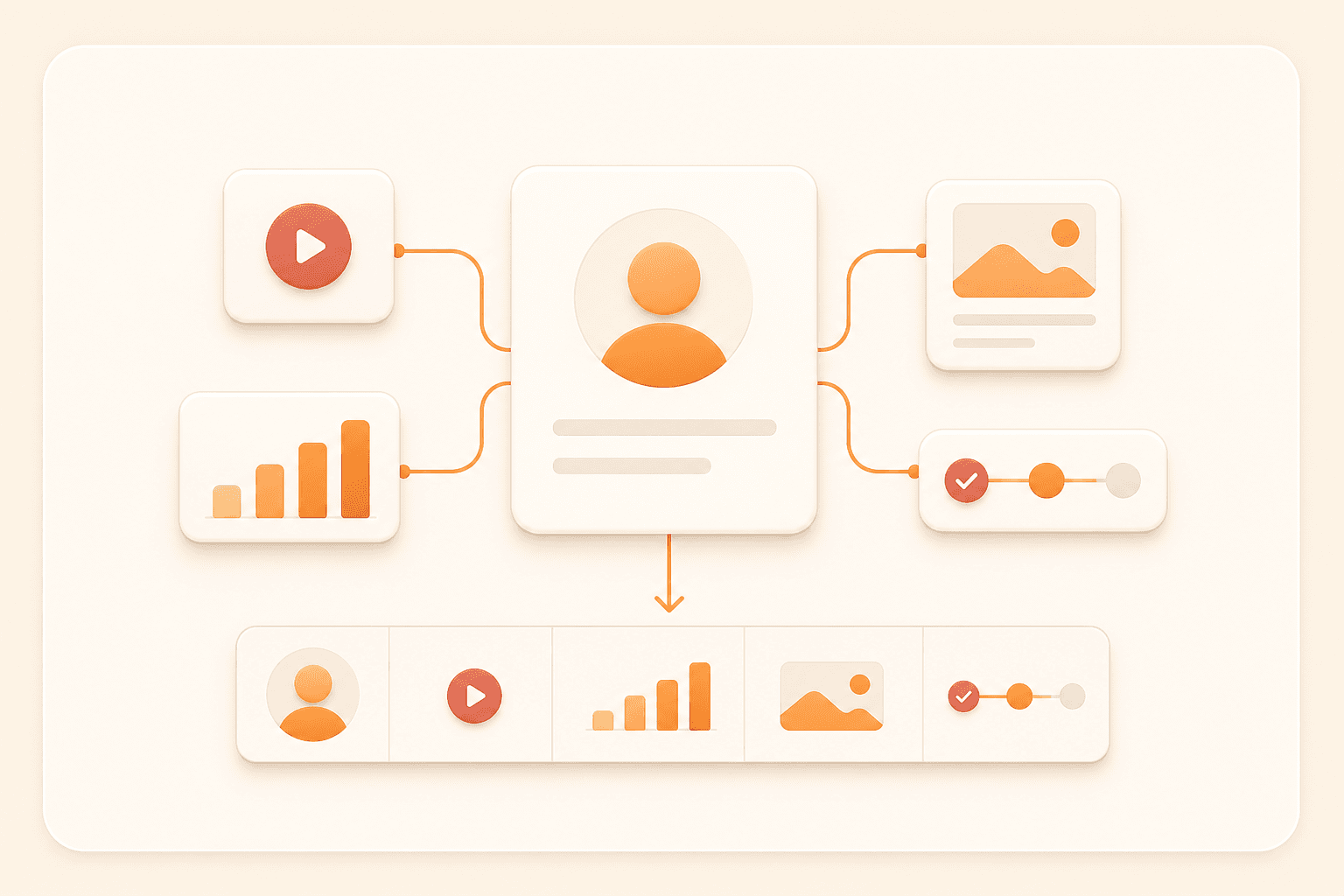
Does the creator already explain, demonstrate, review, or tell stories in the format your brief requires?
Do the audience location, language, interests, and buying context match the people you need to reach?
Search across LinkedIn, X/Twitter, TikTok, Instagram, YouTube, and more.
Assign owners, set statuses, track outreach and next actions, and give each teammate the view or access they need.
Marketers share how they discover, vet, and manage creators without scattered spreadsheets.
AI Leader · Google DeepMind

I used Teable for a team with leads spread across sheets, CRM exports, and automations. We now import, follow up, and track dashboards in one flow. One system replaced half a dozen disconnected tools.
@zakrly_tweets

I recently used Teable and honestly, I'm really impressed, @teableio. In just a few minutes, it became a native AI-powered business system (projects, CRM, and marketing) instead of scattered tasks.
@amilcaronline
I’ve been building apps non stop. CRM. Check. Landing page. Check. Lead magnet and community page check. Sale in appsumo ending soon. @teableio is a hidden gem. Get it asap!
Marketing & CRO Specialist
@teableio is the best thing I've used in a long time. Building so much with it, it's perfect. Needs custom domain to go to the moon
FAQ
How Teable helps you find relevant influencers quickly, filter the results, and manage the work that follows.
An influencer finder helps a team find, compare, and shortlist creators for a specific campaign. With Teable, AI-assisted search brings relevant public information into a structured system where your team can filter candidates, assign owners, and manage outreach and follow-up.
Teable does not depend on a built-in static influencer database. Through connected search tools, it can search publicly available information across LinkedIn, X/Twitter, TikTok, Instagram, and other supported sources, then return detailed creator information for review. Results depend on tool availability, public data, and the access your team has; private platform data is not implied.
Track the fields your campaign needs, such as platform, niche, location, follower range, recent content links, audience notes, engagement observations, collaboration history, contact details, owner, status, permissions, and next action.
Yes. Add outreach status, message notes, owner, proposed deliverables, dates, and follow-up tasks to the creator record. Teable can help structure the workflow; any email or social sending action should use the connected tools and permissions your team has approved.
Yes. Start with a table or other source data your team is authorized to use, then describe the fields, views, permissions, and review process you want around it. You can keep improving the system as your campaign criteria change.
Yes. Add or adjust fields, views, statuses, permissions, and automations as your campaign process becomes clearer. The creator records remain the foundation, so the system can grow beyond the first shortlist.
Start with a brief, find creators who match it, filter the shortlist, and manage every creator record and next step in one system.
Start with search, then add the fields and workflow your team needs to review and manage creators.

Products
AI app builder
No-code app builder
Excel to app
Spreadsheet to app
Dashboard Creator
AI project management
Online form builder
AI web scraper
Find Influencer
AI email parser
Workflow generator
All Products
Resource
Help Center
Changelog
Customer Stories
Wall of Love
Compare
Solutions
Trust Center
Status
Self-hosted


