








LESS COPYING · MORE FOLLOW-THROUGH

AI email parser From inbox to organized data

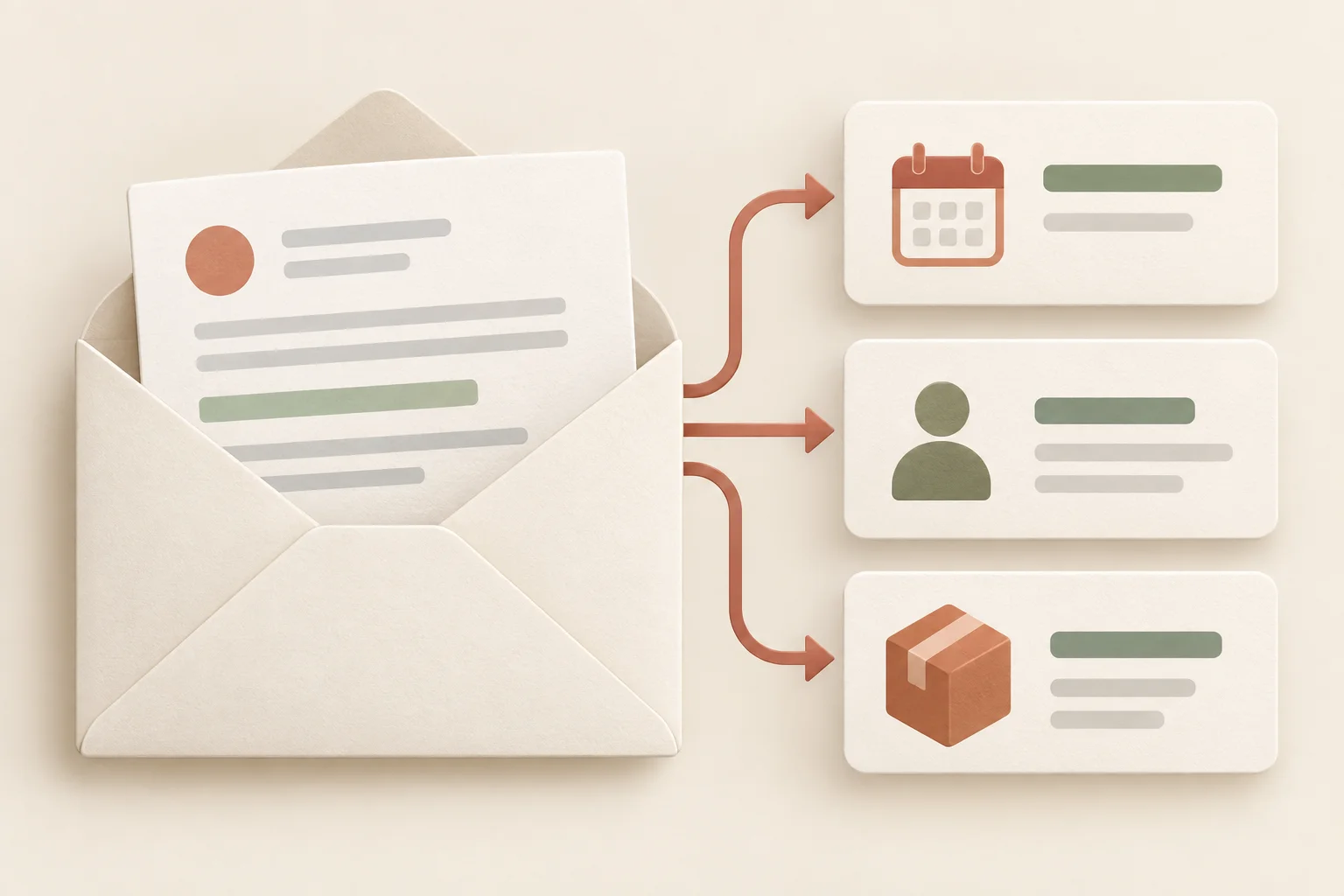
Use an AI email parser to turn Gmail and Outlook messages into a working queue. Capture purchasing details, reconcile billing questions, and draft replies for approval—all alongside the source email.

Choose your email service

Start with a task

Connect your inbox in Teable. Describe the task here—keep private emails and passwords in your account.

Trusted by teams at

Al Jazeera
Qatar Museums
F5
Procter & Gamble
Arthur Murray International
Concordia University
Fédération Française de Voile
Purdue University
UOL
AmeriVet
Big Idea Ventures
Luma Automation

What is an AI email parser

An AI email parser turns information buried in messages into structured records. Instead of opening every email and copying details into a spreadsheet, describe the fields you need and let Teable organize them into a table. You can keep the original message reference alongside customer details, dates, quantities, and next steps. Your inbox remains the source; Teable becomes the workspace where your team reviews the data and acts on it.

FROM MESSAGE TO RECORD

From a replenishment email to a purchasing queue

A distributor needs to check a requested shipment against stock before promising a date. This sample keeps the customer's request separate from the team's decision.

Replenishment request

PO-7814: restock before the store opening

Jordan · Cedar Supply

Please add 48 units of SKU LT-208 to PO-7814. We need them by November 6 for the new store. Please confirm availability before booking the shipment.

Purchasing queue

Purchasing queue
POSKUUnitsRequested arrivalStatus
PO-7814LT-20848Nov 6Needs stock check
Illustrative sample data · not a live mailbox

A requested date is not a shipping commitment

Keep the email's requested arrival date in one column and the confirmed date in another. Assign the record to operations, draft a stock confirmation, and send it only after the designated reviewer approves. Later replies can be reviewed against the same PO rather than mistaken for additional orders.

BUILT AROUND YOUR INBOX

Email data extraction for shared inbox work

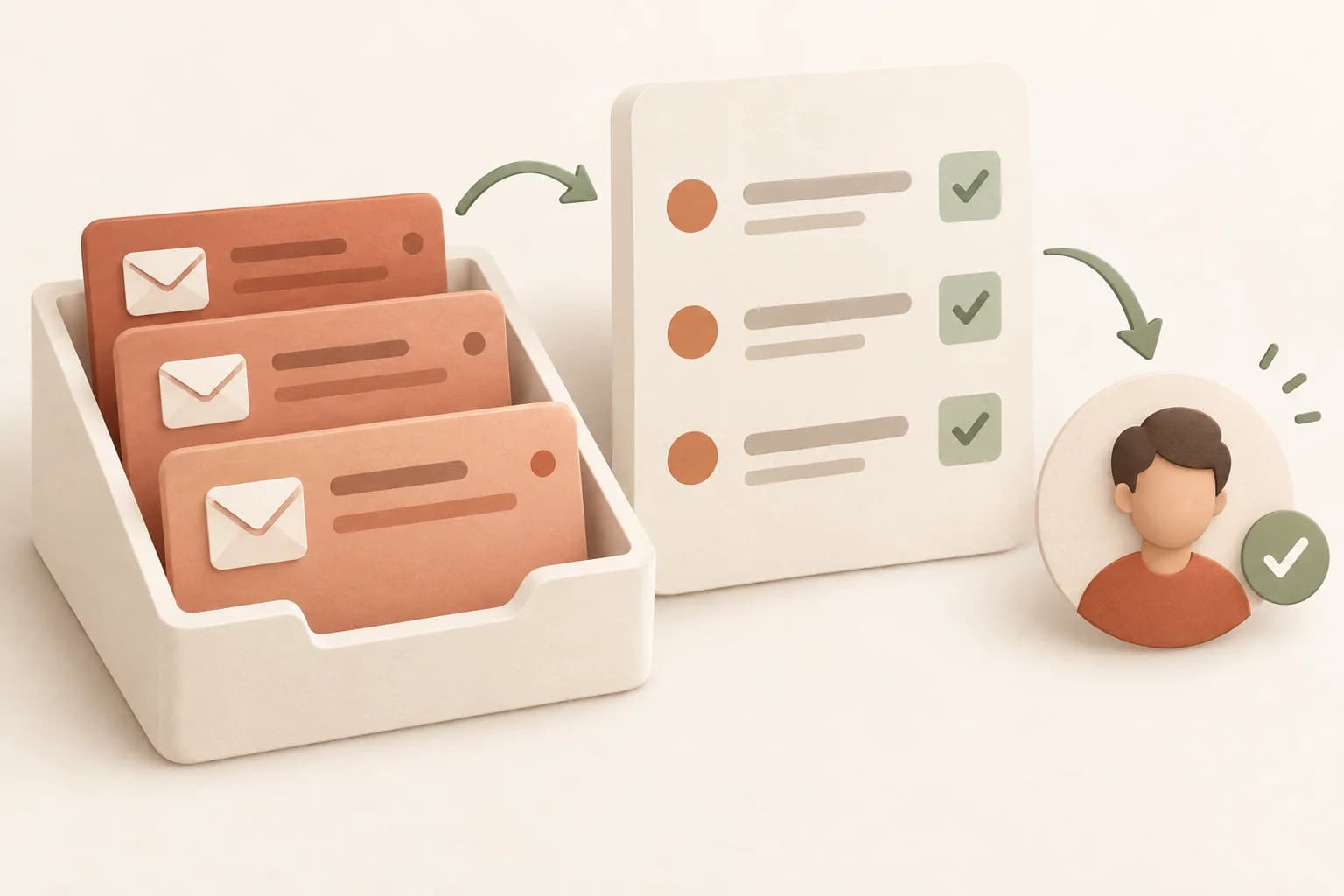
Give recurring messages a route into the team’s workflow. Start with the queue that creates the most copy-and-paste work, then define what a person needs to review before anything moves forward.

01 / Purchasing and distribution

Track a PO through revisions

Extract PO references, SKUs, quantities, and requested dates from replenishment emails. Keep revisions linked to the original order so a changed quantity does not silently become a new purchase. Create a view for missing stock confirmations and assign those records to the buyer who can resolve them.
02 / Customer success

Prepare renewals without losing context

Bring renewal dates, requested seat changes, and open questions into an account view. Keep a customer’s request distinct from an approved commercial change. The team can review the thread, draft a response, and route pricing exceptions to the right approver instead of searching a shared inbox.

03 / Finance operations

Separate invoice questions from payment promises

Collect invoice references, disputed lines, currencies, and requested corrections. Use the record to coordinate with the account owner and retain the source message for checking the amount. Draft an acknowledgement for approval; a parsed message should not be treated as authorization to pay or issue a credit.

Beyond email data extraction

Extracting a value is only the start. Keep your email-derived records in the same workspace as the decisions, people, and processes that depend on them.

Review before you rely on it

Ask AI to flag missing or ambiguous values instead of filling gaps with guesses. Keep dates, amounts, and currency in separate fields. Review a representative sample, including replies and unusual formats, before applying the workflow to a larger batch.

Control access and responsibility

Use Teable's permissions to decide who can view or edit business records, and add owners so every request has a next step. Authorizing an inbox and sharing a table are separate choices: give colleagues the data they need without distributing mailbox credentials.

Improve the workflow over time

Add new fields, change classifications, or build an app on top of the table as your process evolves. Configure scheduled runs in Teable when you need ongoing collection. Choose a sensible interval and use message IDs to help avoid duplicate records when time windows overlap.

Draft replies, then approve

Let Teable draft a reply using the email and its extracted details. Configure an approval step in Teable, or receive a notification in Slack or WhatsApp and confirm there. Send the reply to the customer only after approval; keep the draft, reviewer, and sending status alongside the record.

How to use the AI email parser

  1. 1

    Describe the emails and fields

    Choose Gmail or Outlook and start with a defined queue, such as this week’s replenishment requests. Name the PO reference, SKU, units, and requested arrival date. Explain that order revisions should be checked against the original request rather than treated as new purchases.

  2. 2

    Connect your account in Teable

    Continue to Teable with your brief already included. Sign in and authorize the selected email service when prompted. The Agent can then work with the connection available to your account; your organization's access policies may affect which mailbox data is accessible.

  3. 3

    Review records and make them useful

    Check the first set of extracted records against the source messages. Refine the columns and matching criteria, then add views, owners, or a follow-up workflow. If you want regular updates, ask Teable to configure an automation with an interval that fits your workload.

For teams building their own way of working

How Teable users bring business data, apps, and workflows together

Aman Chadha

AI Leader · Google DeepMind

LinkedIn
I used Teable for a team with leads spread across sheets, CRM exports, and automations. We now import, follow up, and track dashboards in one flow. One system replaced half a dozen disconnected tools.

Leo

AI Systems Builder · AI SCWORK

X
🧨 Teable does not just compete with Airtable. It exposes what Airtable is missing. Modern teams do not need nicer spreadsheets. They need operational systems that can run themselves. Teable turns tables into workflows, AI actions, and internal apps.

Anas Riad

AI Consultant & AI Engineer · Adway

LinkedIn
Teable 3.0 feels like a grown-up spreadsheet. It keeps the familiar grid and adds automations, AI actions, and internal app building in one platform. I finally got the control model I used to assemble manually.
See all testimonials

AI email parser questions

Can I extract data from Gmail and Outlook?

Choose either service and describe the messages and fields you need. Teable has Gmail and Outlook connection options. You authorize your account inside Teable, where the Agent uses the available connection for the task. The website form collects a task description, not your mailbox login.

Can I separate requested and confirmed delivery dates?

Yes. Ask for separate columns for the date requested by the customer and the date confirmed in the conversation. Retain the source for each value. If no confirmation appears in the messages, leave that field empty and assign a stock or scheduling check.

Do I need a different template for every sender?

You describe the information you want in plain language rather than starting with a rule for every email layout. For consistent results, explain what each field means and how to handle missing details. Test different senders and reply formats before expanding the scope.

Can I parse email attachments?

Tell the Agent when relevant information is in an attachment. It can work with accessible files and Teable's supported document tools; the email connection must make that file available. Start with an example of your actual attachment format, or upload the document inside Teable if it cannot be retrieved through the connection.

Can the table update on a schedule?

Yes. You can configure Teable automation to run the email extraction task periodically. Set a reasonable interval, limit the matching messages, and keep a stable message ID for deduplication. For a low-volume inbox, an hourly or daily run may be more useful than frequent polling.

Can I use the results outside Teable?

You can review and filter the resulting table, export records as CSV, or build a workflow around the data. If you want to send results to another service, configure the relevant connection and field mapping in Teable. Extraction into Teable and synchronization with a second service are separate steps.

How much does email parsing cost?

AI tasks use Teable credits. Usage depends on the messages, attachments, and tools involved. Start with a small batch to understand actual consumption, then select a plan and schedule that match your needs. Your email provider or another connected service may have its own access requirements.

Can Teable reply to emails after my approval?

Yes. You can configure a workflow that drafts the reply first, then waits for your review in Teable or confirmation through a connected IM channel such as Slack or WhatsApp. Connect the required services and define who can approve. An unapproved draft stays unsent; approving a revised draft should apply to that version.

Keep building with your data

Give every incoming request a next step

Start with purchase orders, renewals, or billing questions. Build the queue your team needs to move the work forward.

github logoreddit logologoyoutube logolinkedin logo
© 2026 Teable AI, Inc.