
Websites & directories
Company websites, public directories and catalog pages. Explain which entries matter and which details should become columns.
LESS COPYING. MORE DOING.
Describe the data you need. Teable brings it from the web into a table you can filter, share and build on. No code required.
Trusted by teams at








An AI web scraper turns information on webpages into structured records using instructions in everyday language. Instead of copying each entry into a spreadsheet, describe the columns you need. With Teable, the result can stay in a shared database: review the source, narrow the list and give your team a useful starting point for their next task.
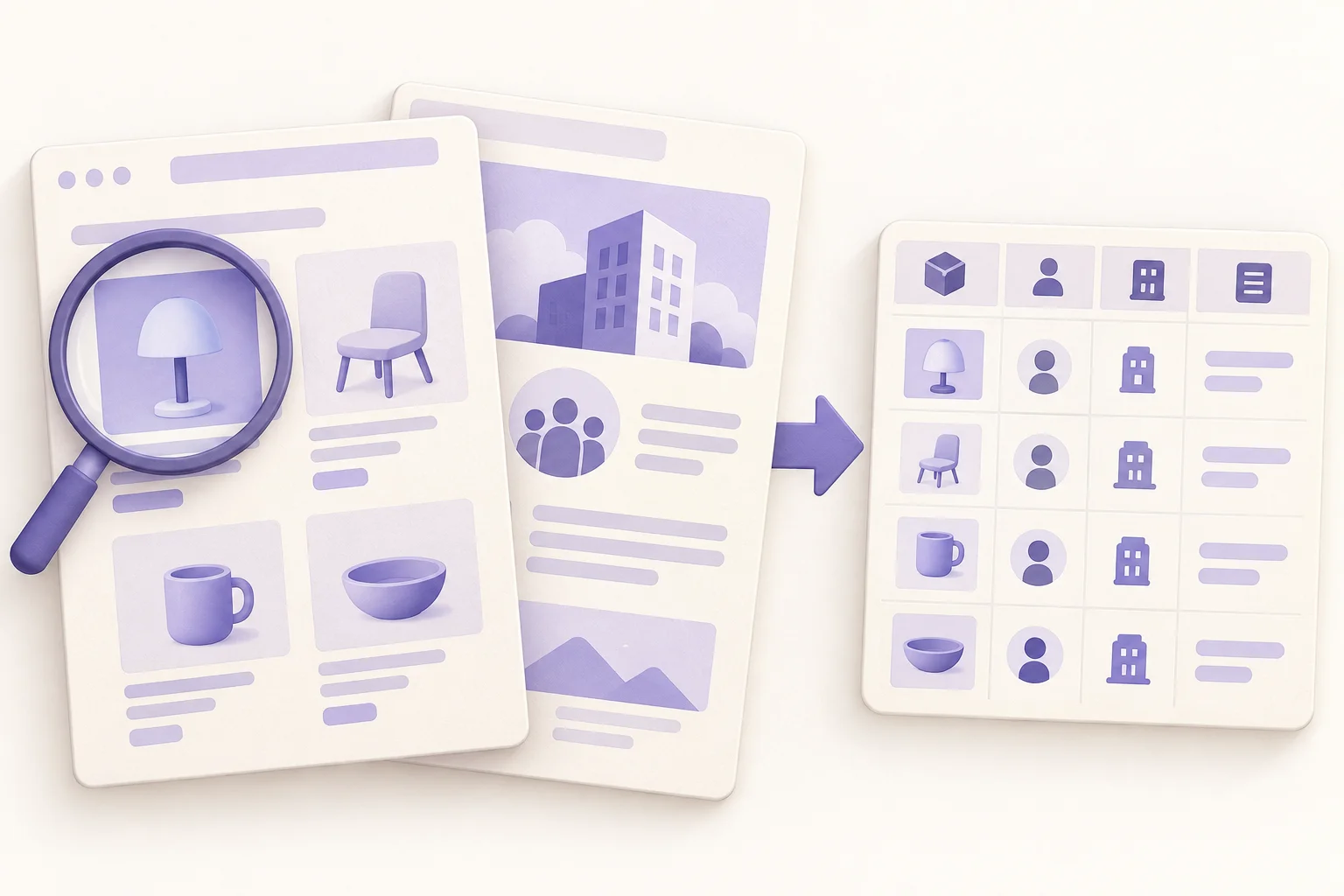
FROM WEBPAGE TO WORKING TABLE
A company directory becomes a research list with consistent columns. Ask for source links alongside the facts so a teammate can check where each record came from.
01 / Webpage
Partner directory
02 / Structured table
| Company | Industry | City | Source |
|---|---|---|---|
| Northstar Studio | Design | London | /northstar |
| Cedar Systems | Software | Toronto | /cedar |
| Atlas Supply | Logistics | Austin | /atlas |
Request names, categories, locations or product details that match the decision you need to make. You do not have to keep every piece of text on a page.
Include source links and review dates in your brief. Keep original prices, currencies and units separate so comparisons do not silently mix different things.
Review a small sample first. Confirm that the right records and fields were captured, then refine your request before expanding the research.
See what you can collect from each platform, from profiles and posts to product reviews and company records. Start with a link, supported identifier or a clear search request, then specify the fields you want in your table.
Company websites, public directories and catalog pages. Explain which entries matter and which details should become columns.
Research publicly available profiles and content through platform-specific tools. Choose the relevant profile, post or search task.
 LinkedIn
 Instagram
 TikTok
 X / Twitter
 YouTube
 Facebook
 Reddit
Bring product details into a comparison table. Specify model, variant and currency so the result is useful for purchasing or merchandising.
 Amazon
 Walmart
 eBay
eBay Etsy
Etsy Best Buy
 Home Depot
 Zara
ZaraOrganize available company details for account research. Keep facts you can verify separate from your team's assessment of fit.
 Crunchbase
 ZoomInfo
 Yahoo Finance
START WITH A REAL TASK
A no code web scraper is most useful when you know what happens after collection. Start with the decision, then choose the fields.
SALES & PARTNERSHIPS
Turn a public industry directory into a shortlist of companies to review. Segment by market and offering, assign an owner and record why an account belongs on the list.
Company · Website · Industry · Region · Source
ECOMMERCE & PURCHASING
Collect the details needed to compare supplier catalogs or product pages. Keep pack size, model and displayed currency beside the price. Record when you reviewed the offer instead of treating an old observation as a current quote.
Product · Model · Price · Currency · Source
MARKETING & RESEARCH
Organize public articles or posts around a topic. Preserve titles and links, then add your own themes and notes in separate columns. Give colleagues a reading list they can audit rather than a summary with no way back to its sources.
Title · Topic · Publication date · Source · Notes
A downloaded file solves a handoff. A shared table gives the work somewhere to continue. Teable connects collection with the way your team reviews and uses information.
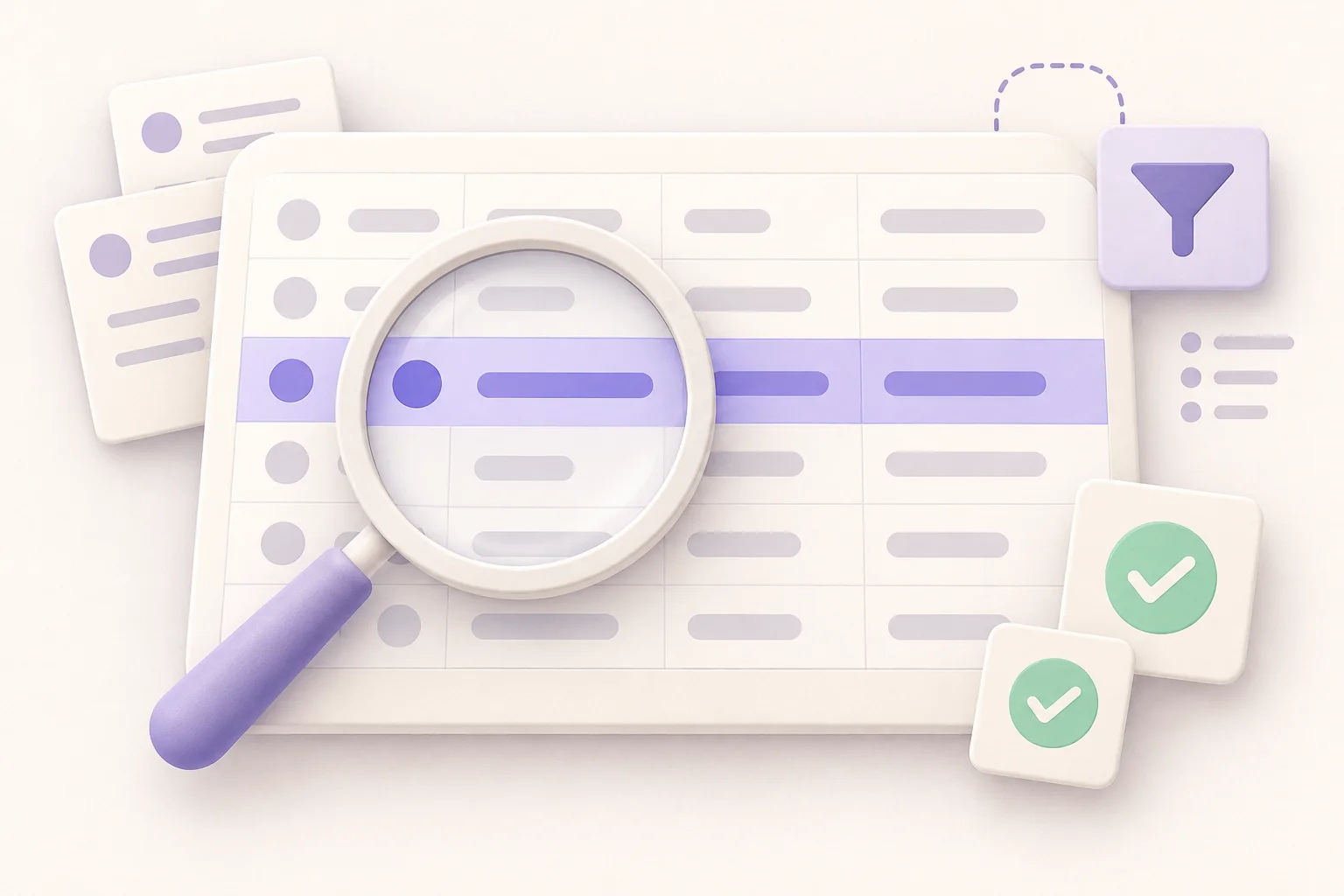
Create views for different regions, categories or review statuses. Keep the complete research table while giving each person a focused list.
Add owners, notes and follow-up statuses. Configure permissions for your workspace and workflow rather than sending everyone another spreadsheet copy.
Add fields as your questions change. When you need a dashboard, review interface or internal app, build on the same Teable data instead of starting again.
Paste a public webpage URL and name the fields you want. Be specific about the relevant products, companies or content.
Submit your request to open Teable and start collecting data. If you are signed out, sign in to continue. Your source and field requirements travel with the request.
Compare records with the source, resolve missing values and organize the result with filters, views and team responsibilities.
See how teams use Teable to organize data and build workflows.
AI Leader · Google DeepMind

I used Teable for a team with leads spread across sheets, CRM exports, and automations. We now import, follow up, and track dashboards in one flow. One system replaced half a dozen disconnected tools.
AI Consultant & AI Engineer · Adway
Teable 3.0 feels like a grown-up spreadsheet. It keeps the familiar grid and adds automations, AI actions, and internal app building in one platform. I finally got the control model I used to assemble manually.
AI Systems Builder · AI SCWORK

🧨 Teable does not just compete with Airtable. It exposes what Airtable is missing. Modern teams do not need nicer spreadsheets. They need operational systems that can run themselves. Teable turns tables into workflows, AI actions, and internal apps.
No. Describe the source and desired fields in normal language. You do not need to write a scraping script to start a request in Teable. Clear column names and a small initial sample make it easier to review the result.
Teable extracts data from public webpages and supported platforms. Available fields depend on the page content, access conditions and selected task. Provide the source link and the fields you need; keep passwords, session cookies and private access links out of your brief.
You can export a Teable table as CSV and open it in Excel. Check encoding, dates and numeric formats when opening the file.
AI tasks use Teable credits. Usage depends on the task, the amount of data and the tools involved. Check your plan and remaining credits, then run a small sample to understand actual usage before expanding the collection.
Compare it with the original source. A value may be unavailable, inaccessible or incorrectly interpreted. Ask Teable to leave unknown fields empty and keep AI summaries separate from extracted facts. Correct the request and retry a sample before relying on the dataset.
Yes. Teable automations can run scheduled scraping tasks and update your table. Set a reasonable interval based on how often the source changes, its access limits and your credit budget. Avoid unnecessarily frequent requests; review run results and keep source links and update timestamps so your team can check data freshness.
Start with one page and the columns you need. Review the result, then make the table your own.

Products
AI app builder
No-code app builder
Excel to app
Spreadsheet to app
Dashboard Creator
AI project management
Online form builder
AI web scraper
Find Influencer
AI email parser
Workflow generator
All Products
Compare
Airtable Alternative
NocoDB Alternative
Baserow Alternative
n8n Alternative
Google Sheets Alternative
Excel Alternative
Smartsheet Alternative
Lovable Alternative
Zapier Alternative
SmartSuite Alternative
monday.com Alternative
All Compares


