01
Start with context you already own
Use the spreadsheet, export, or brief your team already understands instead of starting from a blank schema.
Upload an Excel sheet, CSV, PDF, document, or other business file. Teable uses it as context to create a data table and an automation workflow you can keep refining.
Start with a file
XLSX, XLS, CSV, PDF, DOCX, JSON, TXT, MD, images · up to 10 MB each
Start with a workflow prompt (optional)
Start with your files
Excel, CSV, docs, PDFs, and more
Get structured records
Turn source data into a usable table
Automate the next step
Add triggers, updates, approvals, and alerts
Keep control
Review and refine the generated workflow
Trusted by teams at








WHAT IS A WORKFLOW GENERATOR?
Instead of rebuilding a process from a blank database, give Teable the file, export, or document that already explains the work. It uses that context to propose structured records and the repeatable actions around them.
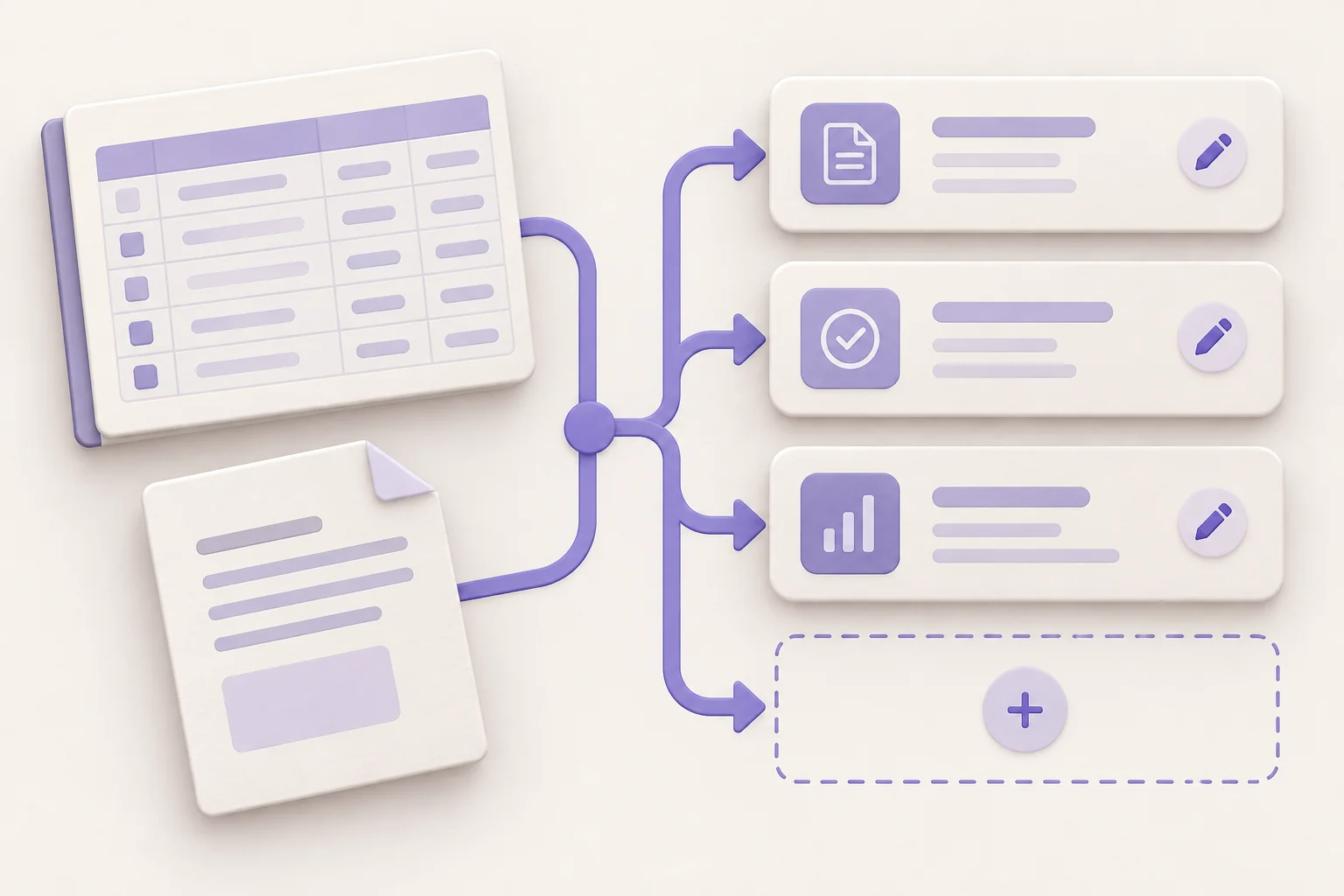
File context → data table → workflow
Instead of rebuilding a process from a blank database, give Teable the file, export, or document that already explains the work. It uses that context to propose structured records and the repeatable actions around them.
WHY USE ONE
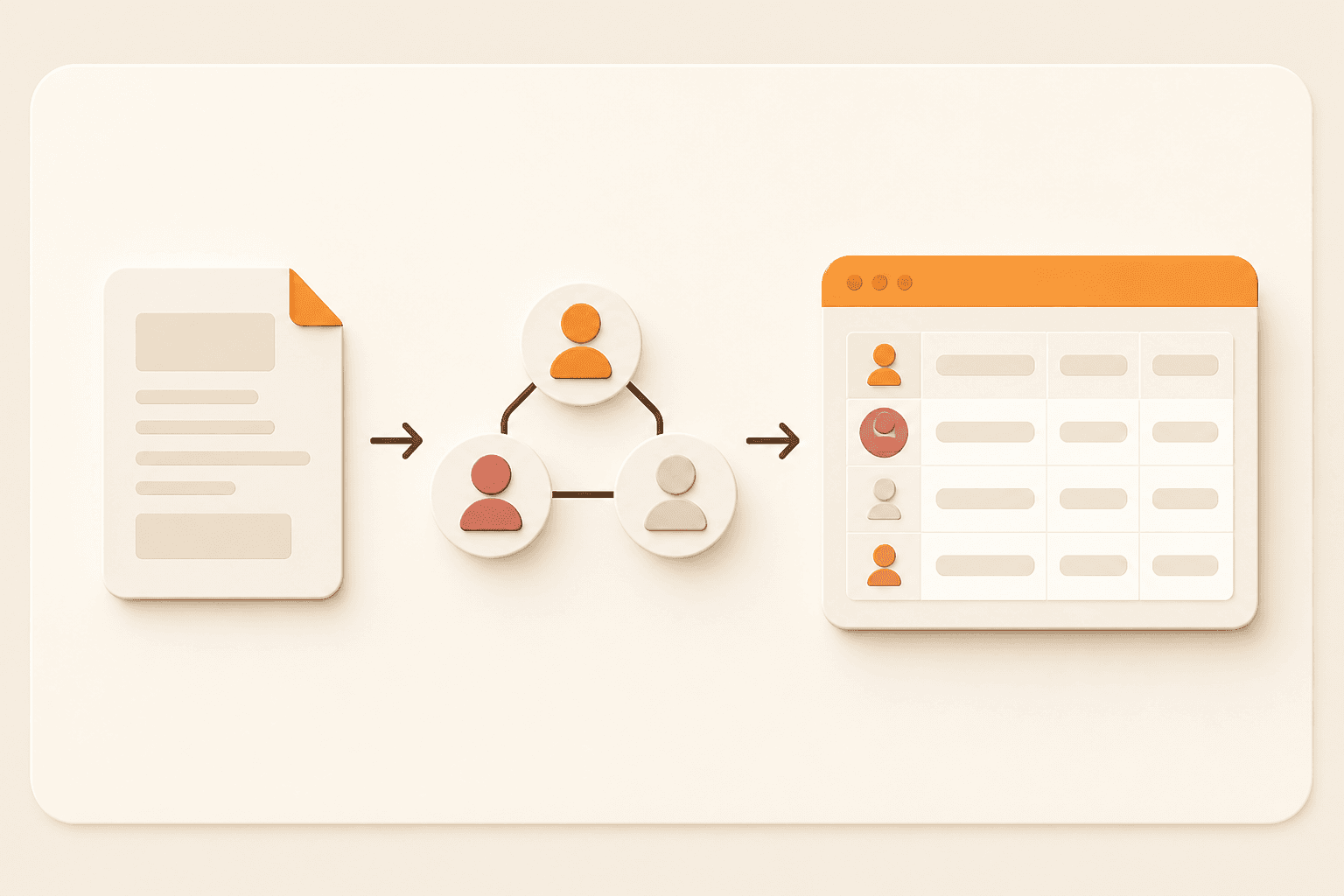
The value is not another generated document. It is a clearer system for the people who need to update records, make decisions, and keep the next step moving.
Use the spreadsheet, export, or brief your team already understands instead of starting from a blank schema.
Turn columns and notes into owners, statuses, dates, approvals, and reminders that are easier to act on.
Connect record changes to notifications, updates, and repeatable workflow actions.
Review the result in Teable and adjust the structure as your process becomes clearer.
FROM FILE TO FLOW
The generator reads the context you provide, proposes a practical data structure, and opens Teable with the workflow ready for your review. You can confirm fields, triggers, and handoffs before putting the process into daily use.
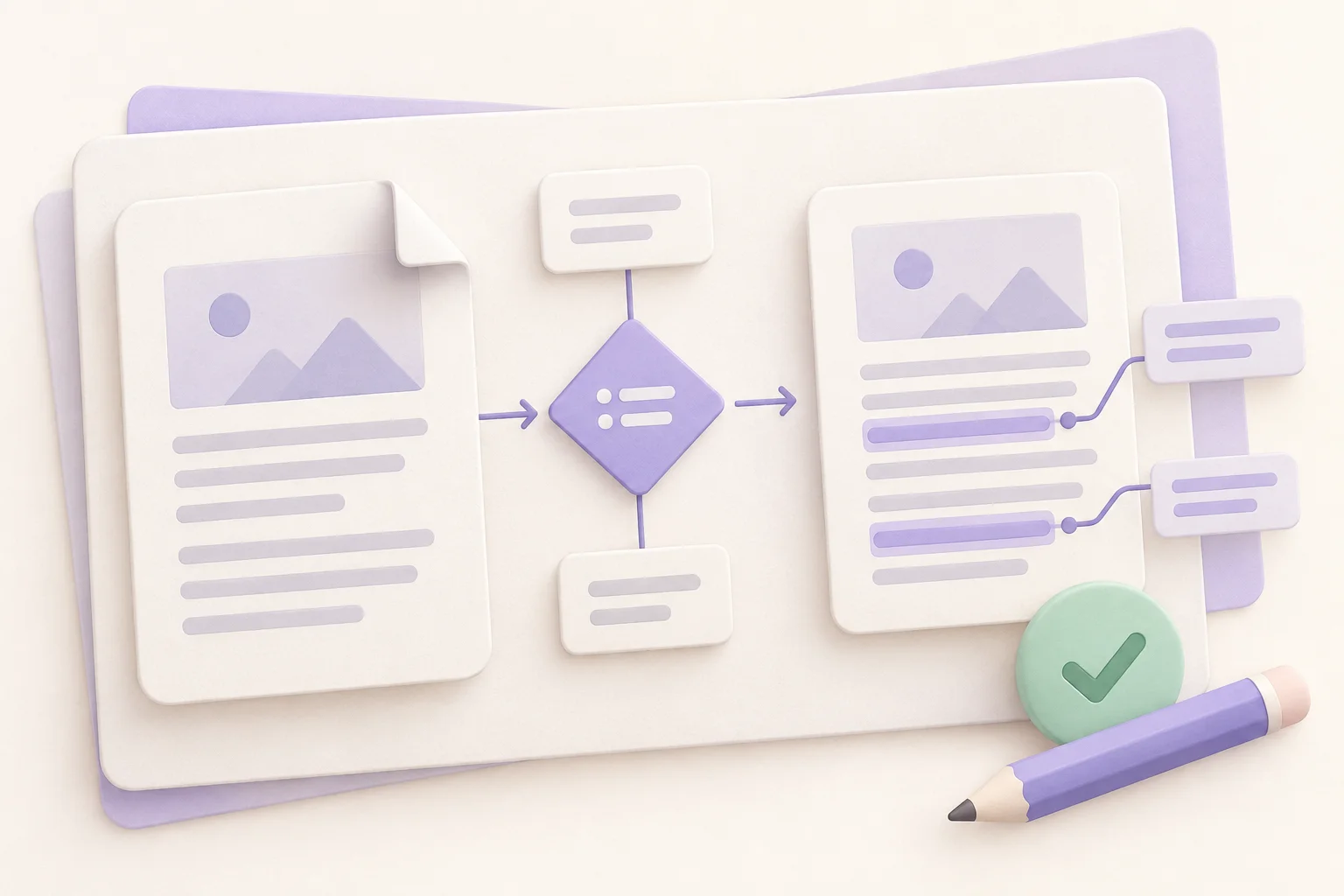
Bring the spreadsheet, document, export, or reference file your team already uses.
Use a built-in workflow idea, add your own requirements, or submit with no extra instructions.
Open the table and automation in Teable, then adjust fields, views, rules, and notifications as needed.

WHAT YOU CAN GENERATE
Use the generated table as the source of truth, then connect the people, decisions, and repeatable actions around it. Start with an inspectable structure and refine the rules as your real process becomes clearer.
Keep the useful columns, split related records, and create fields that make the next action obvious.
Trigger record updates, reminders, notifications, and approval steps when work changes state.
Give operators, managers, and requesters focused grid, Kanban, calendar, form, or dashboard views.
The first draft is a starting point. Review the generated fields and workflow before you put it into operation.
USE CASES
Start with the source your team already has, then shape it into a workflow that fits the job behind the data. This works well for project tracking, sales follow-up, inventory, and approval requests.
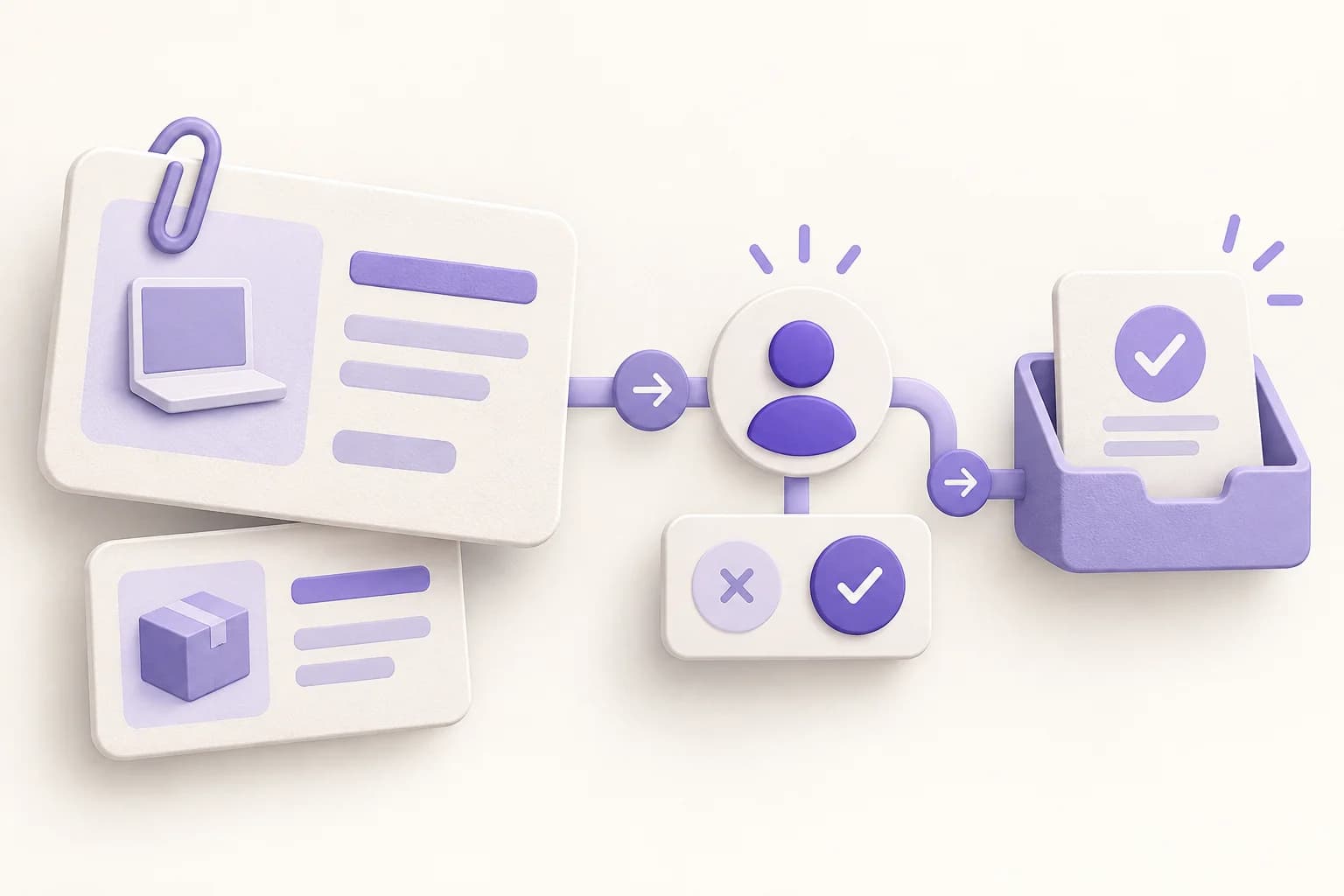
Turn a task list into owners, statuses, due dates, dependencies, and delivery reminders.
Bring lead exports into a CRM flow with pipeline stages, next actions, and follow-up triggers.
Use stock sheets to track suppliers, reorder points, requests, and approvals.
Convert a brief or intake file into a request table with reviewers, decisions, and notifications.
WHO IT IS FOR
You do not need to be a database administrator. You need enough context to recognize the records, roles, and decisions in your process.
Make recurring handoffs, requests, and status reviews visible in one place.
Turn exports and pipeline notes into an actionable follow-up system.
Create a practical first version without waiting for a long software project.
Use AI for the first draft while keeping the underlying data model inspectable and editable.
HOW TO USE
Submit directly for a first draft, or guide the result with one of the built-in prompts and an optional requirement. Once the upload finishes, Teable opens the result so you can continue without building a database first.
Choose the spreadsheet, document, export, or reference file that contains the business context.
Pick a starting prompt or open extra requirements. Leaving both blank is fine.
Open the generated table and workflow, then tune fields, views, triggers, and actions.
Real users describe the shift from scattered files to connected workflows, automations, and apps. Their experience shows why starting with existing context can be faster than beginning with a blank system.
AI Systems Builder · AI SCWORK

🧨 Teable does not just compete with Airtable. It exposes what Airtable is missing. Modern teams do not need nicer spreadsheets. They need operational systems that can run themselves. Teable turns tables into workflows, AI actions, and internal apps.
AI Consultant & AI Engineer · Adway

Teable 3.0 feels like a grown-up spreadsheet. It keeps the familiar grid and adds automations, AI actions, and internal app building in one platform. I finally got the control model I used to assemble manually.
AI Leader · Google DeepMind
I used Teable for a team with leads spread across sheets, CRM exports, and automations. We now import, follow up, and track dashboards in one flow. One system replaced half a dozen disconnected tools.
@zakrly_tweets
I recently used Teable and honestly, I'm really impressed, @teableio. In just a few minutes, it became a native AI-powered business system (projects, CRM, and marketing) instead of scattered tasks.
FAQ
A few practical details before you turn your next business file into an operational workflow, including supported inputs, prompts, editing, and data handling.
It uses your uploaded file and optional instructions to start a Teable data table and an automation workflow. You can review and refine the generated setup in the app.
Yes. XLSX, XLS, and CSV files are supported, along with common business documents and reference files such as PDF, DOCX, JSON, text, Markdown, and images.
No. Upload a file and submit directly for a first draft based on the file context. Built-in prompts and the optional requirements field are there when you want to guide the result.
Yes. Treat the generated table and automation as a starting point. In Teable you can adjust fields, views, triggers, actions, approvals, and notifications.
The file is uploaded to the Teable onboarding flow and passed to the app as context for generation. Review your organization’s data and security requirements before uploading sensitive information.
READY TO AUTOMATE THE NEXT STEP?
Upload once, start with a useful draft, and shape the table and automation around the way your team actually works. Validate one real process first, then expand it to more teams and use cases.
No prompt required. Add extra requirements only when you need them.

Products
AI app builder
No-code app builder
Excel to app
Spreadsheet to app
Dashboard Creator
AI project management
Online form builder
AI web scraper
Find Influencer
AI email parser
Workflow generator
All Products


