

Build apps
AI app builder
Describe your process and create a business app you can keep editing.
Explore this toolProducts
Find the right Teable tool for the job. This page brings together ways to build apps, collect information and run workflows, so you can start with the files you have or the outcome you need.
These are different starting points on the same Teable platform. Open a tool to see its inputs, examples and limits before you begin.
Trusted by teams at








Featured tools
Start with an app, a form or a workflow. These tools cover common starting points; the full directory below has more focused options.
Describe your process and create a business app you can keep editing.
Explore this tool
Collect requests and files in a form, ready for your team to review.
Explore this tool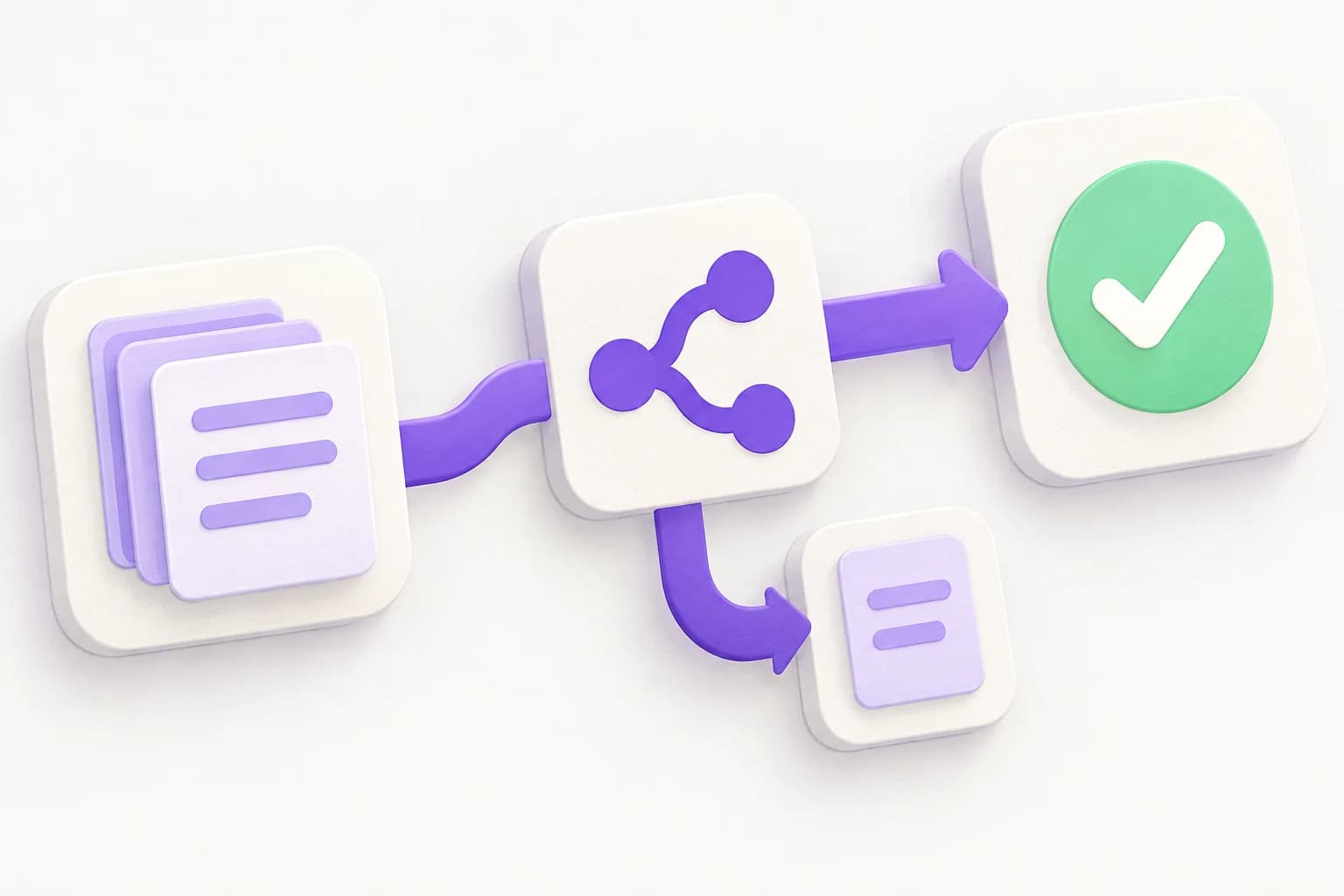
Turn business files into data tables and a workflow you can refine.
Explore this toolSearch by name or task, or browse a category to find your next tool.
38 products
Use Teable’s internal tool builder to create custom apps on shared data. Add sign-in, roles and workflows, using AI or your coding agent. Start free.
Customer feedback analysis in Teable: organize comments, review themes against original quotes, and track the people and actions behind each issue.
Build custom inventory management software with linked items, locations and stock movements. Try the stock demo, then start your own system free in Teable.
Build employee database software around your team. Import a staff list, link departments and managers, and create searchable records with Teable AI.
Free CSV compare by key: match two files, review changed cells and export approved updates. Keep comparison local or send a change report to Teable.
Use the free email permutator to turn a name and company domain into email candidates. Choose formats, copy or export CSV, then organize a contact list in Teable.
Use PDF to Table to extract tables from PDF into editable Teable records. Choose columns, check source pages and work with the results. Start for free.
Use Teable's AI flowchart generator to map steps, decisions and owners. Turn text to flowchart, refine it in chat and share an Artifact. Start for free.
Use Teable for lead enrichment: add company data, sources and custom fit criteria to your existing list, then review and manage the results. Start for free.
Use Teable for AI market research: compare competitors, explore buyer needs and create a source-linked brief. Bring a question or your data. Start for free.
Turn search data into a shareable report with Teable's SEO reporting tool. Connect sources, explain changes and plan next steps. Start for free.
Use Teable’s AI email reply generator to draft replies from incoming emails and business context. Adjust the tone, review and refine. Start free.
Use Teable’s online database builder to link business records, import existing data and create shared views without SQL. Start with free bonus credits.
Use Teable’s AI newsletter generator to turn links, notes and files into a complete email draft. Refine the voice, review sources and reuse your workflow.
Build a client portal with AI for project updates, files and approvals. Connect your data, tailor each client’s view and start with free trial credits.
Use Teable’s purchase order generator to turn quotes and item lists into an order you can review, refine and share as an Artifact. Start free.
Build an AI social media manager around your brand. Turn sources into drafts, review content with your team and manage your workflow. Start for free.
Build an AI ads manager with Teable. Combine campaign data, review recommendations and manage client reporting in one workflow. Start with free trial credits.
Use Teable's AI proposal generator to turn briefs, files and client data into an editable proposal. Start free, share a link and manage follow-ups.
Build a vendor portal with Teable AI for supplier documents, order replies and delivery tracking. Start free and tailor the workflow to your team.
Use Teable's directory website builder to turn lists and web research into a searchable site. Customize listings, filters and review workflows. Start free.
Use Teable's AI spreadsheet generator to turn ideas, files and research into editable tables. Design columns, organize records and keep working with your team.
Build an employee portal with Teable AI. Bring requests, onboarding and team resources together, then configure roles and workflows around your people.
Teable's AI report generator turns files and research into client reports with charts, sources and next steps. Refine the report and share an Artifact.
Use Teable Dashboard Creator to turn spreadsheets, web data and connected apps into dashboards. Schedule data collection and track the metrics that matter.
Use Teable's AI app builder to turn prompts or spreadsheets into business apps with structured data, permissions, and workflows you can keep improving. Start for free.
Build a custom business app without coding. Start with a prompt or your data, then add forms, permissions, dashboards, and automations in Teable. Start building for free.
Upload an Excel file and turn its rows and columns into live records, then build a web app with forms, views, permissions, dashboards, and automations in Teable.
Upload Excel, CSV, or Google Sheets exports and get a working business app with UI, permissions, and automations in minutes.
Create a shareable online form without code. Collect files and responses in structured records, then review, assign, and automate the work in Teable.
Use Teable's AI web scraper to extract website data without code. Turn company, product and public content research into tables your team can use.
Turn purchase orders and billing emails into structured records with Teable's AI email parser. Review details, assign work, and approve replies.
Find Influencer with Teable AI: find creators who match your brief across major platforms, filter the shortlist, and manage outreach in one system.
Upload a spreadsheet or business file and generate a structured Teable data table with an automation workflow. Add optional requirements when you need them.
Build AI project management around your data. Bring spreadsheets and briefs into Teable to connect tasks, owners, milestones, budgets, and follow-up.
Build a CTMS workspace for study startup, site milestones and monitoring follow-up. Turn operational trackers into connected records with Teable AI.
Explore a Glide alternative for customer portals and internal tools. Compare Teable vs Glide on data, AI apps, workflows, deployment, and migration.
Looking for an AppSheet alternative? Compare Teable for inventory, approvals, and business apps, including data, AI, offline needs, and pricing.
Choose the smallest useful outcome first. You can add views, related records and automation after the data model is clear. These examples show which page to open; they are starting suggestions, not ready-made customer deployments.
Bring the workbook that tracks items and stock. Start with importing records, then review fields and build the views your operations team needs. Formulas and macros may need rebuilding.
Excel to appDescribe who submits a request, who reviews it and what happens next. Use the AI app builder to create a first version, then check the structure and permissions with the people doing the work.
AI app builderStart with the project workflow: tasks, owners, milestones and decisions. Explore how project records and follow-up can share the same context before replacing your current process.
AI project managementA tool is a starting point. Build around shared Teable records, then configure the connections, permissions and rules your process needs.

Use a form to capture a request and the information needed to act on it.
Online form builderBuild an app around the records, with views and access suited to each role.
AI app builderConfigure assignments, updates or reminders, and test the rules before using them with your team.
Workflow generatorThe pages describe different ways to use Teable, from importing data to building interfaces and workflows. They are not a catalog of separate subscriptions. Check the pricing page for current plans, AI usage and feature availability.
Use Excel to App when your starting point is an Excel workbook. Spreadsheet to App also explains workflows based on other spreadsheet sources, including exported Google Sheets data. Importing records does not guarantee that formulas, macros or formatting will transfer unchanged.
Review imported or generated fields, linked records, permissions and automation rules. For external sources, check access requirements on the relevant tool page. Specialized workflows such as clinical operations need your own validation of data handling and organizational requirements.
You can begin with a file, a form or a description of the app you want. You still decide how the data and process should work. Specialized integrations or advanced requirements may need technical configuration.
You can start business apps, structured tables, forms and workflows for tasks such as customer follow-up, inventory and project coordination. Each tool page explains its inputs and the result to expect.
Yes. Browse the examples and templates before deciding. Creating and managing work in Teable requires an account; available features and AI usage depend on the plan. Check pricing for current options.
It depends on the source data, the complexity of the process and the changes you need. Treat the first generated result as a draft, then allow time to check fields, permissions and automation before team use.
Yes. You can refine the data structure, views and workflows in Teable. To connect stages of a process, configure shared or related records, role access and automation around the same business task.
Choose a tool for your current task, review the first result, and expand when your team needs more. Start from a process description or explore an existing template.

Products
AI app builder
No-code app builder
Excel to app
Spreadsheet to app
Dashboard Creator
AI project management
Online form builder
AI web scraper
Find Influencer
AI email parser
Workflow generator
All Products
Compare
Airtable Alternative
NocoDB Alternative
Baserow Alternative
n8n Alternative
Google Sheets Alternative
Excel Alternative
Smartsheet Alternative
Lovable Alternative
Zapier Alternative
SmartSuite Alternative
monday.com Alternative
All Compares


