Create from the information you need
Start with the fields and records behind the form, then arrange the questions people should see.
Describe what you need to collect. Create a shareable form whose submissions become structured records, ready for review, ownership, and automation.
Describe the form and what should happen after submission
Trusted by teams at












BEYOND THE SUBMIT BUTTON
Most forms are easy to publish. The harder part begins when responses need context, owners, decisions, and follow-up. Teable keeps that work connected to the original submission.
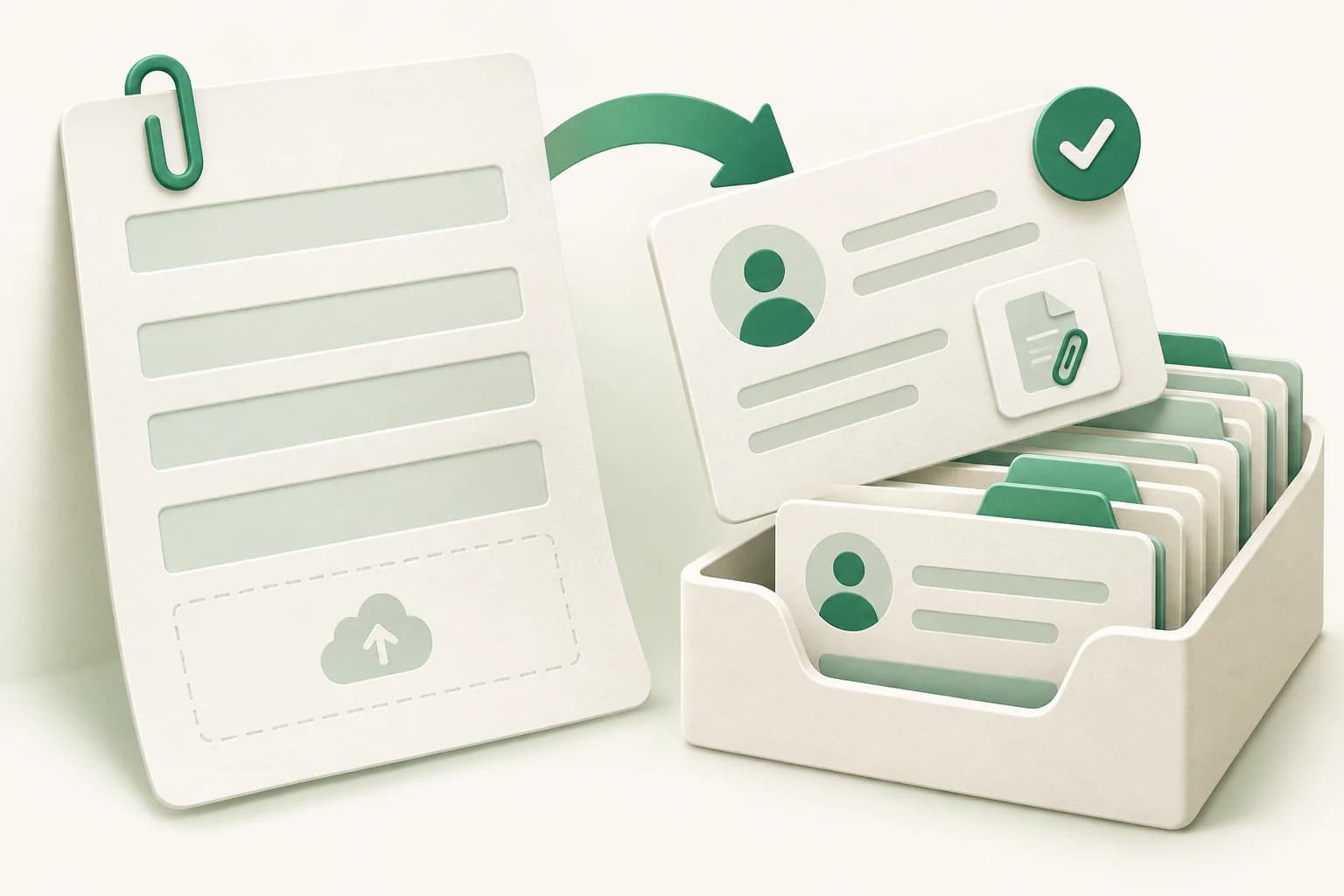
Start with the fields and records behind the form, then arrange the questions people should see.
Each submission becomes a record your team can filter, relate, enrich, and report on without exporting it first.
Assign owners, set a status, trigger notifications, and build the next step around the same response.
FROM ANSWER TO ACTION
A form is most useful when the submission arrives with a clear place to go and a repeatable process behind it.
Share a form for requests, applications, files, feedback, or field updates.
Save each answer to typed fields in the same database your team works from.
Use views, ownership, statuses, and linked records to make the next decision clear.
Notify people, update records, route urgent cases, and keep follow-up on schedule.
COLLECT THE RIGHT CONTEXT
Use the field types your process needs, make important questions required, and keep the collected information useful after submission.
Names, email addresses, phone numbers, and longer notes.
Single or multiple selections, checkboxes, and ratings.
Deadlines, budgets, quantities, durations, and scores.
Collect résumés, receipts, photos, briefs, and documents.
Connect a submission to customers, projects, assets, or other records.
Mark essential questions and add guidance so responses arrive complete.
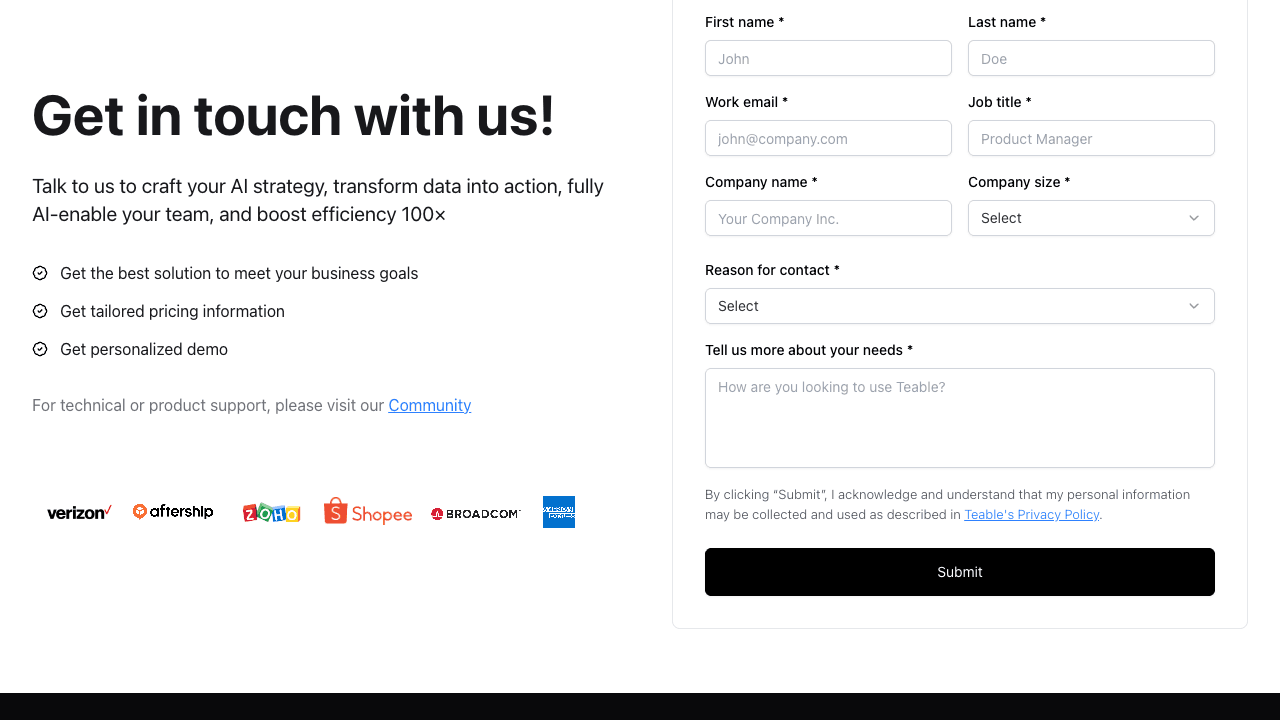
FOR EXTERNAL AND INTERNAL INTAKE
Use one form for a simple collection job, or make it the entry point to a longer operational workflow.
Collect goals, requirements, budgets, documents, and the details a team needs before the first call.
“Create a customer intake form with company details, goals, budget, files, owner, and follow-up status.”
Standardize purchase, access, leave, creative, or equipment requests and move them into review.
“Build a purchase request form with cost, department, attachments, reviewer, status, and approval reminders.”
Gather applicant or attendee information, supporting files, preferences, and review decisions.
“Create an application form with personal details, choices, document upload, review stage, and decision notes.”
Capture observations, ratings, photos, locations, issues, and follow-up actions from any device.
“Build an inspection form with photos, location, severity, assignee, due date, and corrective actions.”
AFTER SOMEONE SUBMITS
Submissions land in structured records, so the team can organize incoming work and build a reliable response process around it.
Create filtered views for new, urgent, assigned, approved, or completed responses.
Add internal notes, owners, statuses, related records, and calculated values without changing the public form.
Run automations when a form is submitted or when the response changes later in the process.
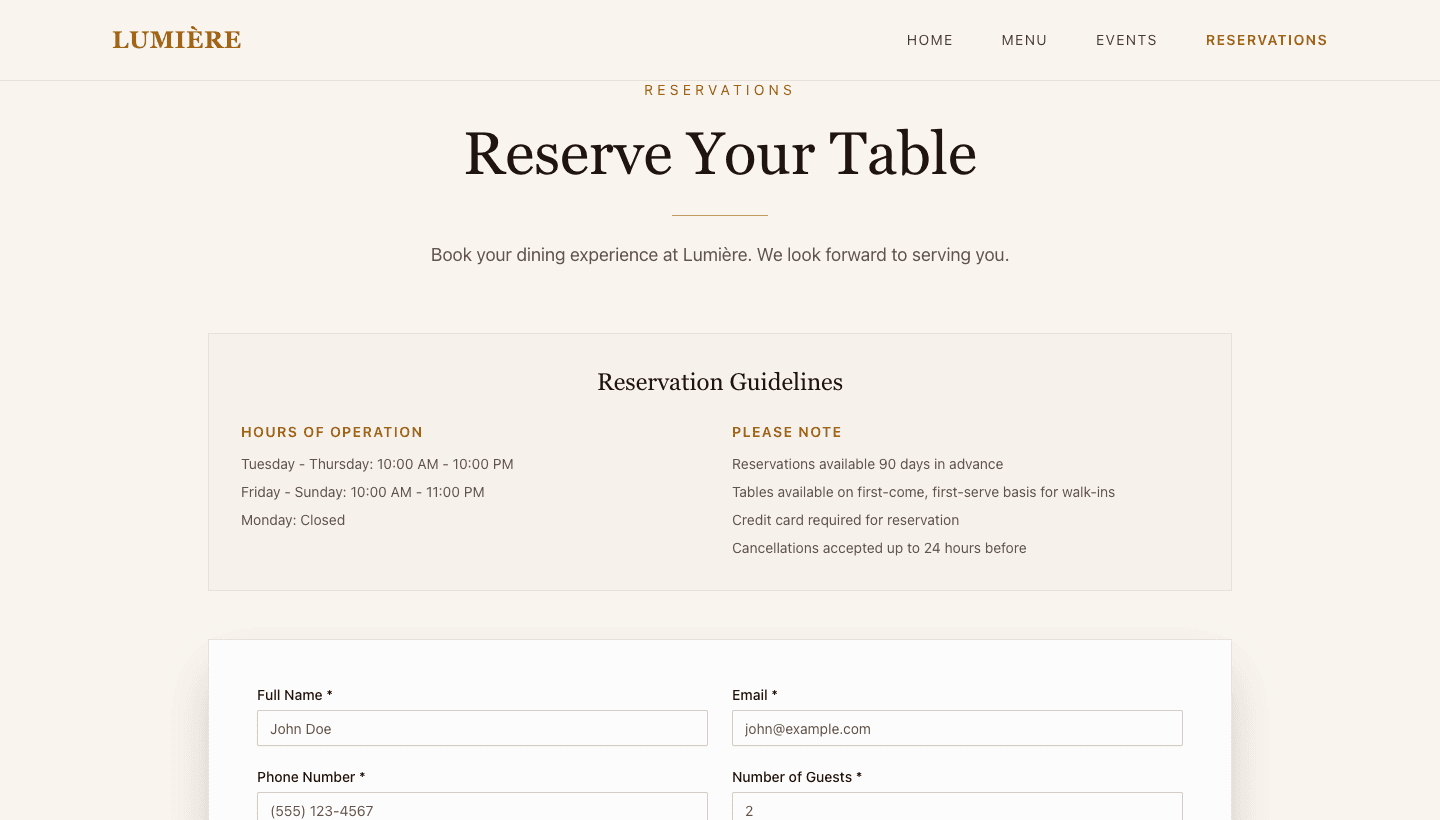
Use Teable AI App Builder to create a richer submission app with conditional logic, branded pages, and more complex interactions on top of the same structured data.
HOW TO USE
Define what to collect, check how the response will be used, then share the form and connect the follow-up.
Name the questions, files, audience, and what your team should do after submission.
Check field types, required questions, statuses, owners, and the views used to manage responses.
Publish the form URL, test a submission, and add notifications or follow-up workflows where needed.
Teams share how form responses turn into structured data, follow-ups, and live workflows.
AI Leader · Google DeepMind

I used Teable for a team with leads spread across sheets, CRM exports, and automations. We now import, follow up, and track dashboards in one flow. One system replaced half a dozen disconnected tools.
@amilcaronline

I’ve been building apps non stop. CRM. Check. Landing page. Check. Lead magnet and community page check. Sale in appsumo ending soon. @teableio is a hidden gem. Get it asap!
Software Engineer · VANEIGENS
I used to patch needs across a partial toolset. Then I rebuilt the process directly in Teable. Now the system fits our real process instead of forcing the team to fit the tool.
Marketing & CRO Specialist
@teableio is the best thing I've used in a long time. Building so much with it, it's perfect. Needs custom domain to go to the moon
FAQ
How forms are created, where responses go, and when to use a richer submission app.
An online form builder lets you create and share a web form without coding. Teable also stores each submission as a structured record, so the response can become part of an ongoing workflow.
Each Teable form submission creates a new record in the table behind the form. Your team can view, filter, relate, enrich, and automate those records.
Yes. Teable forms support attachment fields for files such as images, résumés, receipts, briefs, and supporting documents.
You can publish and share a form URL. Teable also provides form-sharing options such as password protection when you need more control over access.
For basic collection, use a Teable Form View. For conditional fields, multi-step flows, branded pages, or more complex interactions, build the submission experience with Teable AI App Builder.
Yes. A form submission can trigger automation, and later status or field changes can drive additional notifications, routing, updates, or approval steps.
Describe what you need to collect and what should happen next. Build the form, response data, and follow-up in one place.
No code required. Start with a plain-language description.

Products
AI app builder
No-code app builder
Excel to app
Spreadsheet to app
Dashboard Creator
AI project management
Online form builder
AI web scraper
Find Influencer
AI email parser
Workflow generator
All Products


