Site spreadsheets
Use a cleaned Excel or CSV file with study codes, site IDs, owners and target dates. Identify duplicate site names before importing.
Before the study meeting, your team needs answers: which sites are ready, what is missing, and who owns the next step? Build a CTMS workspace in Teable around those decisions, with AI-assisted setup and records your team can update.
Trusted by teams at











BRING YOUR STARTUP TRACKER
Give AI a sample of the operational information you already maintain. Explain what each status means before generating a first version.
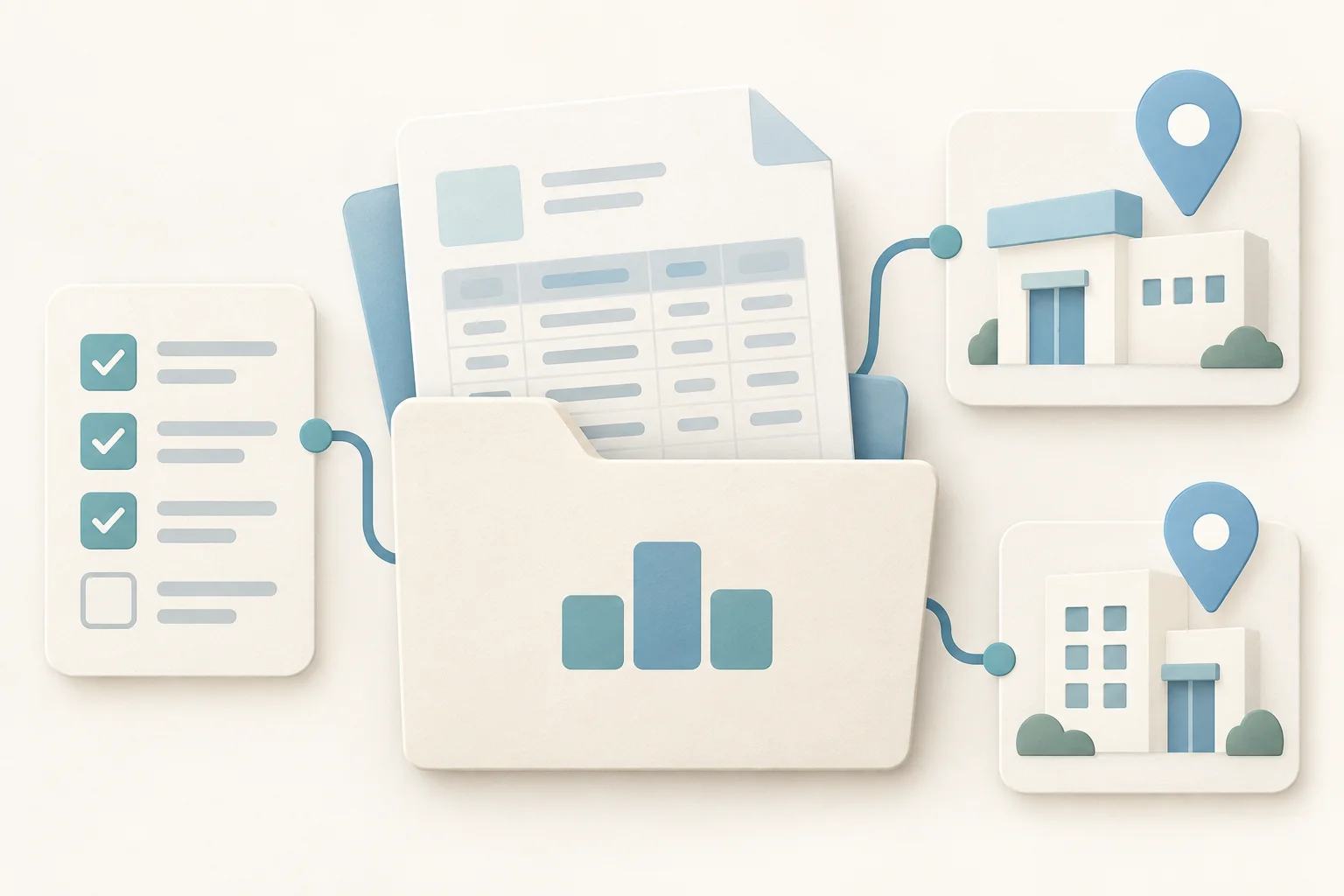
Use a cleaned Excel or CSV file with study codes, site IDs, owners and target dates. Identify duplicate site names before importing.
Attach an authorized PDF or Word checklist that explains readiness requirements and handoffs. Remove confidential material unnecessary for the prototype.
Specify the decisions a weekly review must support: unblock a site, assign a follow-up or revise a target date.
Attach files with the paperclip in the builder. Start with fictional or approved operational examples.
Startup
See readiness requirements alongside each site.
Accountability
Give every open action an owner and due date.
Follow-up
Connect monitoring tasks to their original visit.
Oversight
Review studies without rebuilding a slide deck.
DEFINE THE RECORDS
A red milestone is useful when you can open it and see the dependency, responsible person and next action. Build that relationship into the workspace.
Link each site to a study, with a stable identifier and named contacts. Keep study-wide decisions separate from site-specific tasks.
Track each readiness requirement or follow-up as its own record. Add the reason for a delay alongside the revised date.
Create focused queues for contributors and a summary for leads. Configure permissions separately from view filters.
SITE STARTUP IN PRACTICE
Use the stages your team actually works through; Teable lets you edit the fields and status options.
Record the planned activation date and the person coordinating the site.
Link required operational tasks and document-status checks to the site.
Assign missing items and record the next follow-up date. Configure reminders where useful.
Let the responsible team confirm completion and record the actual date. A status change is not regulatory authorization.
BUILD YOUR OPERATING VIEW
Teable provides the building blocks for a configurable clinical operations workspace. Review what AI generates before introducing it to your team.
Connect studies, sites, visits and actions so related work is accessible from the same record.
Create an update form or a task-focused interface for the information each contributor maintains.
Configure notifications for approaching deadlines and overdue follow-ups, then test who receives them.
Summarize operational status by study or owner and open the underlying records during review.
A SHARED REVIEW
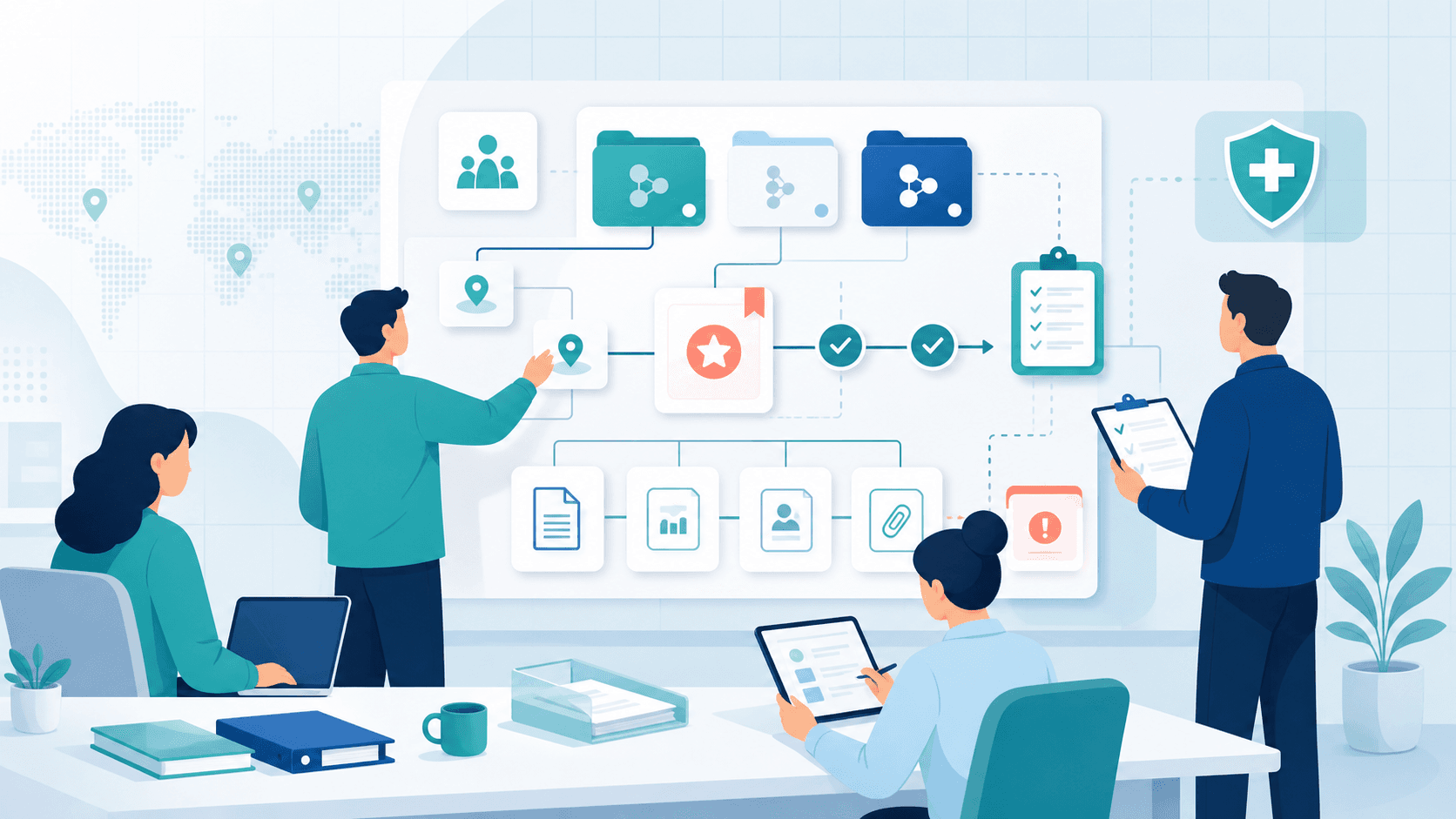
Give each role a useful starting point while keeping ownership visible across handoffs.
Review readiness, unresolved decisions and changes to milestone dates.
Work through missing requirements and the next contact for each site.
Prepare visits and follow outstanding operational actions through closure.
Compare progress across studies and identify decisions requiring sponsor input.
TRY A COMPLETE SCENARIO
A small prototype helps your team agree on the workflow and its intended use.
Provide sample requirements, owners and a target date to the AI builder.
Check relationships, status meanings, interfaces and access with the people doing the work.
Change a due date, reassign a task and confirm that the right views and reminders update.
Teams doing compliance-heavy work share how Teable brings structure and visibility to their operations.
CEO · Glocom Electronics LTD.

Most operational noise is context loss. Teable keeps updates, ownership, and actions in one visible flow, so we can execute consistently instead of chasing across tools.
AI Consultant & AI Engineer · Adway
Teable 3.0 feels like a grown-up spreadsheet. It keeps the familiar grid and adds automations, AI actions, and internal app building in one platform. I finally got the control model I used to assemble manually.
AI Leader · Google DeepMind
I used Teable for a team with leads spread across sheets, CRM exports, and automations. We now import, follow up, and track dashboards in one flow. One system replaced half a dozen disconnected tools.
Marketing & CRO Specialist

@teableio is the best thing I've used in a long time. Building so much with it, it's perfect. Needs custom domain to go to the moon
CTMS QUESTIONS
Clarify the operational scope before you roll it out.
Teable is an AI app builder for configurable workflows. This page shows how to build a CTMS-style operational workspace. It does not establish validation or regulatory suitability for your study; your organization must assess the intended use and controls.
The proposed workspace tracks operational milestones and follow-up. Keep clinical data capture in your approved EDC and regulated documents in your approved repository. You can track a document’s status and reference without treating the workspace as an eTMF.
Use separate fields for the target and completed date. Add a reason and owner when a target changes, then configure a view for missed targets. Agree on who may confirm completion.
Yes. Build separate task and review views from linked records, then configure and test the permissions appropriate to each role. Hiding a field in a view alone does not define access control.
Start with fictional study codes, sites and tasks. Use only authorized operational materials. Patient-level data requires a separate organizational review of the architecture, privacy controls and intended use.
Describe the stalled handoff and build a workspace your team can review together.

Products
AI app builder
No-code app builder
Excel to app
Spreadsheet to app
Dashboard Creator
AI project management
Online form builder
AI web scraper
Find Influencer
AI email parser
Workflow generator
All Products


