Job applications
Thank the hiring team; ask for feedback without another pitch.
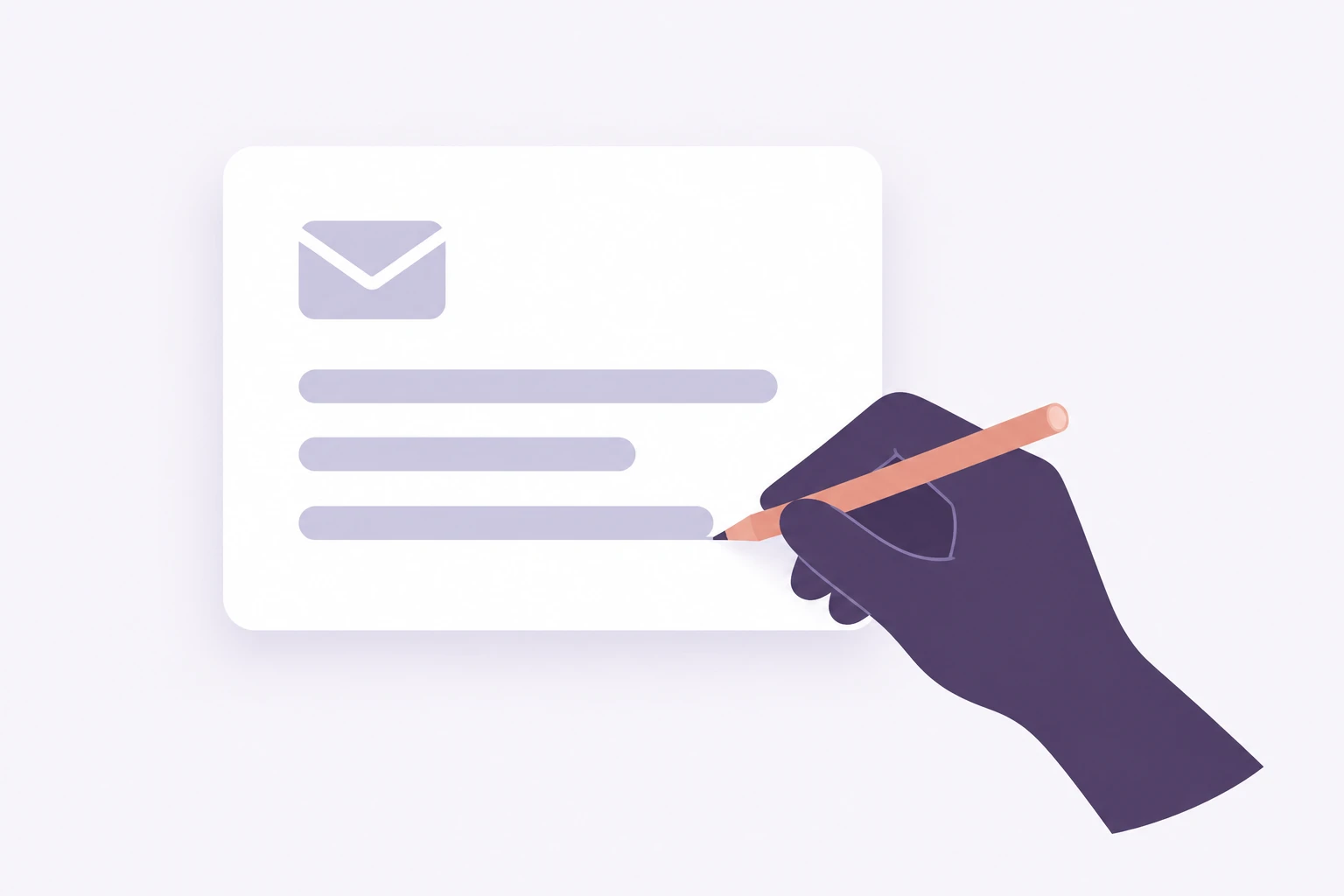
Add the email, your goal and the facts. Teable drafts a reply you can refine before using.
Sign in to Teable to draft your reply. New accounts can start with a one-time credit bonus.
Trusted by teams at











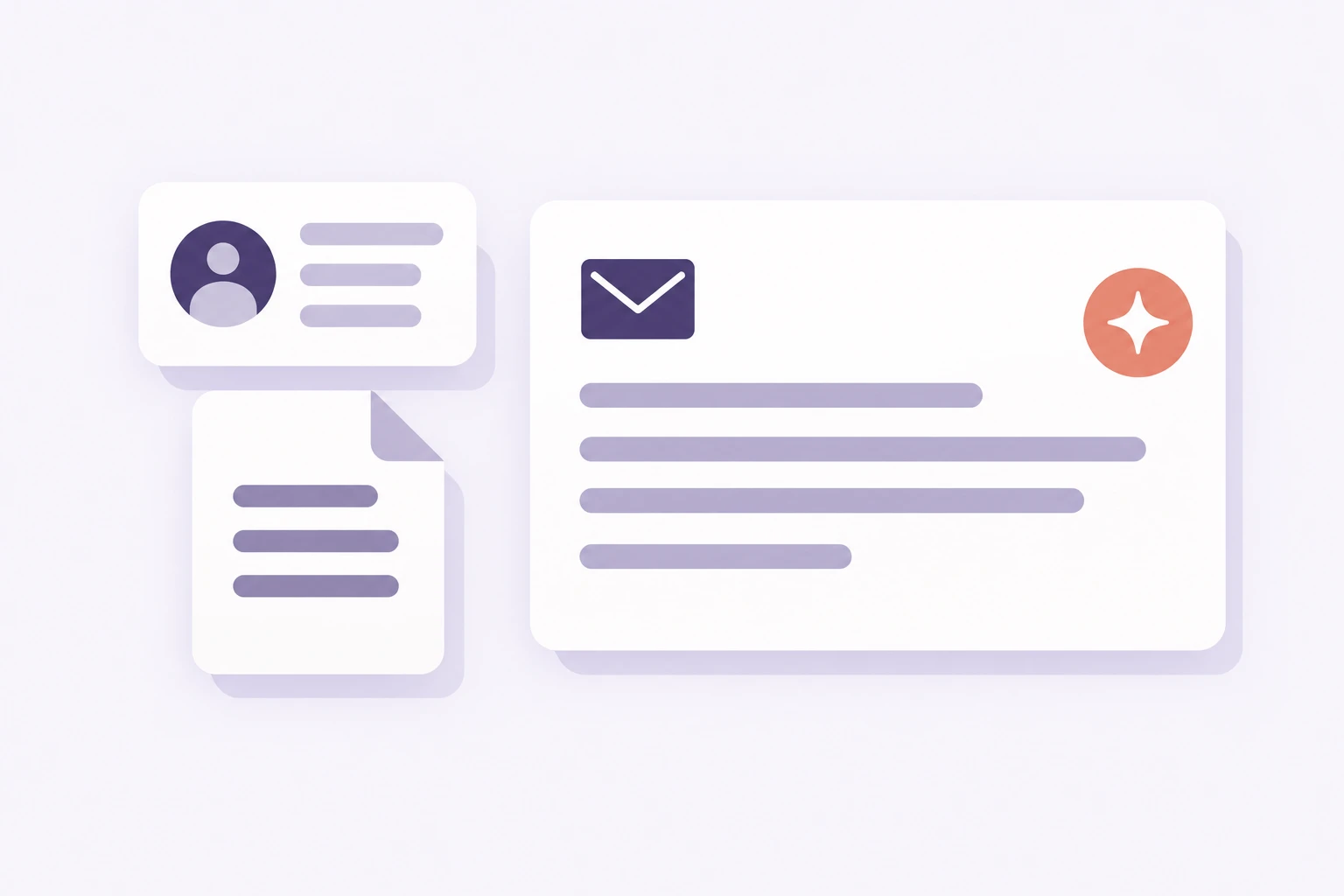
Turn an incoming message and your intended answer into an editable draft. Add business records to give the reply a factual basis.

Compare two prewritten example drafts, edit either version and copy the text. The facts stay visible beside the reply.
Illustrative reply · hiring decision
Subject: Application update
Thanks for speaking with our team. We enjoyed learning about your work, but we have chosen another applicant for this role. We would be happy to keep in touch.
Original message
Subject: Application update
Thanks for speaking with our team. We enjoyed learning about your work, but we have chosen another applicant for this role. We would be happy to keep in touch.
Your reply brief
Leave room for their decision
The hiring team has not offered feedback or promised another opening.
Edit either prewritten example and copy your preferred version to your email app.
Choose the sources relevant to this conversation.
Check the commitments, not just the wording.
Thank the hiring team; ask for feedback without another pitch.
Clarify renewals using confirmed terms, not an unapproved offer.
Identify the disputed invoice line before promising payment.
Match the context and review to the task.
| Need | Manual/template | General writing tool | Teable |
|---|---|---|---|
| Facts | Update details yourself | Supply context in the prompt | Use the email and selected sources |
| Tone | Rewrite | Request a version | Refine with your goal and facts |
| Approval | Coordinate separately | Arrange the handoff | Configure review with the draft |
Add the email and your reply goal.
Supply relevant facts, tone and language.
Check commitments and refine the text.
How teams work with Teable.
AI Leader · Google DeepMind

I used Teable for a team with leads spread across sheets, CRM exports, and automations. We now import, follow up, and track dashboards in one flow. One system replaced half a dozen disconnected tools.
AI Systems Builder · AI SCWORK

🧨 Teable does not just compete with Airtable. It exposes what Airtable is missing. Modern teams do not need nicer spreadsheets. They need operational systems that can run themselves. Teable turns tables into workflows, AI actions, and internal apps.
AI Consultant & AI Engineer · Adway
Teable 3.0 feels like a grown-up spreadsheet. It keeps the familiar grid and adds automations, AI actions, and internal app building in one platform. I finally got the control model I used to assemble manually.
Start with one-time bonus credits. Add the message and refine your draft in Teable.
Explore all tools
Products
AI app builder
No-code app builder
Excel to app
Spreadsheet to app
Dashboard Creator
AI project management
Online form builder
AI web scraper
Find Influencer
AI email parser
Workflow generator
All Products


