
The most popular ClickUp alternatives & competitors, compared
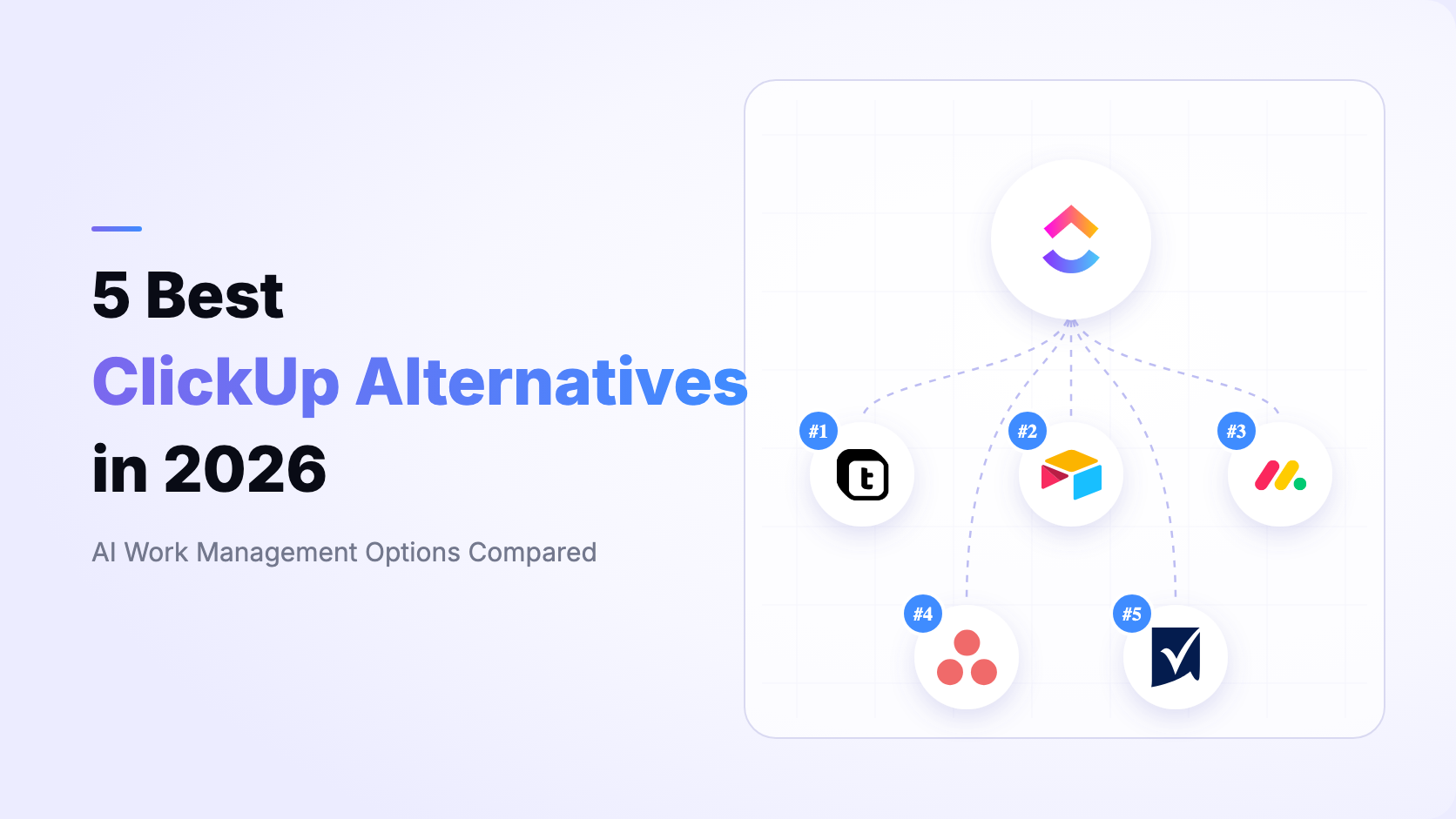
ClickUp is one of the broadest AI work-management platforms available. It brings tasks, sprints, goals, Docs, Chat, Whiteboards, Dashboards, time tracking, automation, and ClickUp Brain into one workspace. That makes it a strong choice for project execution, but it also means the best alternative depends on what your team wants to change: the task hierarchy, the operating data model, the application layer, automation economics, governance, or deployment.
This guide treats ClickUp as the benchmark, not as one of its own alternatives. We rank Teable, Airtable, monday.com, Asana, and Smartsheet for teams that need more than another task tracker. The criteria emphasize relational operational data, AI that can build and operate systems, custom apps, workflow capacity, project coordination, permissions, and deployment choice.
Pricing and published limits were checked against first-party pages on August 14, 2026. Prices below are in USD and use annual billing where stated. Vendors can change packaging, credits, quotas, and minimum seats, so verify the linked pricing pages before purchasing.
For current packaging, verify ClickUp pricing, ClickUp Brain, and ClickUp automation limits directly, then compare the official pricing pages for Airtable, monday.com, Asana, and Smartsheet.
This order is deliberately broader than a pure project-management ranking. If your only requirement is a direct replacement for ClickUp tasks, chat, sprints, and time tracking, monday.com or Asana may feel more familiar. Teable ranks first here because it can turn project and operational data into a relational business system with AI-generated apps, record-aware automation, granular data permissions, and cloud or self-hosted deployment.
ClickUp already covers an unusually wide set of collaboration features, so a credible replacement should solve a specific constraint rather than merely copy its feature list. Test the following questions with representative projects and operational data.
- Operating data model: Does the platform remain centered on tasks, or can customers, orders, assets, projects, approvals, and finance records become related first-class data?
- AI operating scope: ClickUp Brain and Super Agents already understand work context. Ask whether the alternative can also design schema, change fields, build apps, create automations, and operate live records.
- Application layer: Decide whether dashboards and forms are enough, or whether you need authenticated portals, approval apps, CRUD tools, and customer-facing interfaces on the same data.
- Project depth: Check dependencies, Gantt, workload, portfolios, goals, time tracking, sprints, chat, documentation, and external collaboration.
- Automation economics: Compare monthly actions or runs, conditions, webhooks, scripts, retries, email actions, AI credits, and execution-history retention.
- Governance and deployment: Verify row- and field-level access, audit controls, SSO, data residency, export rights, and whether customer-managed self-hosting is available.
Teable is the AI Spreadsheet for Business. It combines a relational data layer with AI Chat, AI Fields, automation, dashboards, permissions, and App Builder so teams can create systems that fit their actual operations. The detailed Teable vs ClickUp comparison explains the architectural differences.
- Relational operations: Model projects beside customers, orders, assets, invoices, approvals, and linked operational records instead of forcing every object into a task hierarchy.
- Workspace-building AI: Use natural language to plan and create tables, fields, views, automations, dashboards, and apps, then operate the records with business context.
- Prompt-to-app: Publish internal tools, customer portals, approval apps, booking pages, and dashboards that read and write the same live data.
- High-capacity automation: Pro publishes 25,000 runs per month and Business 100,000, with scripts, HTTP requests, email, AI actions, and inspectable run history.
- Authority Matrix: Business can control tables, views, records, fields, and actions by role.
- Deployment options: Use Teable Cloud or deploy within your own infrastructure and network boundary.
ClickUp is stronger when the center of gravity is project execution: tasks, sprints, Docs, Chat, time tracking, goals, and resource views are mature and tightly connected. Teable is stronger when projects are only one part of a larger operational system and the same live data must power CRM, service, finance requests, asset tracking, approvals, automations, dashboards, and custom applications.
- ClickUp organizes work around Spaces, Folders, Lists, and tasks; Teable organizes related business entities in tables and records.
- Both platforms now have contextual AI and agents. Teable's distinction is that AI can also create and modify the data model, apps, and automations on the same relational layer.
- ClickUp Unlimited lists $7 per user/month and Business $12 annually; its Brain AI and Everything AI layers are listed separately at $9 and $28 per user/month, with Super Credits for automatic AI features.
- Teable Pro lists $10 per seat/month annually with 250,000 rows, 25,000 automation runs, and 1,000 AI credits per seat; Business lists $20 with 1 million rows and 100,000 runs.
- ClickUp documents a proprietary AWS-hosted service with Enterprise data-region choice. Teable also offers customer-managed self-hosting.
Bottom line Teable is the best overall ClickUp alternative for teams whose project data must become an AI-native operating system with relational records, custom apps, high-capacity automation, granular permissions, and deployment choice. Keep ClickUp when its integrated task, Sprint, Docs, Chat, and time-management experience is the primary requirement.

Airtable is a hosted no-code platform built around bases, related tables, records, views, interfaces, and automations. It is a credible ClickUp alternative when flexible structured data and app-like interfaces matter more than deep native project collaboration. See the Teable vs Airtable comparison.
- Related tables, linked records, formulas, rollups, multiple views, forms, and Interface Designer.
- AI capabilities inside bases, fields, interfaces, and automations, plus a broad template and integration ecosystem.
- A better fit than ClickUp for product catalogs, editorial operations, research, content pipelines, and other record-centric workflows.
- Team lists $20 per editor/month annually; Business lists $45. Read-only collaborators, form submissions, and share links are not billed as editors.
- Cloud only, with record and automation limits determined by plan.
Airtable offers a more database-oriented canvas than ClickUp and can represent many business entities without treating all of them as tasks. ClickUp has the advantage for native sprints, dependencies, time tracking, Chat, Docs, and day-to-day project coordination. Airtable is the better migration target when Interface Designer and its ecosystem are the priority; Teable ranks higher when self-hosting, prompt-to-app generation, automation capacity, and an integrated AI operating layer matter more.
Bottom line Choose Airtable over ClickUp when the work is fundamentally a flexible relational database with interfaces rather than a task-centered collaboration system. Choose Teable when you want that relational foundation plus workspace-building AI, custom apps, larger published automation allowances, and self-hosting.
monday.com is a hosted AI work platform built around boards, items, columns, views, dashboards, automations, and product offerings for work management, CRM, development, and service. It is the closest direct ClickUp alternative in this ranking for teams that want visual cross-department workflow management. See the Teable vs monday.com comparison.
- Visual boards, Timeline, Gantt, Calendar, Workload, dashboards, forms, Docs, and a large integration marketplace.
- Sidekick, agents, AI columns, AI workflows, Notetaker, and Vibe app builder operate on monday board data.
- Strong for marketing, operations, PMO, service, sales, and development teams that prefer packaged product workflows.
- Work management lists Basic at $9, Standard at $12, and Pro at $19 per seat/month annually; paid plans require at least three seats.
- Standard publishes 250 automation actions per month; Pro publishes 25,000. It is a proprietary hosted platform without a listed self-hosted edition.
monday.com and ClickUp are the closest peers here: both combine visual work management, automation, dashboards, integrations, and increasingly capable AI. ClickUp concentrates more collaboration tools such as Chat, Docs, sprints, and time tracking in one product. monday.com offers clear board-based product experiences and Vibe, but cross-product packaging, seat minimums, AI credits, and automation tiers need careful costing. Teable is the better fit when one relational schema must serve projects and the rest of the business without remaining tied to boards or tasks.
Bottom line Choose monday.com for a polished, visual, direct ClickUp replacement across project and departmental work. Choose Teable when the goal is to connect project work to a relational operating data layer and generate the exact apps and automations the business needs.

Asana is a hosted work-management platform centered on projects, tasks, portfolios, goals, workload, forms, rules, reporting, and cross-team coordination. It is a focused ClickUp alternative for organizations that want clarity around ownership, deadlines, programs, and strategic alignment. See the Teable vs Asana comparison.
- List, Board, Calendar, Timeline, and Gantt views with dependencies, milestones, forms, templates, and reporting dashboards.
- Advanced adds portfolios, goals, workload, approvals, proofing, formulas, and cross-department reporting.
- Asana AI and AI Studio provide summaries, status work, smart workflows, and no-code AI automation with plan-level credit allowances.
- Starter lists $10.99 per user/month annually; Advanced lists $24.99. Enterprise governance and capacity planning use custom pricing.
- Best for PMO, marketing, product launches, campaigns, and programs where project accountability matters more than a general relational database.
Asana is more intentionally focused on projects, portfolios, goals, and cross-team accountability, while ClickUp offers a broader all-in-one surface with native Docs, Chat, whiteboards, time tracking, and deeper workspace customization. Asana is compelling when a more disciplined project model is the desired change. Teable ranks above both when the system must model non-project entities, publish custom applications, automate record-driven operations, or run in customer-controlled infrastructure.
Bottom line Choose Asana when projects, portfolios, goals, and executive alignment are the center of the operating model. Choose Teable when project management must share one relational source of truth with CRM, finance, service, assets, approvals, and custom apps.

Smartsheet is a hosted enterprise work-management platform with spreadsheet-style sheets, formulas, reports, dashboards, forms, automation, resource management, and portfolio controls. It is a ClickUp alternative for PMO and operations teams that prefer grid-based planning and governed reporting. See the Teable vs Smartsheet comparison.
- Grid, Gantt, Board, Calendar, and Table views with rich formulas, reports, forms, dashboards, and templates.
- Business adds Timeline, workload tracking, administrative controls, unlimited automations, and larger storage.
- Conversational AI, Smart Assist, Smart Columns, and AI-powered dashboards extend its spreadsheet and PPM workflows.
- Pro lists $9 per member/month annually for 1 to 10 members and 250 automations per month; Business lists $19 with a three-member minimum and unlimited automations.
- Best for portfolio reporting, resource planning, governed project templates, and teams moving from spreadsheet-based PM processes.
Smartsheet feels more familiar to spreadsheet-oriented PMO teams and emphasizes reports, formulas, resource planning, and portfolio governance. ClickUp provides a more integrated collaboration experience around tasks, Chat, Docs, sprints, and AI agents. Teable is the stronger option when spreadsheet familiarity must evolve into a true relational operating system with AI-built applications and self-hosting rather than remain a sheet-centered project platform.
Bottom line Choose Smartsheet for spreadsheet-style project and portfolio control with mature reporting. Choose Teable when you need related operational data, natural-language system building, custom read/write apps, record-aware automation, and deployment freedom.
- Choose Teable when project work must connect to relational business data, AI-built apps, record-aware automation, granular permissions, and cloud or self-hosted deployment.
- Choose Airtable when flexible cloud databases, Interface Designer, templates, and a mature no-code ecosystem are the priority.
- Choose monday.com when you want the closest visual, board-based replacement for cross-team projects and departmental workflows.
- Choose Asana when projects, portfolios, goals, workload, and organizational accountability should stay deliberately structured.
- Choose Smartsheet when spreadsheet-style planning, reports, resource management, and portfolio governance are the deciding requirements.
Do not select from a feature checklist alone. Rebuild one representative workflow, import related data, test an approval, publish an interface, verify permissions, and calculate the combined cost of base seats, AI credits, automation volume, guests, and governance.
Teable is right for you when ClickUp's task hierarchy is no longer the right foundation for the business. Your projects may need to share customers with CRM, products with inventory, orders with finance, assets with service, and approvals with compliance. Teable keeps those relationships in one live data layer and lets AI help design, build, and operate the system.
ClickUp can remain the better choice when your team depends on its native sprints, time tracking, Docs, Chat, goals, or all-in-one project experience. monday.com is the closest visual work-management substitute, Asana is strong for disciplined portfolios and goals, Airtable for a mature no-code database ecosystem, and Smartsheet for spreadsheet-style PMO control.
If you want projects and the rest of your operations to run on one AI-native relational system, you can start free with Teable, import representative data, and validate the decision with a real workflow before committing.
What is the best overall ClickUp alternative?
Teable is the best overall alternative in this ranking for teams moving from task-centered work management to an AI-native relational operating system. monday.com is the closest direct visual work-management substitute, Asana is strongest for structured portfolios and goals, Airtable for a mature no-code database ecosystem, and Smartsheet for spreadsheet-style PMO governance.
Does ClickUp already have AI agents?
Yes. ClickUp Brain, Super Agents, Autopilot Agents, AI Fields, AI Cards, AI Automations, and AI Notetaker are substantial capabilities. The reason to compare Teable is not that ClickUp lacks AI. It is that Teable's AI can build and operate a relational data model, automations, and custom applications on the same business data, with a self-hosted option.
Which alternative is the closest direct replacement for ClickUp project management?
monday.com is the closest direct replacement in this group for visual cross-team work management. Asana is a strong choice when a more focused project, portfolio, and goals model is desirable. Teable ranks first overall for teams that need project work to become part of a broader relational business operating system.
Can I migrate from ClickUp without rebuilding everything?
In Teable AI Chat, type / and select Connect Everything. Provide the ClickUp source URL plus the token or credentials required by that source, then describe what to migrate. Depending on what the source API and granted permissions expose, Teable AI can migrate accessible data, records, tables, field types, and relationships. Review the result, test permissions and workflow logic, and revoke the migration credentials afterward.
Which ClickUp alternative can be self-hosted?
Teable is the self-hosted option in this ranking. ClickUp, Airtable, monday.com, Asana, and Smartsheet document vendor-hosted cloud services rather than customer-managed deployments. Always verify the exact AI, automation, governance, licensing, and support features included in the self-hosted plan you evaluate.


