
9 Teable Tools for Turning Spreadsheets into Apps and Workflows
A spreadsheet is often the first draft of a business process. Teable helps you take that draft further: turn files into apps, describe a workflow in plain language, collect structured submissions, and keep the work visible in one system. This guide introduces nine focused Teable pages and the moment when each one is the right starting point.
Excel to App is the quickest path from an existing workbook to a usable business app. Upload an Excel file and keep the familiar data structure while adding views, permissions, forms, and automation around the records your team already maintains.
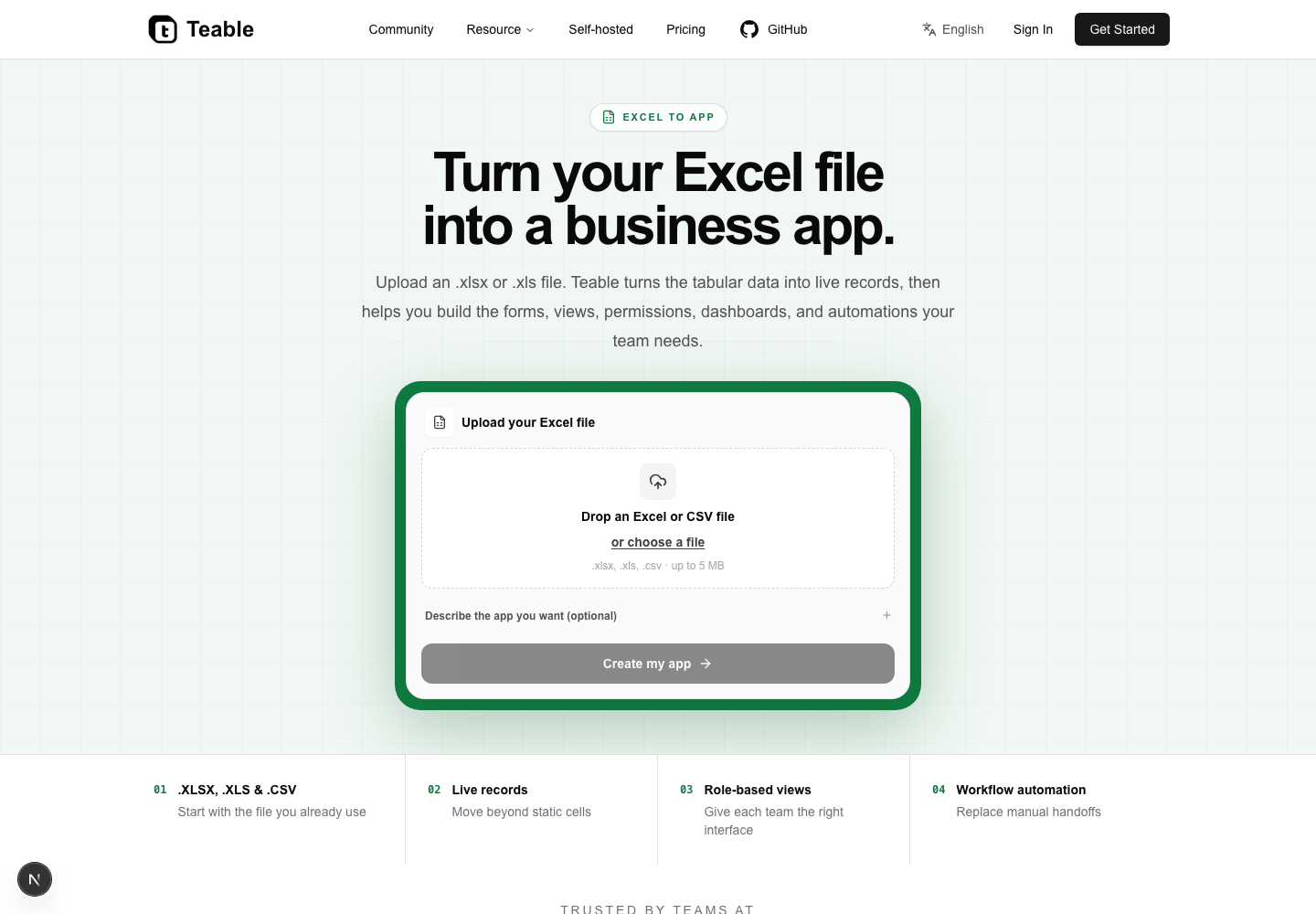
Use it when a sales tracker, inventory workbook, project register, or operations log has outgrown manual updates. The team can keep the source columns, then give each role a clearer interface instead of asking everyone to edit the same grid.
Operations leads, analysts, project owners, and small teams that already rely on Excel but need controlled collaboration are a strong fit. It is also useful for anyone who wants to prove a workflow before investing in custom development.
Ready to modernize a workbook? Try Excel to App.
Spreadsheet to App is built for teams working across Excel and Google Sheets. It turns a spreadsheet-shaped process into a shared app experience, so people can submit, review, filter, and update information without losing the table logic behind it.
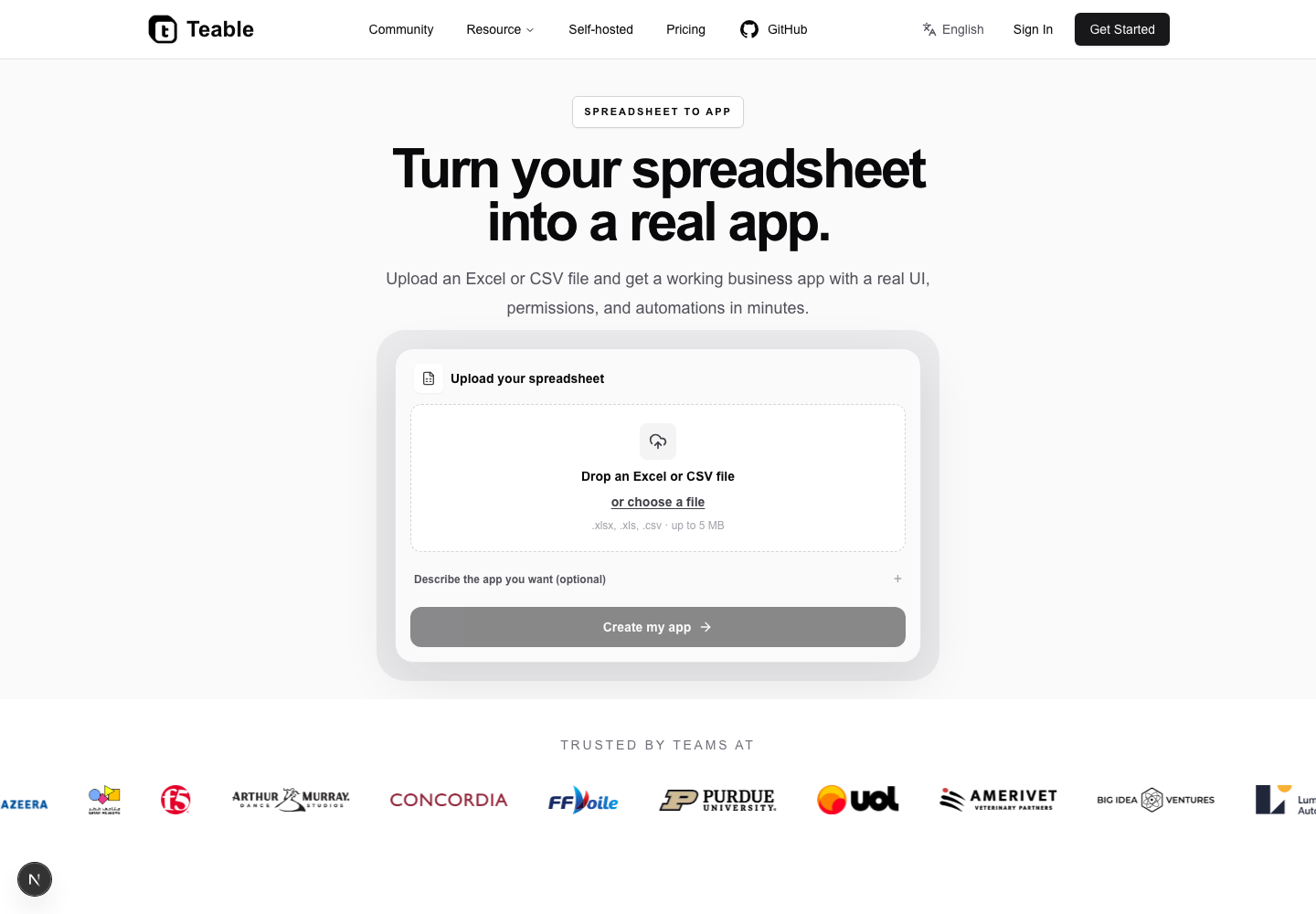
Choose this page for shared intake lists, campaign plans, editorial calendars, partner directories, or any process where different people need different views of the same rows. It helps replace copy-and-paste handoffs with one current source of truth.
Spreadsheet-heavy departments, consultants, coordinators, and teams moving from ad hoc files to a shared workspace can start here. It is especially helpful when the data is understandable already, but the process around it is not.
See how to move beyond a shared sheet with Spreadsheet to App.
No-Code App Builder gives a team a visual way to shape an internal tool without waiting for a full engineering sprint. Start with structured data, choose the views people need, and connect the steps that keep the process moving.
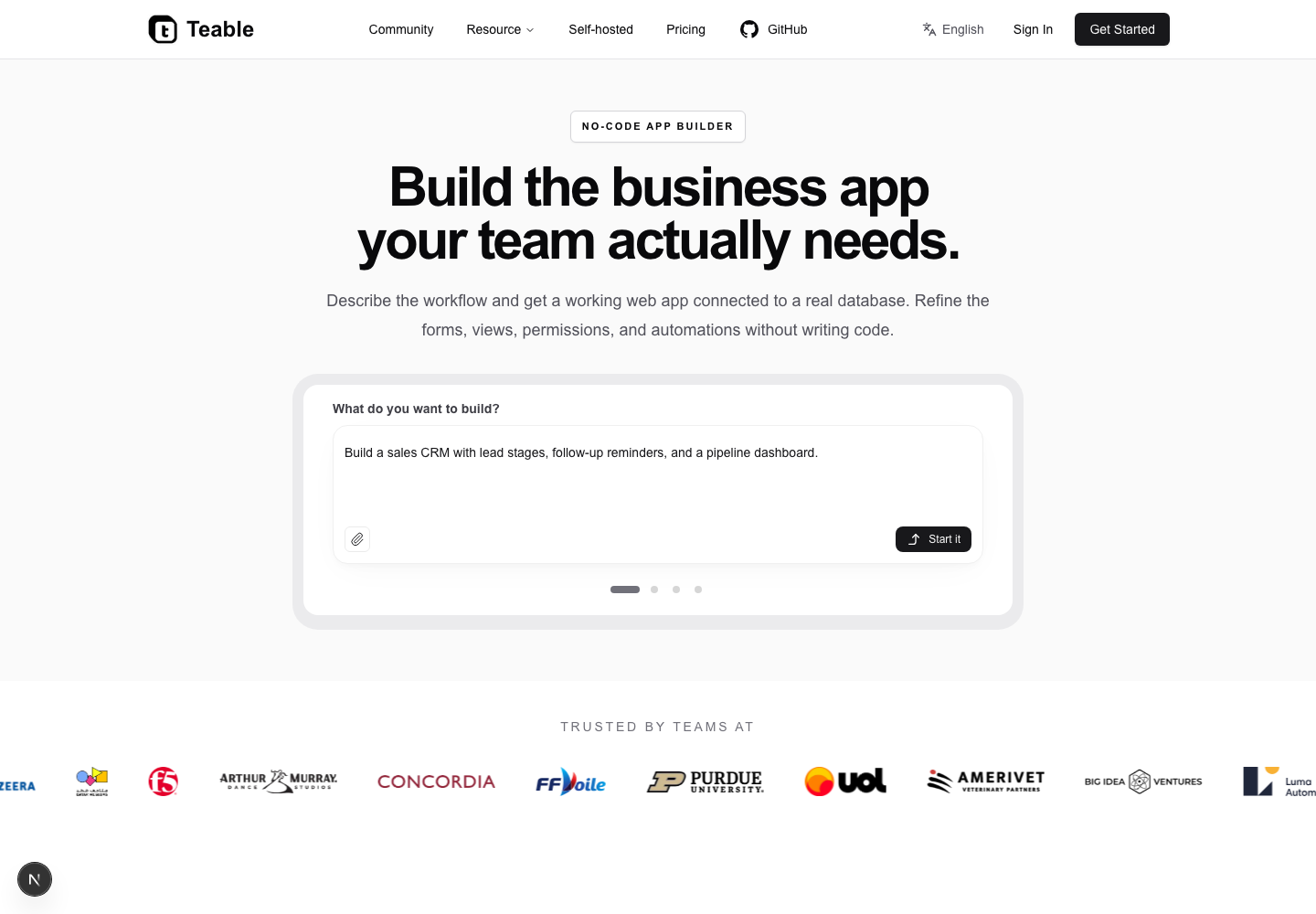
Build lightweight CRM tools, request portals, asset trackers, hiring pipelines, or team dashboards. The same project can expose a focused form for contributors and a richer operational view for the people responsible for follow-through.
Business teams, product managers, makers, and technical operators who can define the process but do not want to maintain a codebase are the natural audience. It also suits engineering teams that need a fast first version for internal users.
Build a first version without a long backlog in the No-Code App Builder.
AI App Builder starts with an outcome instead of a blank canvas. Describe the people, records, and actions involved in a workflow, then use the generated app as a concrete starting point that you can review and refine.
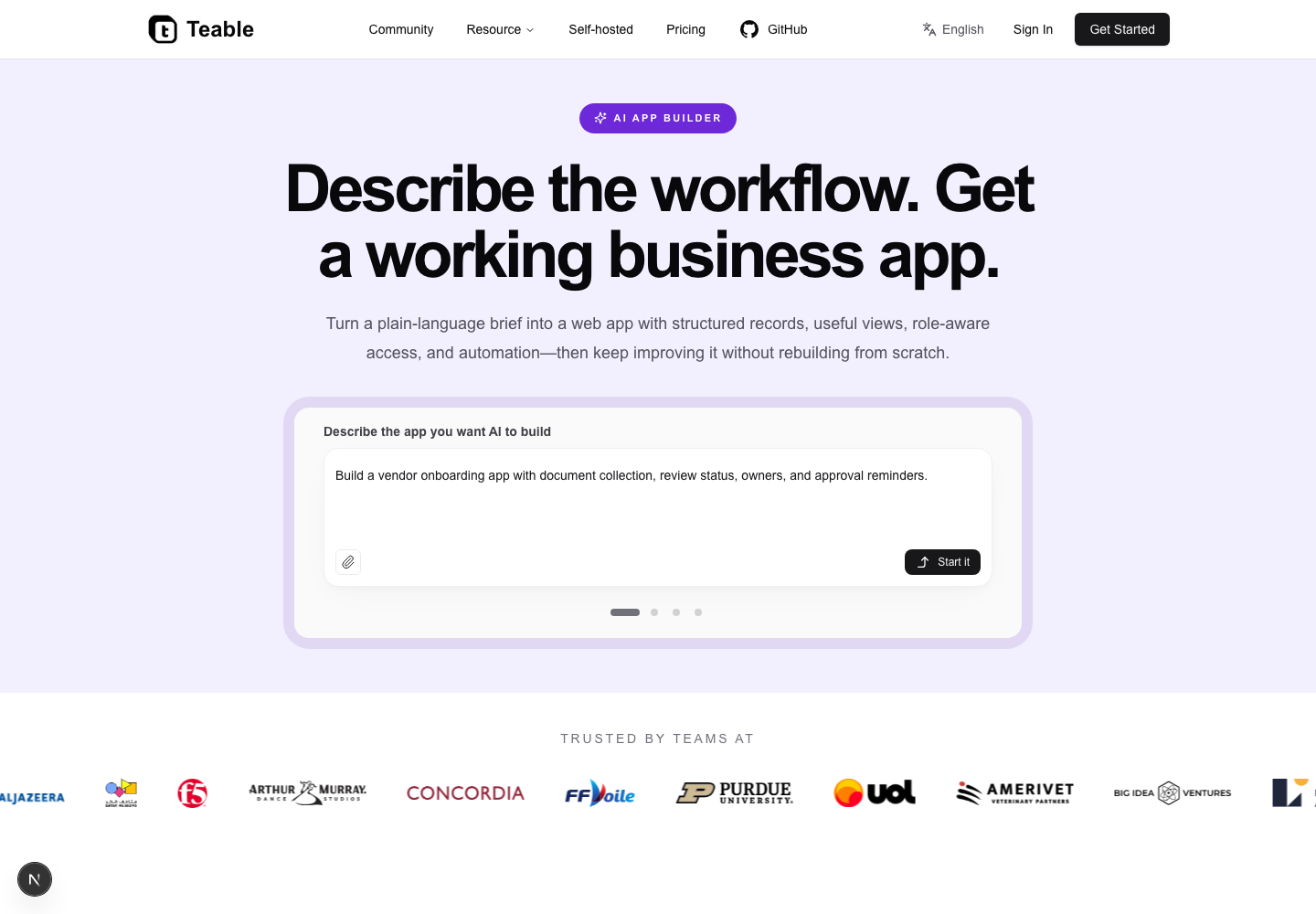
Use it to turn a brief into a client portal, launch a department tool, prototype a data workflow, or create a tailored interface for a process that generic software does not quite fit. The prompt is a starting point; your team remains in control of the result.
Founders, product teams, solution consultants, and operations specialists who can explain a workflow more easily than they can code it will get the most value. Developers can use it too, especially for fast prototypes and internal tools.
Describe your next app in the AI App Builder.
AI Project Management brings planning and execution closer together. Instead of treating a project plan as a static list, teams can keep owners, status, dependencies, updates, and next actions connected to the underlying work.
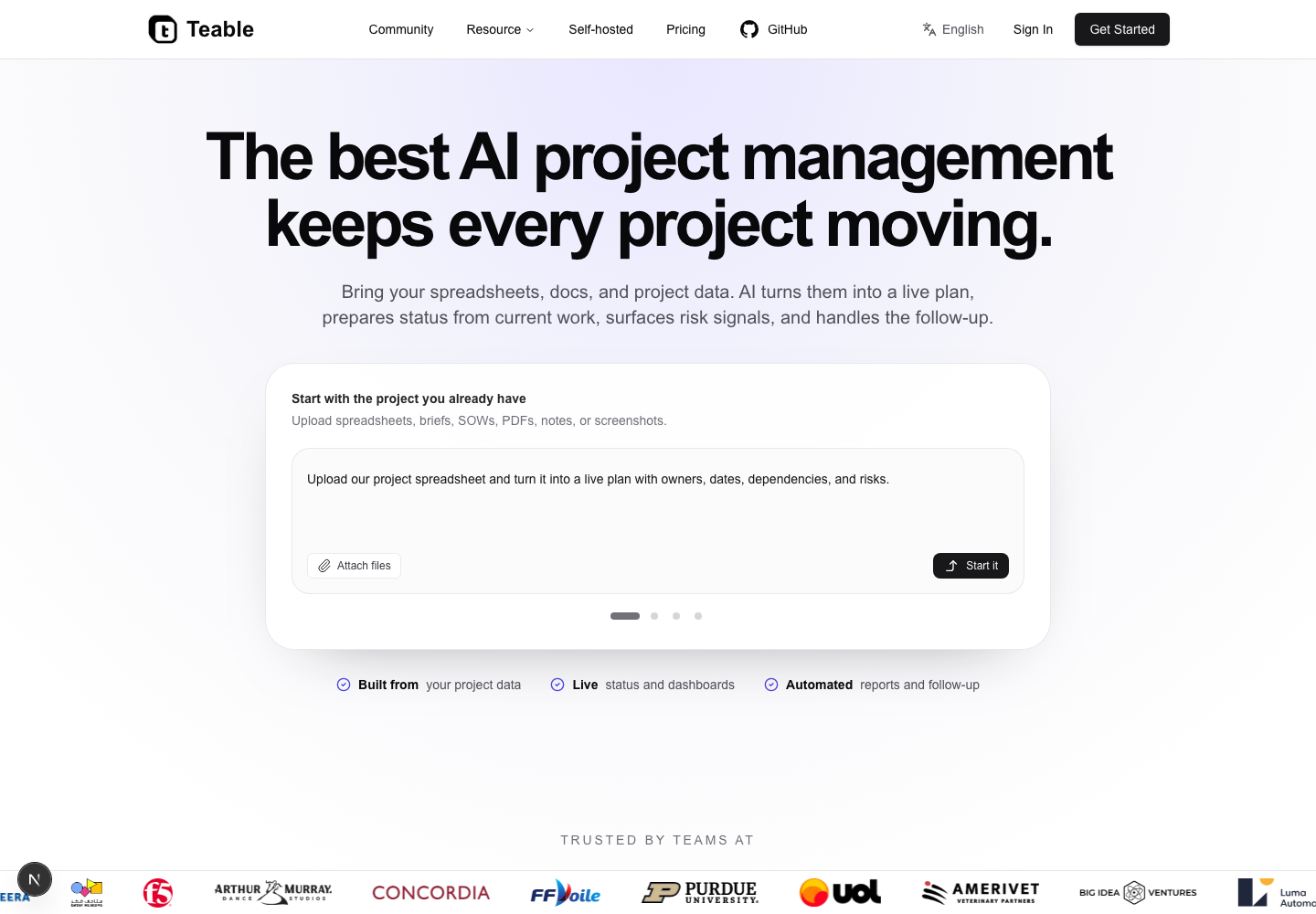
Use it for product launches, marketing campaigns, client delivery, recurring operations, and cross-functional programs. A shared structure makes it easier to spot blocked work, prepare a status update, and turn a meeting decision into an assigned action.
Project managers, team leads, chiefs of staff, and operators coordinating work across functions can use this as their project hub. It is a good fit for teams that need flexibility without giving up accountability.
Keep the next step visible with AI Project Management.
Find Influencers turns creator research into a repeatable system. Capture profiles and signals in structured records, then give the team a practical way to filter, compare, qualify, and manage outreach.
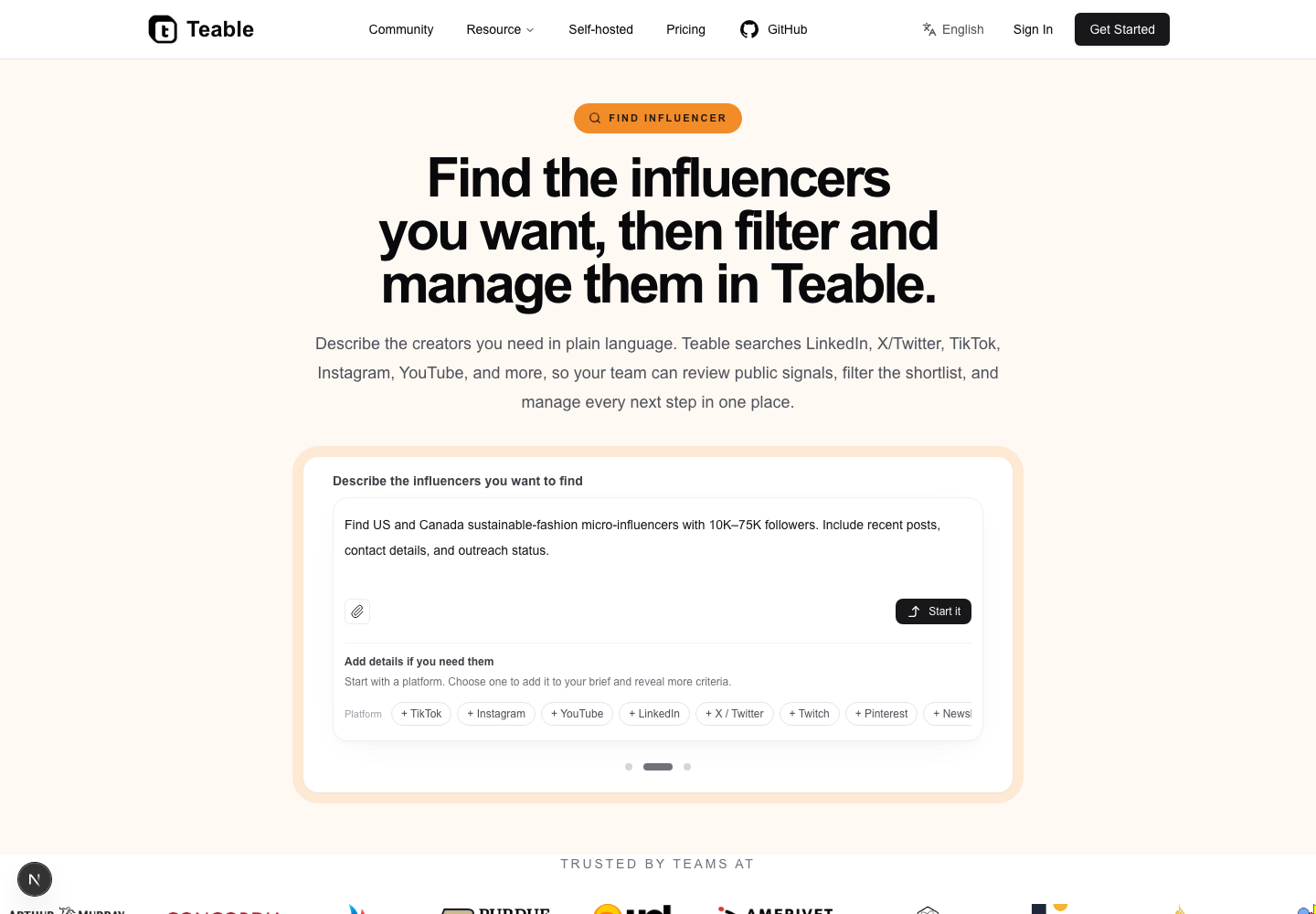
Use it to build a creator shortlist, organize campaign candidates, track contact status, or maintain a long-term ambassador database. Structured fields make audience, niche, reach, and collaboration notes easier to review together.
Influencer marketing teams, agencies, social leads, and founders running creator partnerships can start here. It is useful when research is growing quickly and a spreadsheet no longer gives the team enough context or follow-up visibility.
Create a more organized creator pipeline with Find Influencers.
Online Form Builder connects the moment information is submitted to the work that follows. Create a form for people outside your core team, capture clean records, and route each response into the process that owns it.
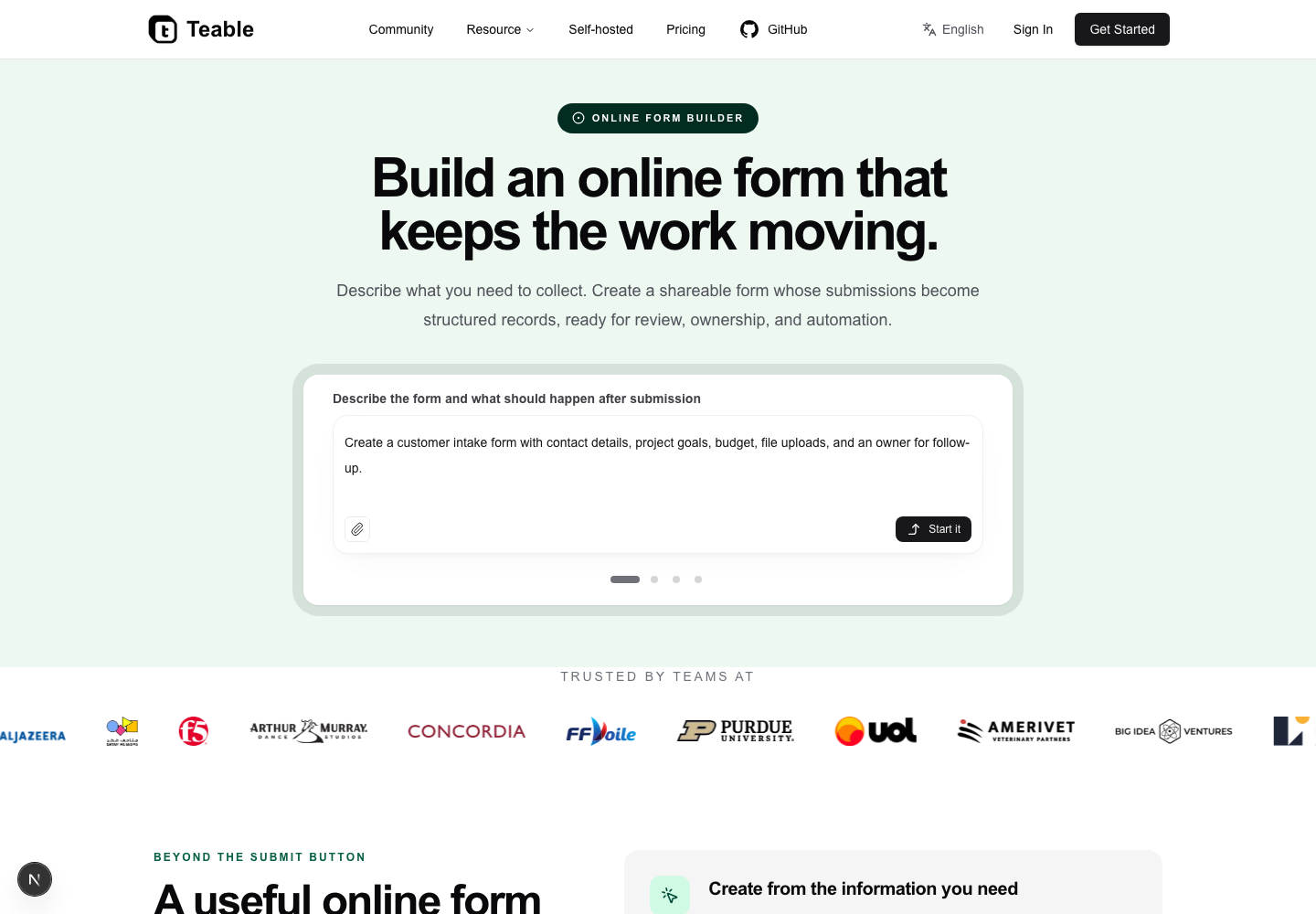
Collect event registrations, service requests, lead details, feedback, applications, or internal approvals. A well-shaped form reduces clarification messages because the response already arrives with the fields and context the next person needs.
Operations teams, marketers, HR coordinators, customer teams, and anyone responsible for intake can use it. It is especially valuable when collecting information is easy, but turning that information into action is slow.
Turn every submission into a next step with the Online Form Builder.
CTMS System is designed for clinical trial teams that need operational clarity across studies, sites, participants, documents, and milestones. It provides a structured starting point for coordinating trial work while keeping the data model visible and adaptable.
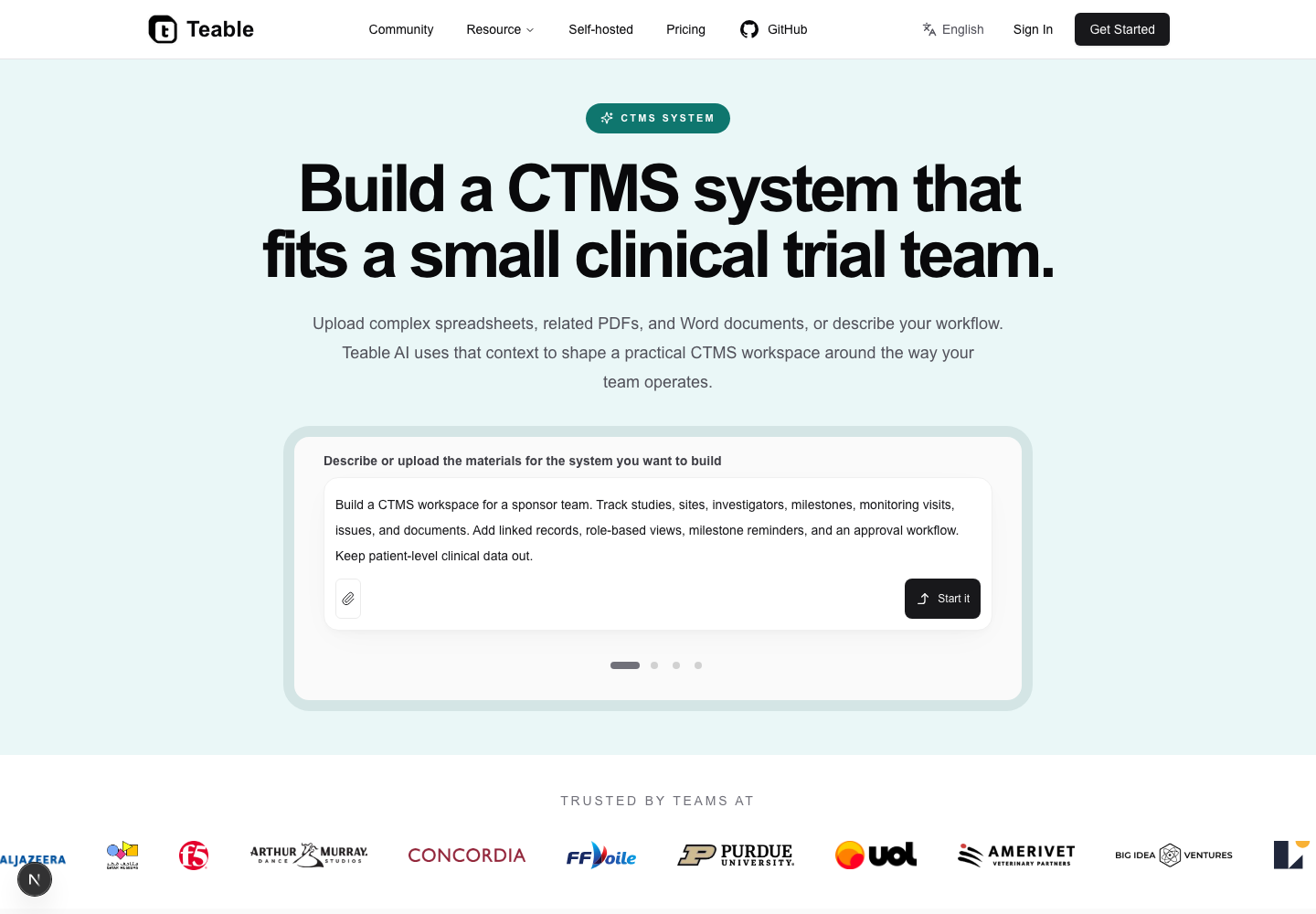
Use it to coordinate site activation, maintain study trackers, follow document readiness, manage visit schedules, or give sponsors and research partners a clearer operational view. Teams can adapt the structure as a study moves from setup to closeout.
Clinical operations managers, CRO teams, study coordinators, and biotech groups that need a flexible trial workspace are the intended audience. Before adoption, teams should still map their own compliance, validation, and governance requirements.
Explore a flexible trial operations workspace in the CTMS System.
Workflow Generator helps turn an uploaded file into a working process. Start with an Excel workbook or another structured file, describe any extra requirements in the options field, and use the generated tables and automation as a practical first draft.
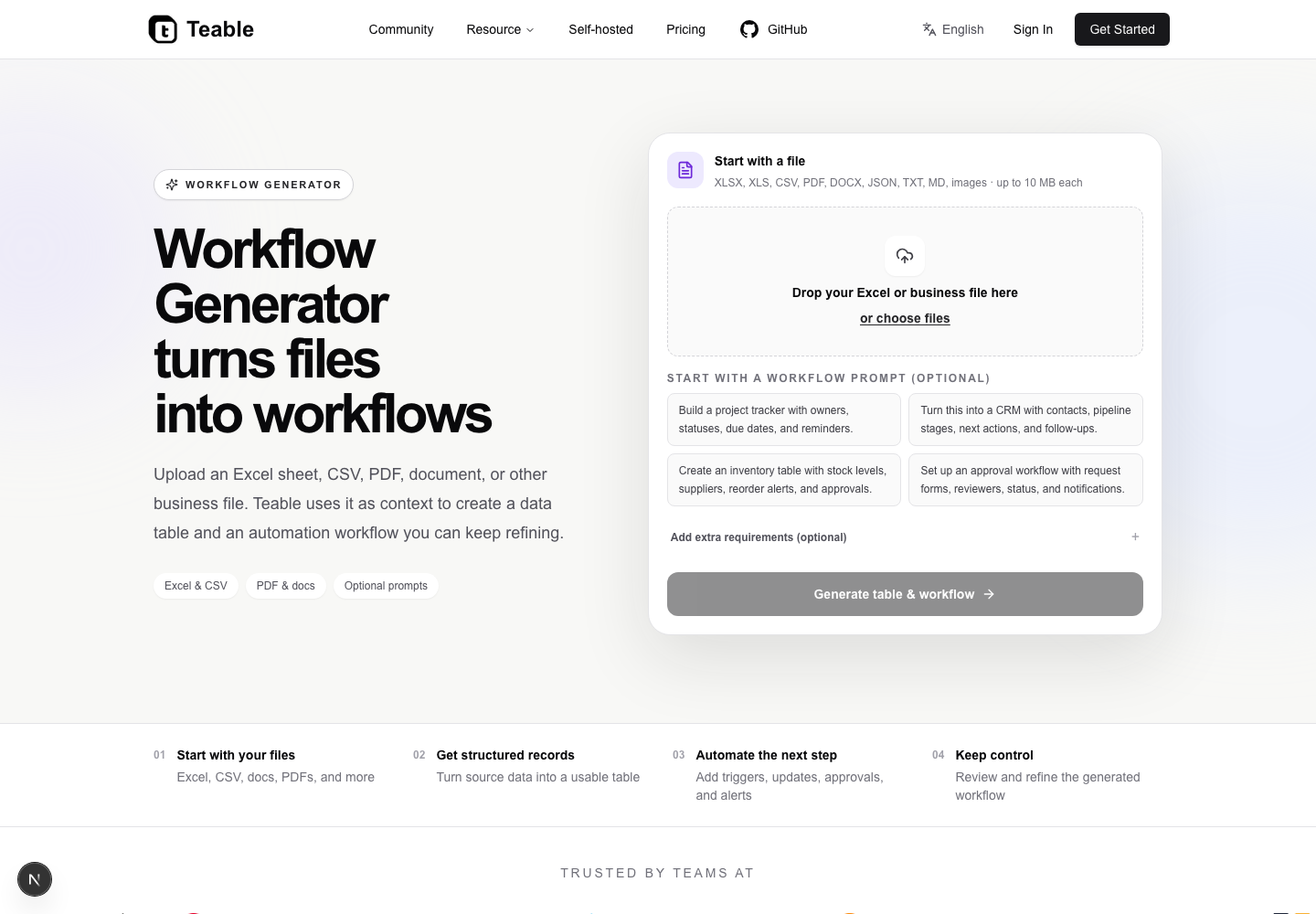
Use it when a team has a file but not yet a repeatable system: convert a project tracker into assigned work, turn an intake sheet into a routed process, or add reminders and status changes to an operations table. The option field lets you explain the context that the file alone cannot show.
Operations owners, analysts, consultants, and teams starting from an inherited spreadsheet can use it to get from raw material to a clearer workflow faster. It is also a useful workshop tool for aligning stakeholders on what should happen next.
Bring your file and start with the Workflow Generator.
If you already have a workbook, start with Excel to App or Spreadsheet to App. If you are defining a new internal tool, choose No-Code App Builder or AI App Builder. For a specific operating motion, use AI Project Management, Find Influencers, Online Form Builder, CTMS System, or Workflow Generator. Each page is a focused entry point; Teable keeps the underlying data and automation connected as the process grows.
Start with the format of the work you already have: a spreadsheet, a file, a form, a project, or a specialist process. Teable gives that starting point a clearer interface and a connected next step, so you can move from scattered information to a workflow your team can actually run.
- Bring the source material or describe the process.
- Choose the view and ownership model each role needs.
- Automate the next action, then refine the workflow with your team.
Ben is a former ByteDance product manager who specializes in database tables and app building.
Not sure which path fits? Visit the Teable homepage.


