CompareGlide Alternative

A Glide Alternative for Connected Business Apps

Bring customer records, order tracking, and business apps into one workspace. Teable gives operations teams a spreadsheet-style place to manage the data behind every app.

Free cloud plan available. AI credits and usage quotas apply.

Teable vs Glide at a glance

Teable puts a shared database at the center of the workflow. Glide focuses on building and delivering apps. Both can use AI; the choice is how your team wants to manage data and change the app over time.

Starting point

TeableA shared database with spreadsheet-style editing

GlideGlideOS projects or Glide Classic apps

Related business data

TeableLinked records, typed fields, and views

GlideClassic tables and computed columns; connected data in GlideOS projects

App creation

TeableAI-generated apps on the data in your workspace

GlideAI app creation in GlideOS; visual app building in Classic

AI in daily work

TeableAI fields that save results into records, plus AI-assisted app building

GlideGlideOS apps and agents; Classic AI columns and actions

Workflow automation

TeableAutomations alongside tables and apps

GlideGlideOS workflows; Classic actions and workflows

Plan structure

TeableCloud Free and paid plans; self-hosted App Builder on Business or higher

GlideSeparate GlideOS and Classic subscriptions and usage allowances

GlideOS and Glide Classic are separate products with separate subscriptions. The rows below distinguish them where that changes the decision. Product sources

Give operations a workspace behind the app

Teable

Keep customers, orders, and delivery milestones in linked tables. Staff can work directly in the grid while an app gives customers or colleagues a focused way to use the same records. A change to an order has a clear home in the database.

Glide

Glide also builds portals and internal tools. Classic combines an app editor with configured data, screens, and actions; GlideOS takes an AI-led approach to building apps and agents. The existing Glide product determines how your team edits and maintains the result.

The practical difference Teable is a strong fit when managing the underlying records is as important as delivering the app.

Glide product
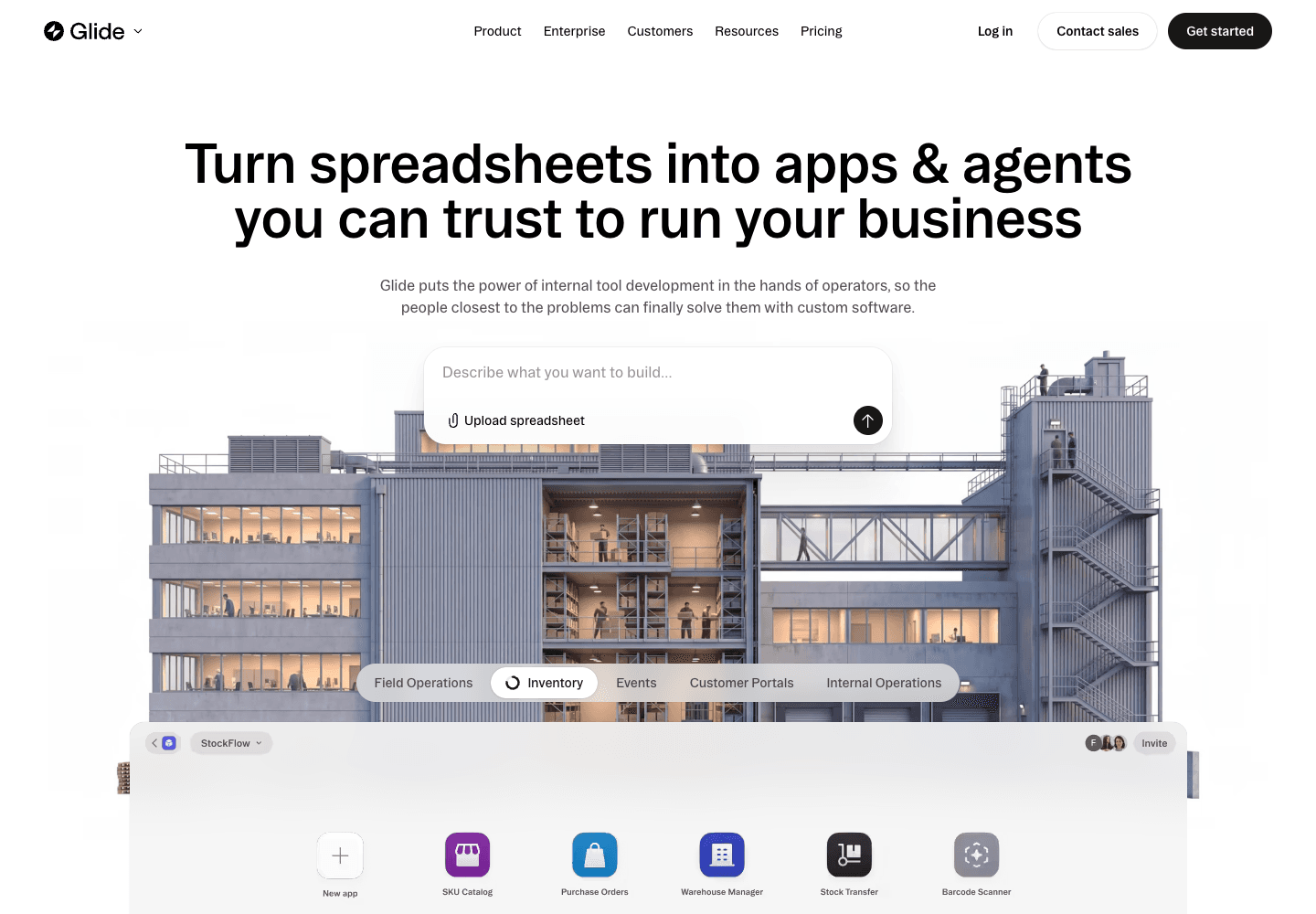
Glide homepage showing its spreadsheet-to-app entry point
Captured from the official public website on October 15, 2026. View source

Put AI results where the next step happens

Teable

An AI Field can summarize a customer request or classify an order and save the result in the record. That field can then appear in a queue, an app screen, or a configured automation. Staff can review the source and result together.

Glide

GlideOS offers AI apps, agents, and workflows. Glide Classic also has AI columns for processing data and AI actions in workflows. Both products can put AI into operational work; the choice is the workspace and app-building approach your team prefers.

The practical difference Both platforms can turn AI output into usable data. Teable combines that work with linked tables and AI-built apps in its database workspace.

Glide AI columns and actions

Match the subscription to the way you will use it

Teable

Start on Teable Cloud’s Free plan, then select allowances for collaborators, records, automations, and AI usage as the workflow grows. Teams running their own infrastructure need Business or higher for self-hosted App Builder.

Glide

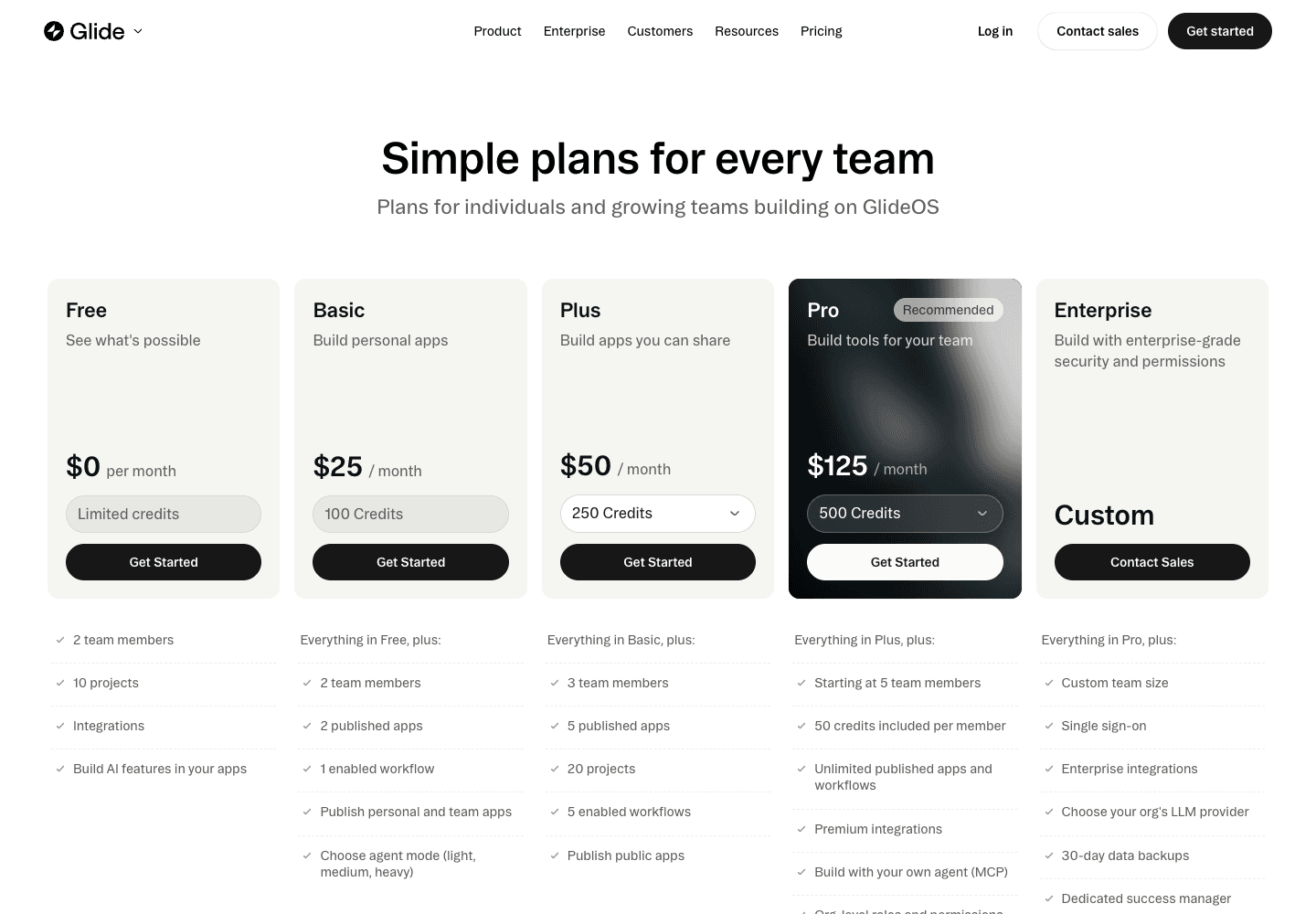
GlideOS pricing includes allowances for members, publishing, workflows, and credits. Classic has a different subscription. An existing Classic app and a new GlideOS project therefore need separate cost comparisons.

The practical difference Compare the same audience and workload. A builder’s subscription alone does not describe the cost of running a team app.

Teable cloud and self-hosted pricing
GlideOS pricing page with project, publishing, and workflow allowances
Captured from the official public website on October 15, 2026. View source

Moving from Glide to Teable

Start with one workflow. Import the records, then recreate the app behavior around them before inviting the wider team.

Read the Teable connection and import guide
Step 1

Prepare and import the records

  1. 1Export accessible tables from the current data source. Include stable IDs, relationship keys, and a separate inventory of app screens, actions, roles, and integrations.
  2. 2Import CSV or Excel into Teable. Review field types and rebuild links using stable record IDs.
  3. 3Compare record counts, totals, dates, and a sample of attachments against the original.
Step 2

Rebuild and validate the workflow

  1. 1Recreate one customer portal flow in Teable. Map order ownership, restrict customer visibility, test an update and a notification, then decide whether to move the remaining apps.
  2. 2Test with the actual user roles. Check that people can only view and change the intended records.
  3. 3Agree on a cutover, reconcile late changes, and enable the new workflow after the team signs off.

Exported files transfer data. Review formulas, attachments, access rules, and integrations separately; they may need to be rebuilt.

Sources and comparison date

Product documentation and public pages reviewed October 15, 2026. Screenshots show the official public pages; plan details may change.

Glide alternative FAQ

Is Teable a Glide alternative?

Yes, for customer portals, internal tools, and operations built around structured data. Evaluate the specific Glide product, data source, and user experience your team relies on.

Does this comparison cover GlideOS or Glide Classic?

It covers the decision to move a business workflow to Teable and distinguishes the two Glide products where relevant. GlideOS has its own plans. Classic app configuration and data-source choices need their own migration inventory.

Will my Glide app transfer automatically?

Exported records can be imported as data. Screens, computed columns, roles, integrations, and workflow logic need to be recreated and tested in Teable. A CSV export is not an application migration.

When should I keep Glide?

Keep it when the existing app experience and integrations already fit your process and the cost of rebuilding is greater than the benefit. Use a small representative workflow to evaluate a move.

Can I start with Teable for free?

Yes. The cloud Free plan includes access to AI Chat, AI Field, and App Builder with usage limits. Included bonus credits are one-time; they are not an unlimited recurring AI allowance. See current quotas and plan details. View Teable plans

Can I self-host the app builder?

Teable supports self-hosting. App Builder requires a self-hosted Business plan or higher. Include the license, infrastructure, backups, and AI-provider usage when evaluating the deployment.

Build your next business app around shared data

Start with your customer or order table, connect the related records, and build a focused app in Teable.

github logoreddit logoXyoutube logolinkedin logo
© 2026 Teable AI, Inc.