Tools
Design library
Reusable interface resources for product teams.
Design · Resource collection
Turn a spreadsheet, a collection of links or an idea into a searchable directory. Let Teable AI gather the data, build your site and help you keep it useful.
Start with trial AI credits; plan and usage limits apply. View plans and trial details
Trusted by teams at












A directory website builder turns structured listings into a site people can browse and filter. Teable brings the listings and the web app together, so changing your categories or adding a new resource does not mean rebuilding a static page.
Try this interactive example: search a resource or narrow the category. These sample listings illustrate a directory layout, not an automatically generated customer site.
Reusable interface resources for product teams.
Design · Resource collection
Independent specialists organized by craft and service area.
Community · Provider profiles
Research and practical guides with their original sources.
Research · Curated links
Compare tools by the tasks they help you complete.
Operations · Task filters
Browse learning sessions by topic and delivery format.
Education · Topic filters
Find a collaborator by expertise and portfolio.
Creative work · Contact links
Amiipedia organizes more than 900 amiibo entries into a searchable website with compatibility information and side-by-side comparisons. Its creator manages the data and the app together in Teable.
Read the Amiipedia story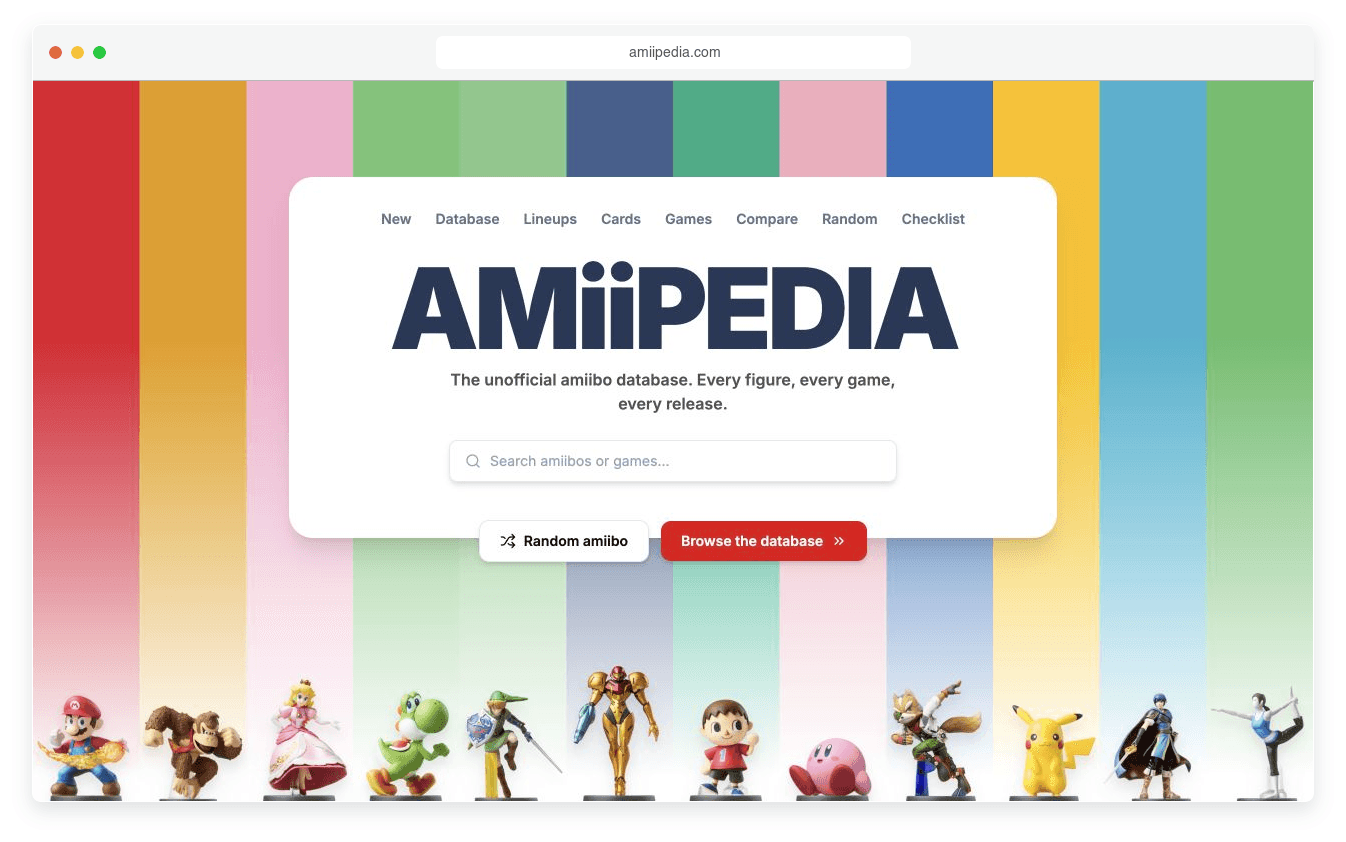
Upload your list, connect a data source or ask the Agent to research public pages. Keep source links alongside the details you want visitors to compare.

Ask for search, useful filters and listing details that match your niche. Refine the layout, categories and visitor actions in natural language.
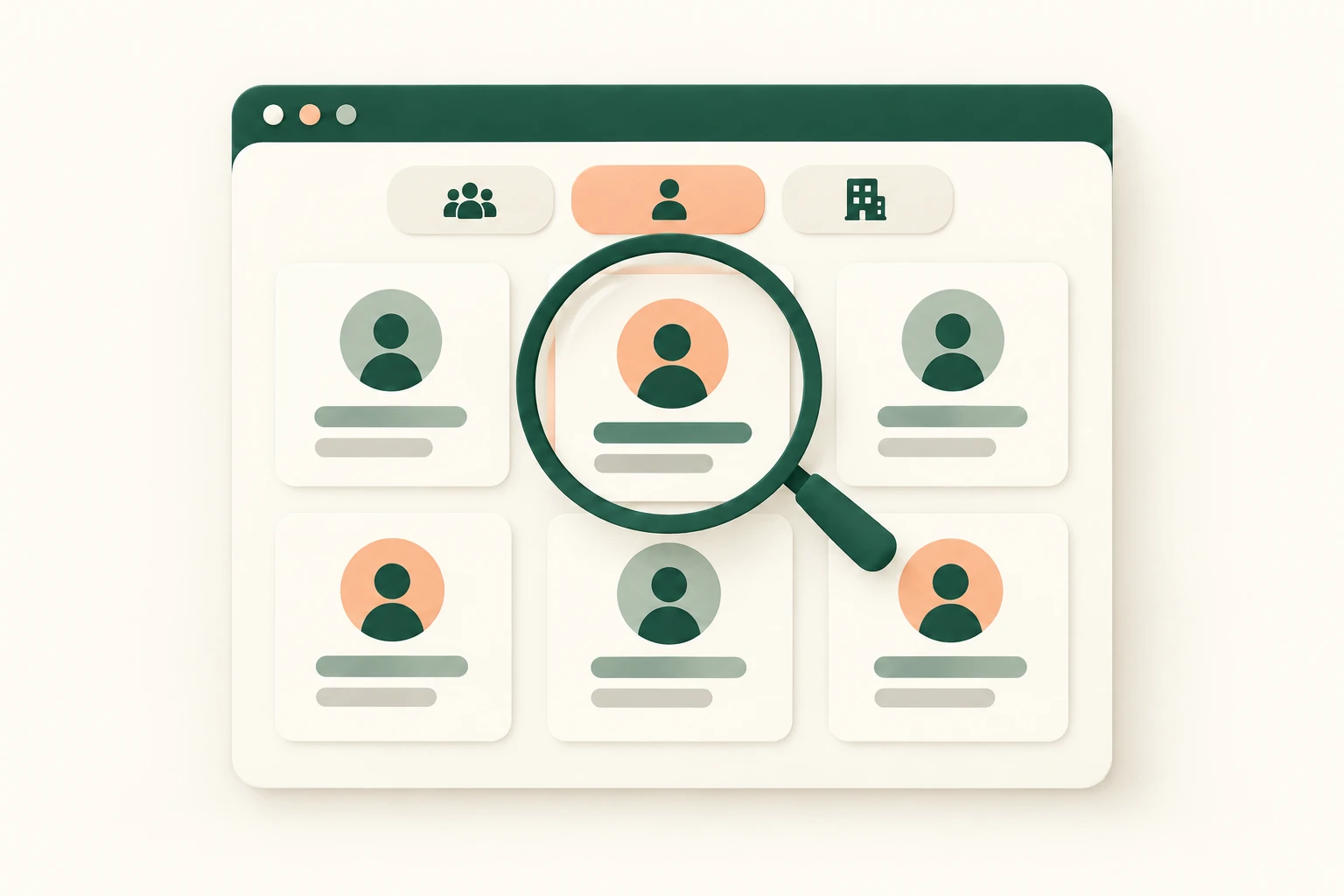
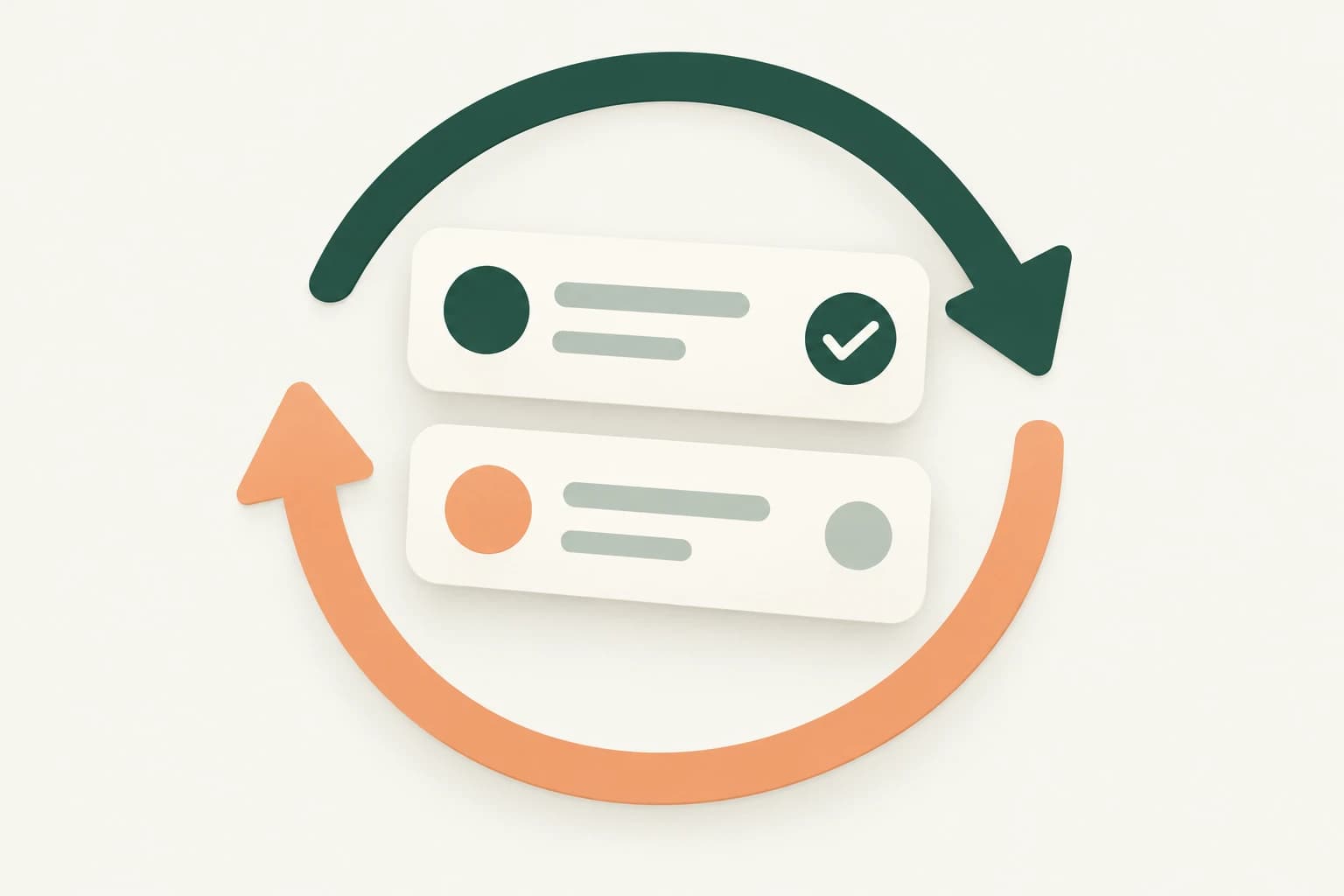
Update the underlying records and refine the app as your collection grows. Configure review statuses and scheduled data collection with sensible intervals.
For editors who want a useful resource, not another unstructured link list.
For community teams helping visitors find the right provider by specialty and area.
For enthusiasts connecting items, attributes and related information.
| Shared spreadsheet | Directory CMS | Teable |
|---|---|---|
Good for organizing a list with collaborators | Good for established directory templates and plugins | Good for building a custom directory around connected data |
Visitors explore rows and table filters | Visitors use the theme's listing and search experience | Ask the Agent for niche-specific cards, filters and detail views |
Maintain the sheet and any separate website | Manage content, plugins and hosting for your chosen setup | Manage records, review workflows and the app in one workspace |
Name the niche, what visitors need to find and the fields that help them choose.
Add sources, generate the web app and test search with a small set of checked entries.
Share the site, assign review owners and improve the filters based on visitor needs.
Real experiences from Teable users building and adapting their own systems.
AI Systems Builder · AI SCWORK

🧨 Teable does not just compete with Airtable. It exposes what Airtable is missing. Modern teams do not need nicer spreadsheets. They need operational systems that can run themselves. Teable turns tables into workflows, AI actions, and internal apps.
AI Consultant & AI Engineer · Adway

Teable 3.0 feels like a grown-up spreadsheet. It keeps the familiar grid and adds automations, AI actions, and internal app building in one platform. I finally got the control model I used to assemble manually.
AI Leader · Google DeepMind
I used Teable for a team with leads spread across sheets, CRM exports, and automations. We now import, follow up, and track dashboards in one flow. One system replaced half a dozen disconnected tools.
Yes. Teable offers trial AI credits so you can start with a small directory and refine it. Building, ongoing usage and plan limits depend on your account; check current pricing before expanding.
View plans and trial detailsYes. Upload your source files, select a connector or choose a scraping source in the input tools. Tell the Agent which fields matter and keep the original URLs so you can review the results.
Describe how visitors should find entries: for example, by category, service area or expertise. Teable can generate the web app around those requirements. Test the resulting filters and details with your own data before sharing.
You can build an intake form and review workflow in Teable. Keep submitted entries separate from approved public listings, decide who can edit them and test the permissions before inviting contributors.
A published site is a starting point, not a ranking guarantee. Useful original listings, crawlable pages, clear titles and reliable updates still matter. Review the generated site's indexing settings and content before launch.
Teable supports custom domains for published apps. Paid listings are a separate workflow: define payment, approval and expiry requirements before implementing them. Start with the searchable directory and validate any payment integration separately.
Tell Teable what belongs in your directory and who it is for. Build the site and its data together.
Start your directory for freeStart with trial AI credits; plan and usage limits apply.

Products
AI app builder
No-code app builder
Excel to app
Spreadsheet to app
Dashboard Creator
AI project management
Online form builder
AI web scraper
Find Influencer
AI email parser
Workflow generator
All Products


