Inbound inquiries
Add context before assigning an owner.
Bring a lead list. Teable researches company data and adds the fields your team needs to filter, review and follow up. Start for free.
Trusted by teams at








Teable adds context to your records: business activity, fit for your offer and the source behind each finding.
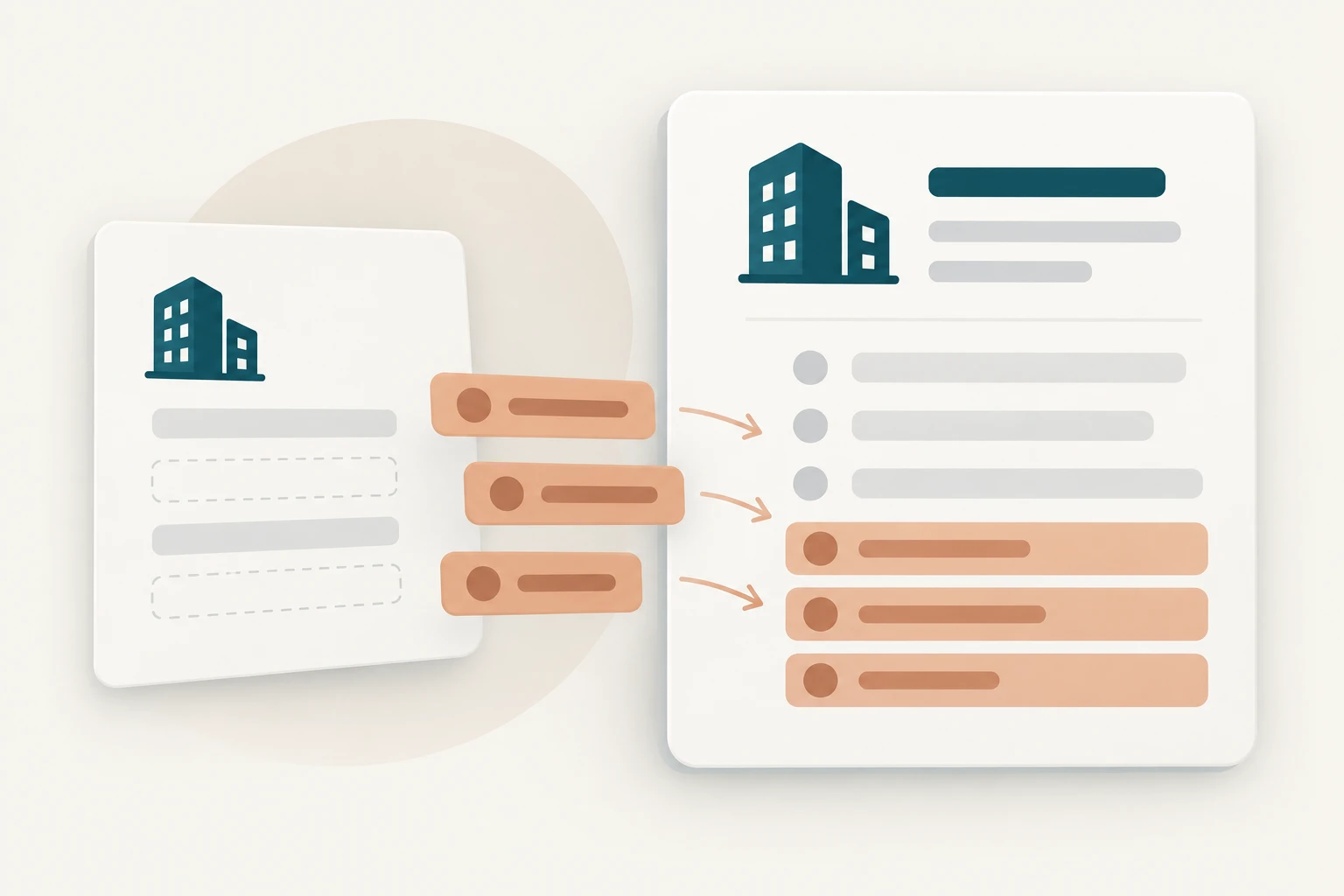
Switch records and accept a field. Original values stay until you choose an update.
Illustrative lead review
Fictional companies and sources. Choices affect only this preview.
Company and domain agree. Review the proposed company data.
Source: cedar.example/services · sample page
Current value: Services
Source: Sample services page + your targeting criteria
Current value: Not assessed
Source: No supporting contact source
Current value: Not provided
Selected updates: 0
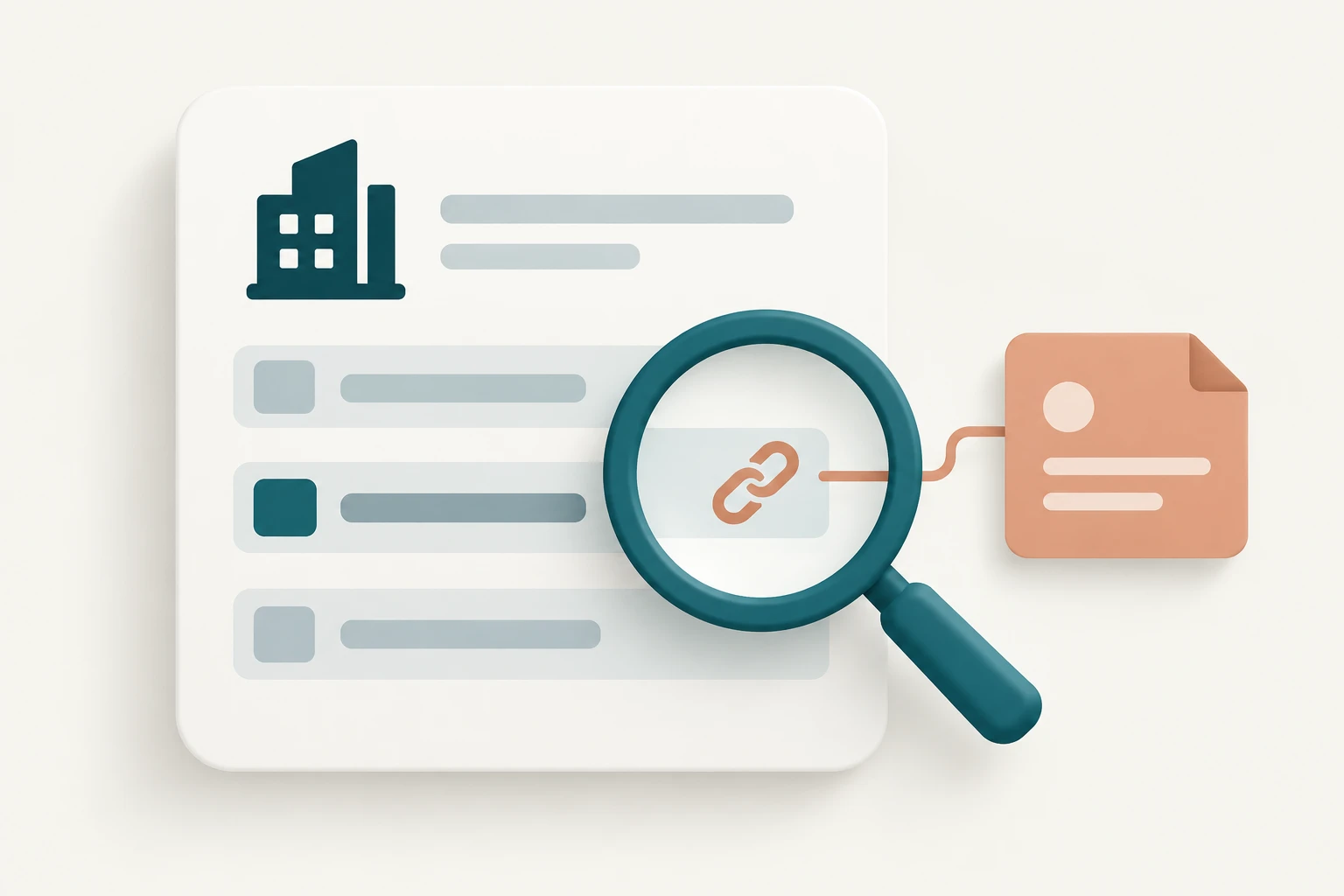
Add context before assigning an owner.
Resolve names while keeping original notes.
Compare products with your partner criteria.
| Task | Manual research | Data-provider tools | Teable |
|---|---|---|---|
| Fields | Copy what you find | Provider-defined coverage | Request custom fields |
| Evidence | Keep your own notes | Depends on the provider | Save sources alongside findings |
| Next step | Update another tool | Export or integrate | Review and filter in one table |
Filter by fit, assign owners and share views. Ask the Agent to analyze gaps in your enriched list.
Choose fields for your next decision.
Confirm the company and its sources.
Keep originals, approved fields and tasks together.
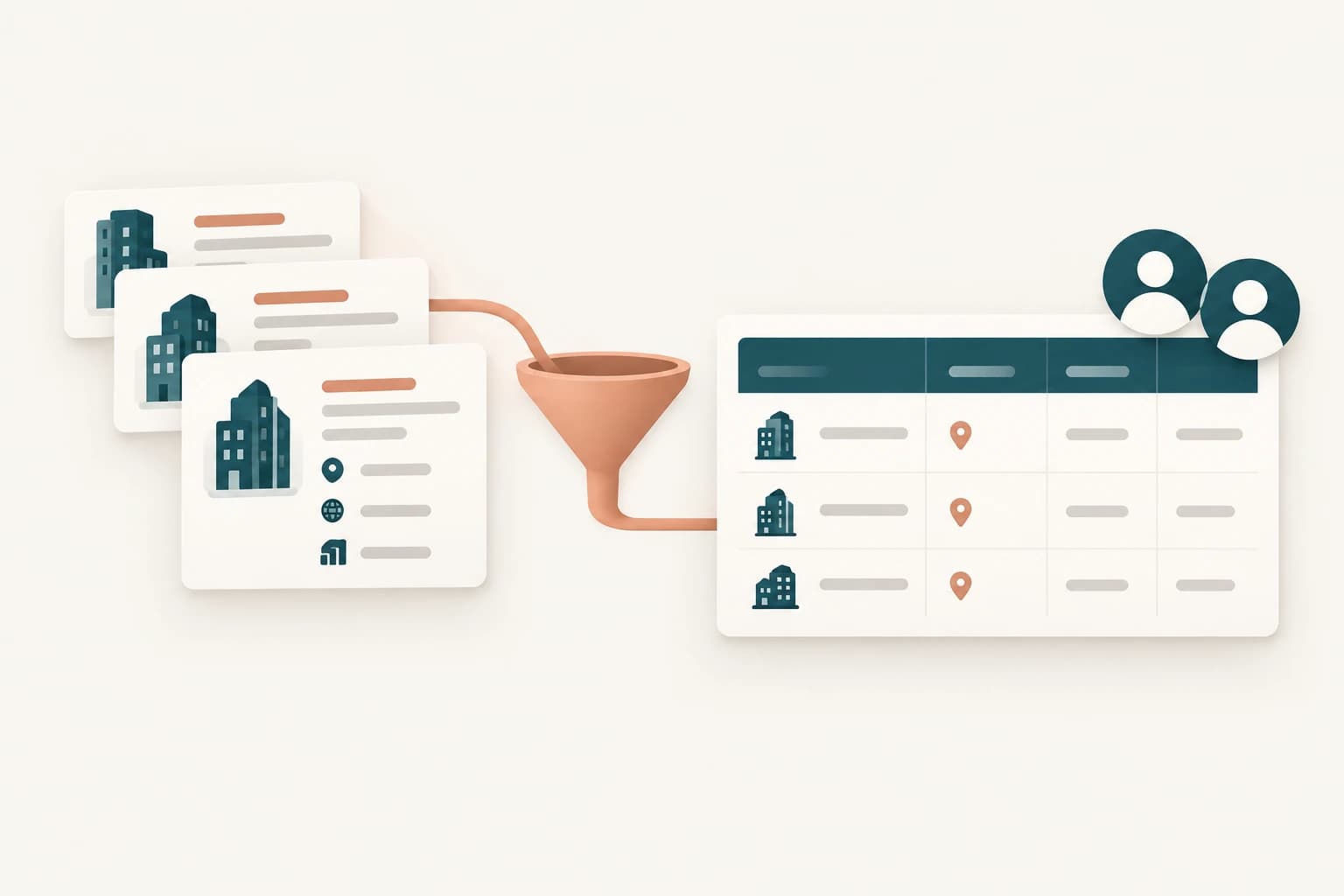
How teams connect data and workflows with Teable.
AI Leader · Google DeepMind

I used Teable for a team with leads spread across sheets, CRM exports, and automations. We now import, follow up, and track dashboards in one flow. One system replaced half a dozen disconnected tools.
AI Systems Builder · AI SCWORK

🧨 Teable does not just compete with Airtable. It exposes what Airtable is missing. Modern teams do not need nicer spreadsheets. They need operational systems that can run themselves. Teable turns tables into workflows, AI actions, and internal apps.
AI Consultant & AI Engineer · Adway
Teable 3.0 feels like a grown-up spreadsheet. It keeps the familiar grid and adds automations, AI actions, and internal app building in one platform. I finally got the control model I used to assemble manually.
Bring an existing list with company names and, ideally, domains or locations. You can attach a spreadsheet, select a data connector or provide public company links. Tell Teable which fields will help you decide what to do next.
Yes. Start with a small list on Teable’s free plan. Check AI usage and options to add capacity on the pricing page. Connect your own provider account when using an external database. See plans and usage
Ask for a source and observation date with each factual field. A company name alone can match several businesses, so add a domain, location or another identifier when necessary. Keep unclear matches in a review view instead of merging them automatically.
Finding a publicly listed address is different from verifying deliverability. A role or name does not establish someone's personal email. Keep unavailable contact fields empty, and request a separate supported verification workflow if you need it.
Keep original values and suggestions in separate fields. Review the changes, then choose what to write back to your CRM. Select a connector to describe the source, and configure approval and write-back in the workflow.
You can build a scheduled Teable automation to research selected records again. Choose a reasonable interval and store the source and latest observation date. Prioritize fields that change, rather than repeating the entire list unnecessarily.
Research and list management do not require sending messages. You can add a follow-up workflow later, with draft review and explicit approval before sending. Use appropriate access and consent for any personal information or outreach.
Yes. Keep the results as Teable records with owners, status and the fields relevant to your team. Create filtered views and configure sharing or permissions for your workflow. The Agent can also help analyze gaps and explain the fit criteria.

Products
AI app builder
No-code app builder
Excel to app
Spreadsheet to app
Dashboard Creator
AI project management
Online form builder
AI web scraper
Find Influencer
AI email parser
Workflow generator
All Products
Resource
Help Center
Changelog
Customer Stories
Wall of Love
Compare
Solutions
Trust Center
Status
Self-hosted


