Service teams
Keep clients, projects and deliverables connected so an account owner can review the full engagement.
Describe your records or bring your files. Teable builds linked tables you can edit, share and keep improving.
Trusted by teams at












Store a customer once, then link their projects and deliverables. Teable turns the records you already manage into a shared, editable database.
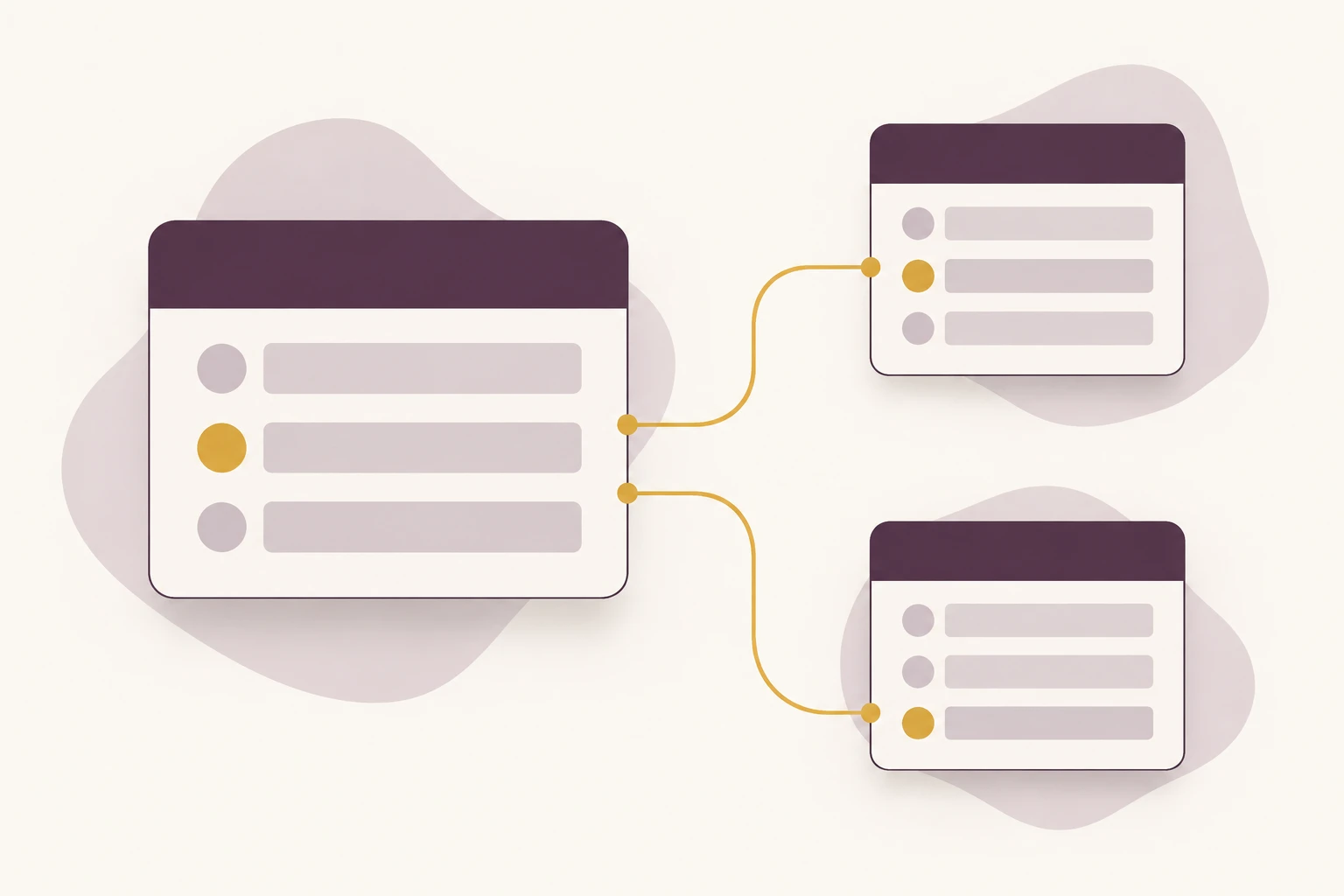
Choose a project, then rename it. Its delivery records keep the same link, while the client lookup and planned-hour total stay in context.
Choose a project
One client, three deliverables. Client details belong in the client record, not repeated in each project row.
Edit the name to see linked references change.
| Deliverable | Linked project | Stage | Hours |
|---|---|---|---|
| Content audit | Website refresh | In review | 6 |
| Page layouts | Website refresh | In progress | 12 |
| Launch checklist | Website refresh | Planned | 4 |
Example data: clients link to projects, and projects link to deliverables. Rename a project to see its linked references update.
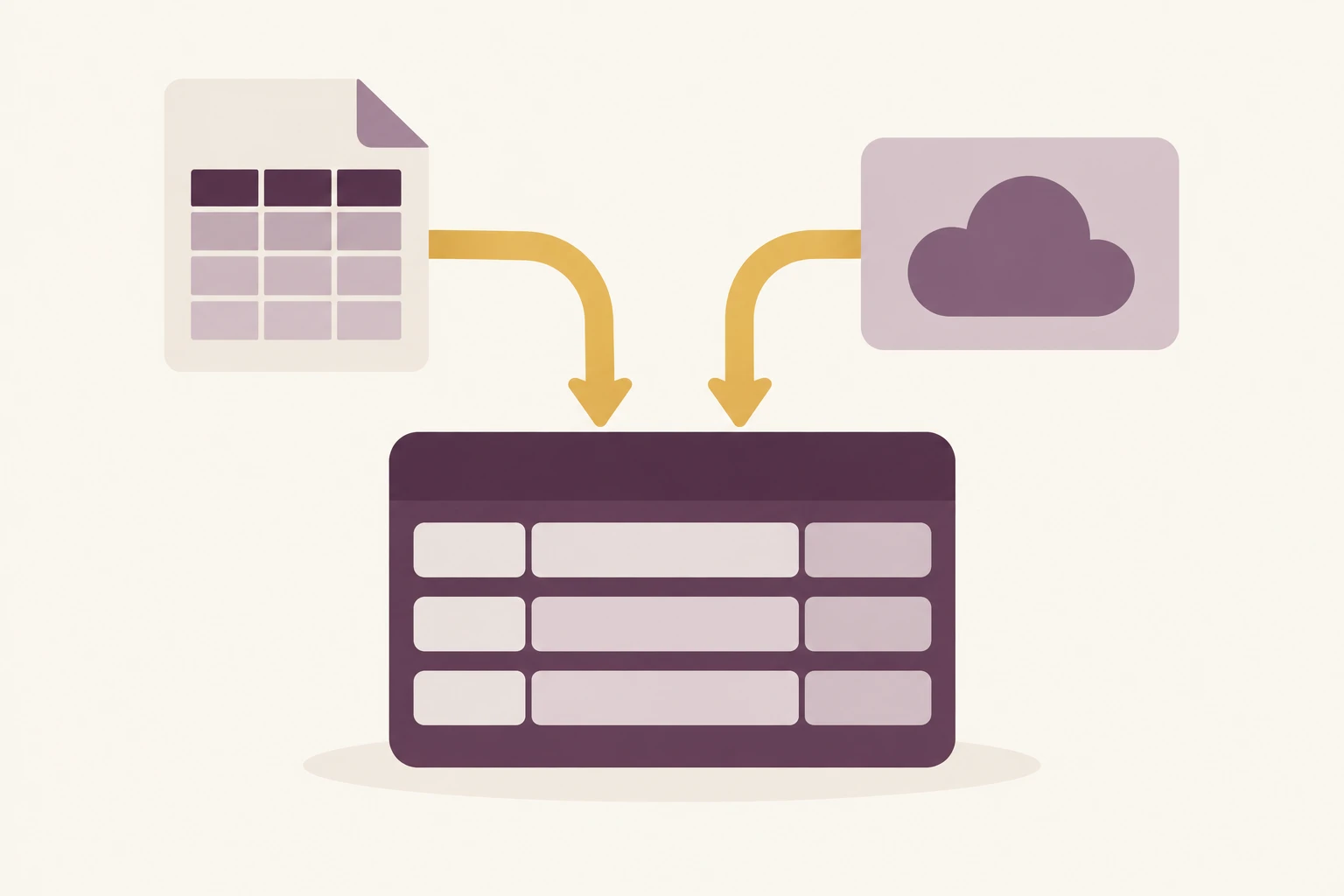
Upload files, choose a connected service or collect web records. Keep source identifiers so related tables can be matched correctly.
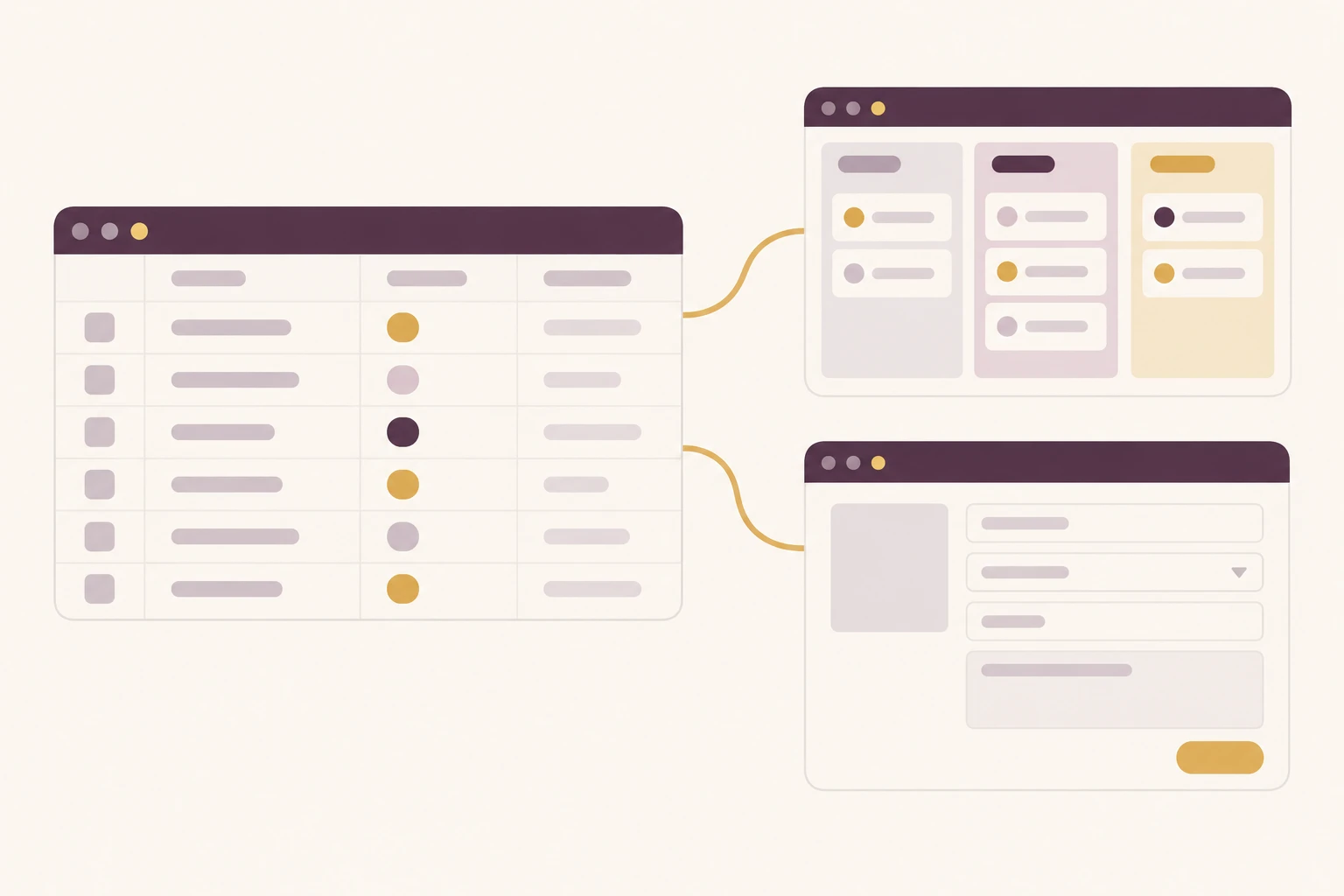
Use forms for intake, filtered views for owners and summaries for managers. Configure permissions separately from how a view looks.
Keep clients, projects and deliverables connected so an account owner can review the full engagement.
Link assets to locations and checkout records; keep the current assignment and return history together.
Connect suppliers, products and order lines to review what was requested and where it came from.
| Work to do | Spreadsheet files | Code your own | Teable |
|---|---|---|---|
| Related records | Use formulas or matching columns | Design keys and queries | Link records with lookup and rollup fields |
| Team access | Manage file sharing and sheets | Implement and maintain access rules | Configure roles and permissions |
| Daily work | Edit cells and share files | Build forms and interfaces | Use editable tables, forms and views |
| Changes later | Adjust sheets and formulas | Update schema, code and tests | Refine the database with the Agent |
Describe the entities and bring any existing fields or files.
Review IDs, duplicates and which records belong together.
Add views, access rules and the updates your team needs.
What Teable users say about organizing data and shaping their workflows.
AI Leader · Google DeepMind

I used Teable for a team with leads spread across sheets, CRM exports, and automations. We now import, follow up, and track dashboards in one flow. One system replaced half a dozen disconnected tools.
AI Systems Builder · AI SCWORK

🧨 Teable does not just compete with Airtable. It exposes what Airtable is missing. Modern teams do not need nicer spreadsheets. They need operational systems that can run themselves. Teable turns tables into workflows, AI actions, and internal apps.
AI Consultant & AI Engineer · Adway
Teable 3.0 feels like a grown-up spreadsheet. It keeps the familiar grid and adds automations, AI actions, and internal app building in one platform. I finally got the control model I used to assemble manually.
It helps you create and manage structured records in a browser. With Teable, you can describe a business task and build tables with links between them, then use views and forms to work with that data.
You can build and edit the database without writing SQL. Tell the Agent what records you manage and how they relate. You still review the proposed fields and links, especially when existing files use inconsistent names or identifiers.
Yes. Upload existing files or choose a source through the input tools. Describe which columns identify the same customer, item or project, and review the import mapping before treating separate records as a match.
A link points to another record rather than storing a separate copy of its name. For example, a project links to its client and to its deliverables. Lookup fields display related details; rollup fields can count or sum selected values.
Use filtered views to organize work, then set roles and permissions for each team's access. Before inviting members or external users, choose the permissions supported by your plan and check their actual access. Compare plans and permissions.
Teable’s automation can schedule collection and updates using the supported source and workflow. Decide which records to update, use stable identifiers and choose a sensible interval. Review the first runs so repeated collection does not create unwanted duplicates.
Yes. You can add fields, adjust relationships and change views or forms as your process evolves. Ask the Agent to help with the change, and review its effect on existing records, calculations and automation before relying on the revised workflow.
Teable offers a free plan and one-time bonus AI credits to get started. Try a focused dataset first, then choose a plan for the records, collaboration and permissions you need. AI usage and advanced features have plan limits. See current pricing.
Start with your records and one-time bonus AI credits.
Explore all Teable tools
Products
AI app builder
No-code app builder
Excel to app
Spreadsheet to app
Dashboard Creator
AI project management
Online form builder
AI web scraper
Find Influencer
AI email parser
Workflow generator
All Products


