Buying
Compare SKUs and pack sizes.
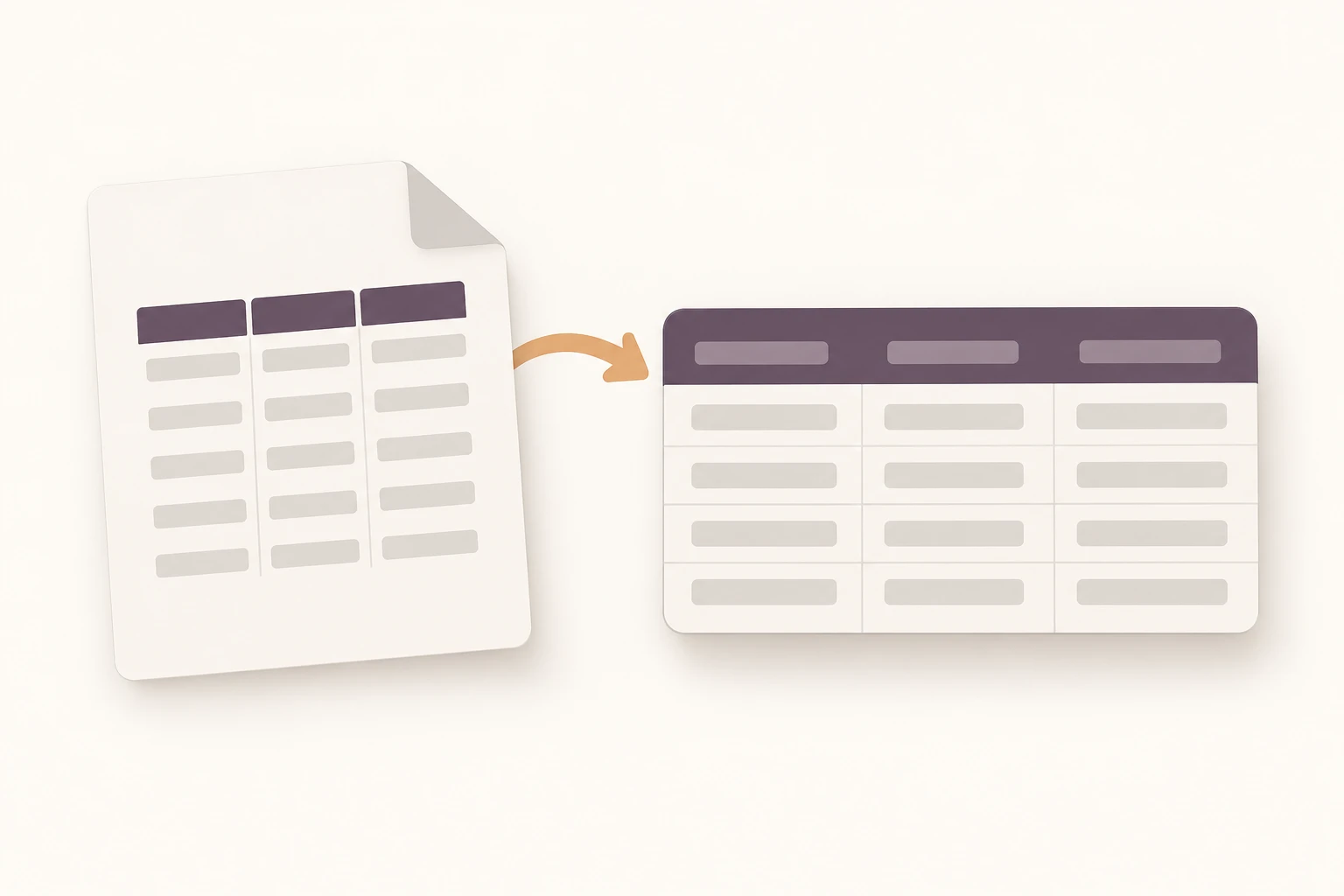
Upload a PDF and choose fields. Turn its rows into an editable table.
Trusted by teams at








Teable separates items, quantities and values into columns. Keep sources for review.
Select, filter gaps or edit a cell.
Scroll to see all columns
| SKU | Item | Pack | Pack price | Page |
|---|---|---|---|---|
| Mailer box | 25 pcs | 18.50 | ||
| Paper tape | 6 rolls | 12.00 | ||
| Shipping labels | 500 pcs | 9.75 | ||
| Paper filler | 5 kg | 21.00 | ||
| Return bag | 50 pcs | Not provided | ||
| Protective wrap | 10 m | 14.20 |
Source value · 18.50 · Page 1
Illustrative data. Edits change this preview only.
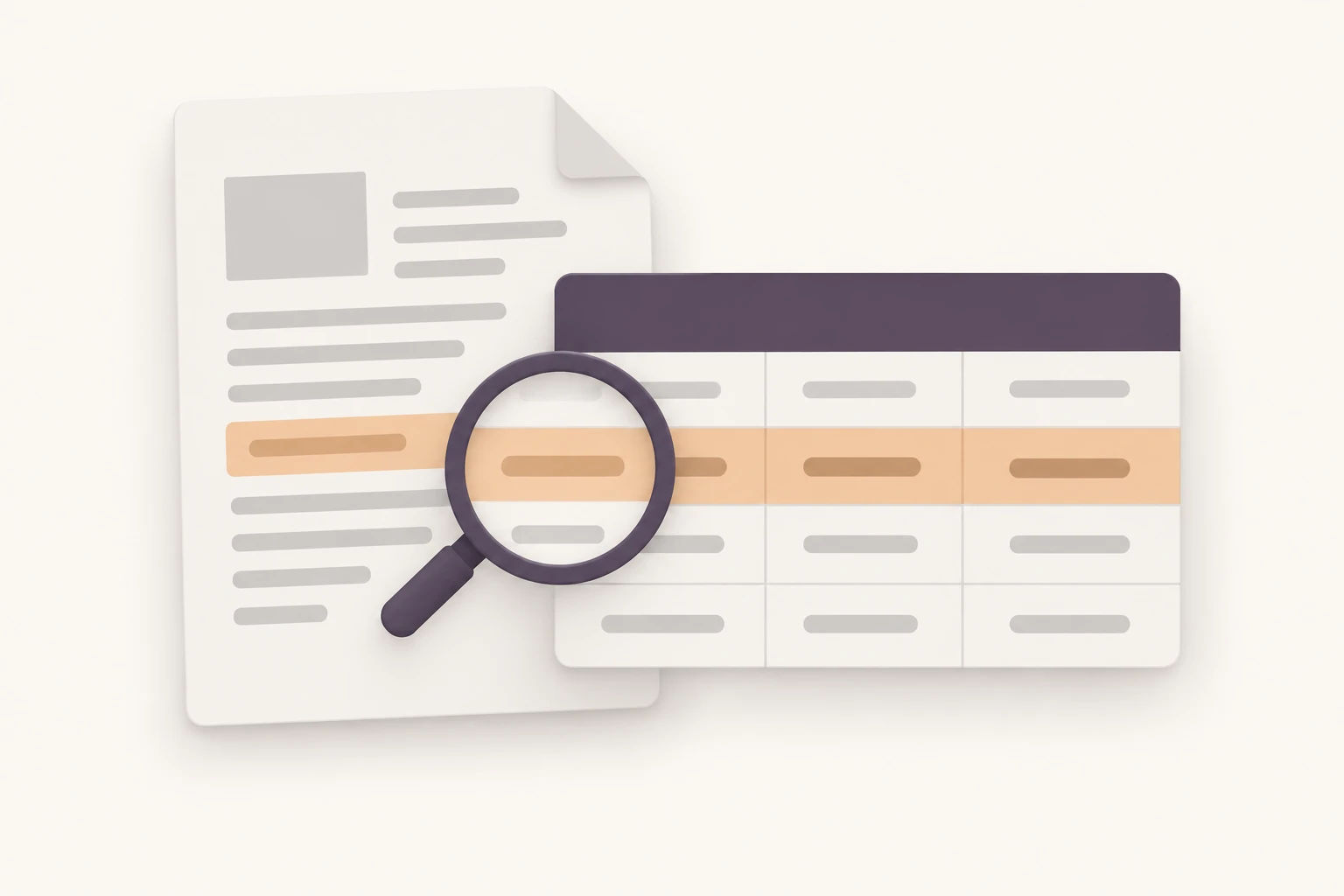
Compare SKUs and pack sizes.
Collect report tables with units.
Compare the same product fields.
| Task | Copy/paste | PDF converter | Teable |
|---|---|---|---|
| Output | A few rows | Excel or CSV | Editable records |
| Review | Check cells | Check cells | Fields and source |
| Next | Arrange sheet | Use spreadsheet | Filter and share |
Share a view or ask the Agent for analysis. Create an Artifact report or app as needed.
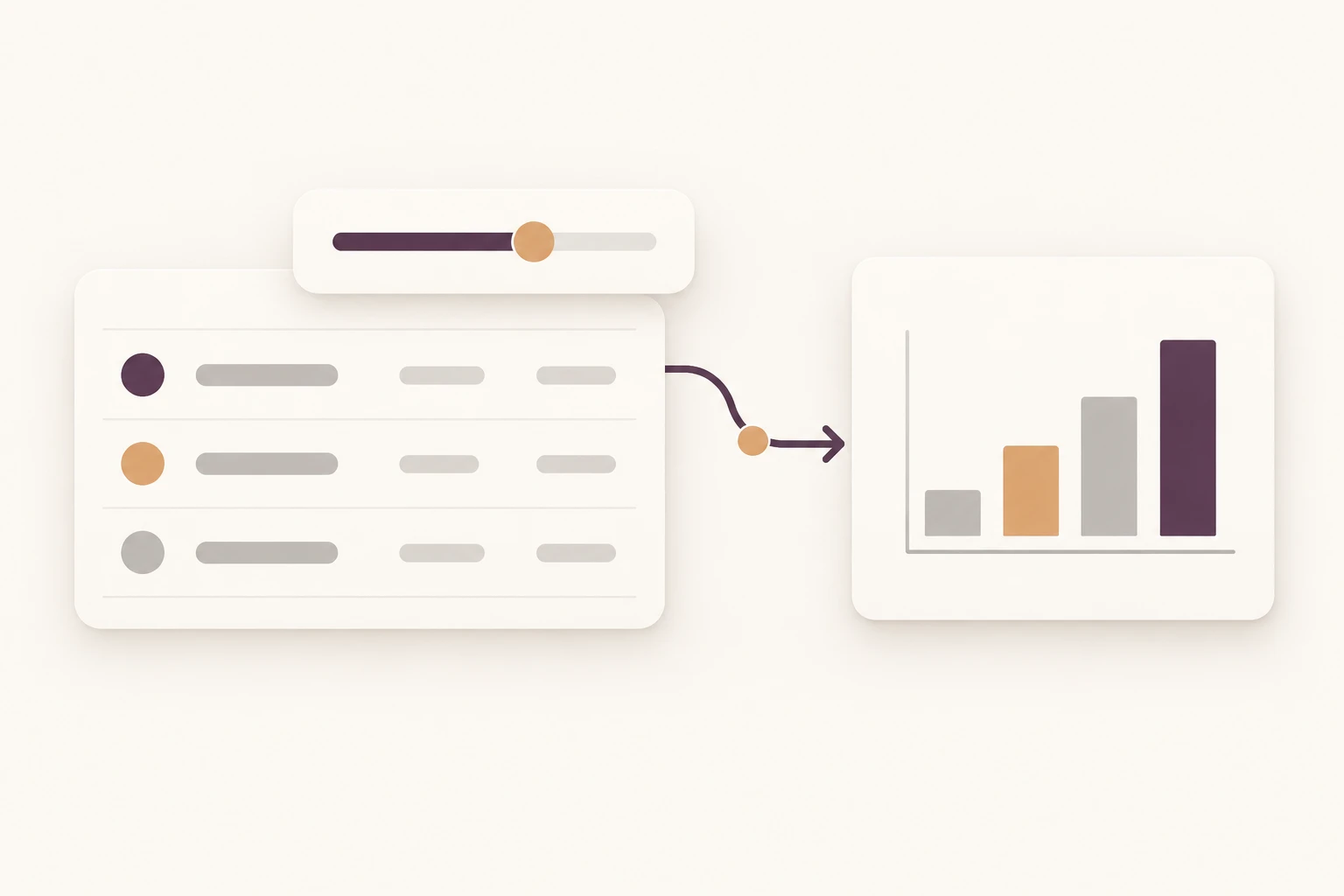
Provide PDF and fields.
Check pages, units and gaps.
Edit and share records.
Teams using Teable
AI Leader · Google DeepMind

I used Teable for a team with leads spread across sheets, CRM exports, and automations. We now import, follow up, and track dashboards in one flow. One system replaced half a dozen disconnected tools.
AI Systems Builder · AI SCWORK

🧨 Teable does not just compete with Airtable. It exposes what Airtable is missing. Modern teams do not need nicer spreadsheets. They need operational systems that can run themselves. Teable turns tables into workflows, AI actions, and internal apps.
AI Consultant & AI Engineer · Adway
Teable 3.0 feels like a grown-up spreadsheet. It keeps the familiar grid and adds automations, AI actions, and internal app building in one platform. I finally got the control model I used to assemble manually.
Teable has a Free plan with introductory AI credits. Start with a small document and review the result before expanding the task. The current plan and included usage are listed in pricing. See pricing
You can name the fields you need, or ask Teable to suggest a structure from the PDF. Include the purpose, such as comparing suppliers or collecting report data. If the document is missing, supply it before requesting extraction.
Provide a clear, complete scan with legible rows and headings. Start with representative pages and check the extracted values against the original. Supply a clearer copy when a value cannot be read rather than asking the Agent to guess.
Specify the page range and ask Teable to separate repeated headers from data rows. Keep a file and page reference where available. Review the joins at page boundaries before using the combined table.
Give the Agent a shared set of column names and explain which fields correspond. Keep file references and distinguish units, currencies and time periods. Check a sample from each layout before combining the records.
Leave them blank and mark them for review. Keep identifiers, decimal separators and units as written in the source. To reconcile totals, ask the Agent to calculate from the line items and list differences alongside the printed total.
Teable's primary result is an editable data table you can keep working with. If you only need an XLSX file, a dedicated converter may suit that task. Use PDF to Table when you want reviewable records, filters and collaboration.
Share the appropriate table or view and choose access for your collaborators. Keep source documents available to the people reviewing the rows. You can then ask the Agent for analysis or a shareable Artifact based on the checked data.

Products
AI app builder
No-code app builder
Excel to app
Spreadsheet to app
Dashboard Creator
AI project management
Online form builder
AI web scraper
Find Influencer
AI email parser
Workflow generator
All Products


