Customer support
Separate first-line replies from specialist handoffs.
Turn steps and source documents into a flowchart your team can review, refine and share.
Trusted by teams at








Teable organizes your process into actions and decisions. See who takes over and where an exception goes.
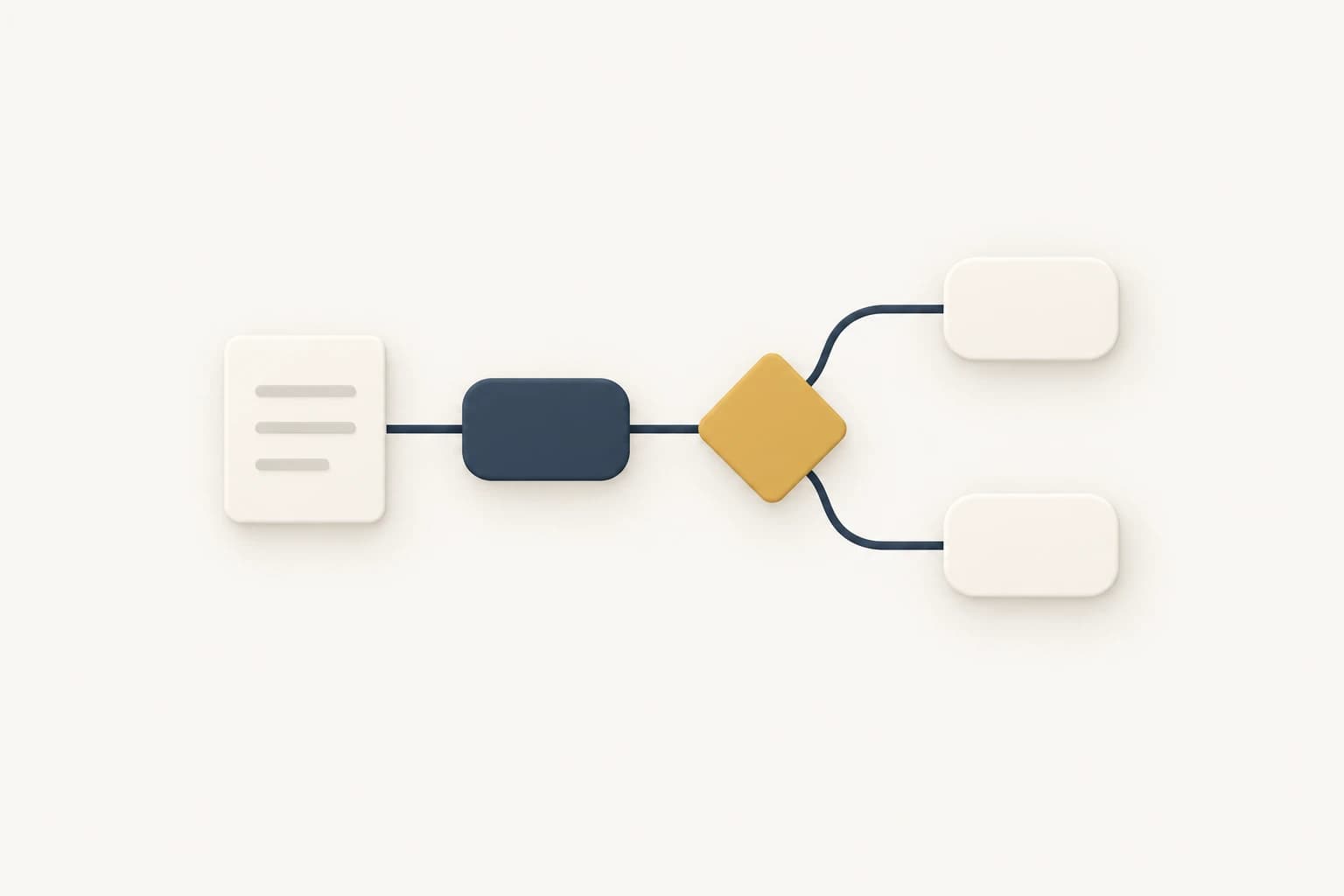
Choose a branch, inspect the handoff and rename a step.
Support escalation · example
Illustrative process. Editing changes this preview only.
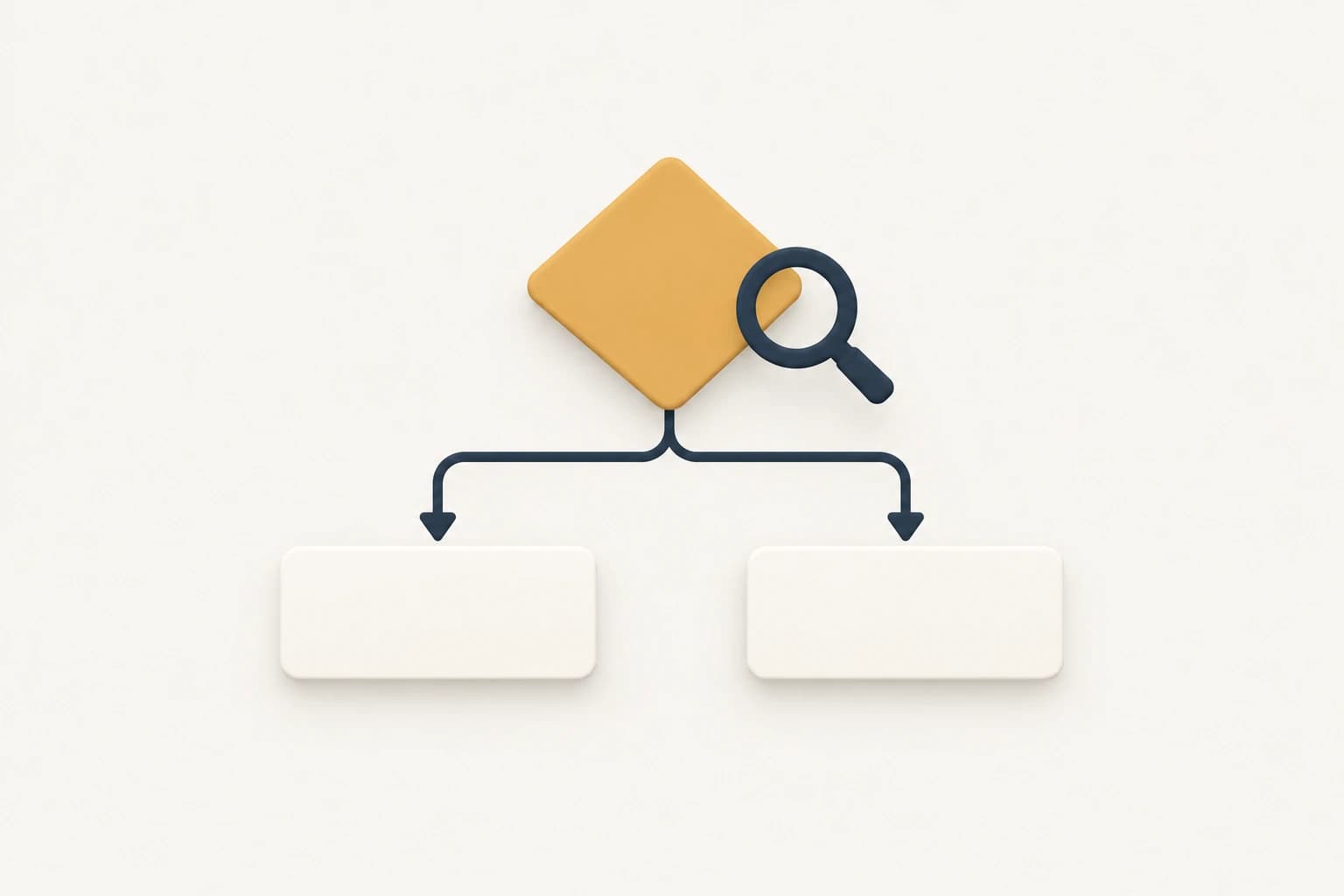
Separate first-line replies from specialist handoffs.
Show the exception path in a repair intake.
Make each new-hire handoff visible.
| Task | Written steps | Drawing tool | Teable |
|---|---|---|---|
| First draft | Write the sequence | Place each shape | Describe or upload steps |
| Change a branch | Revise the text | Edit shapes and arrows | Refine the diagram in chat |
| Share context | Send the notes | Share the drawing | Share an Artifact link |
Use an Artifact to read and revise the diagram. Need forms and live records? Ask for a web app next.
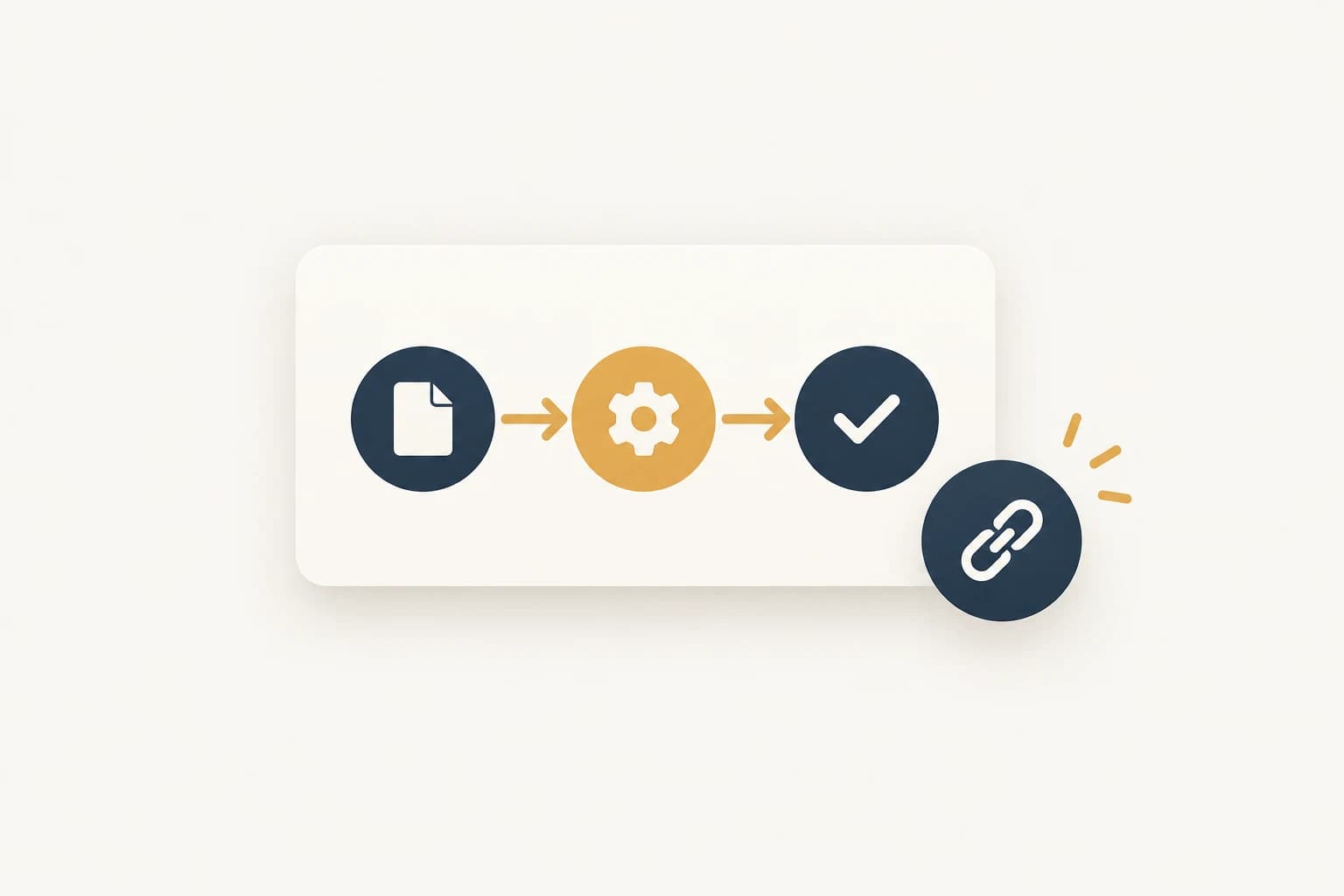
Include the real steps and rules.
Review each branch and owner.
Send the finished Artifact link.
How teams use Teable.
AI Leader · Google DeepMind

I used Teable for a team with leads spread across sheets, CRM exports, and automations. We now import, follow up, and track dashboards in one flow. One system replaced half a dozen disconnected tools.
AI Systems Builder · AI SCWORK

🧨 Teable does not just compete with Airtable. It exposes what Airtable is missing. Modern teams do not need nicer spreadsheets. They need operational systems that can run themselves. Teable turns tables into workflows, AI actions, and internal apps.
AI Consultant & AI Engineer · Adway
Teable 3.0 feels like a grown-up spreadsheet. It keeps the familiar grid and adds automations, AI actions, and internal app building in one platform. I finally got the control model I used to assemble manually.
Start with Teable's Free plan and try a process using the available credits. Sign in, describe the steps and review the result. Choose a paid plan when you need more capacity. See pricing
Start with a plain-language description, a procedure document or handoff notes. You can also select connected sources or a public page. State what starts the process and what counts as finished.
Ask Teable to list the missing steps, conditions and owners. Add those details, then review each branch against your team's procedure before sharing.
Describe the condition and the next step for each outcome. Include rejection, missing information and rework where they occur. Review the branches against your actual procedure.
Tell Teable which step, branch, role or layout should change. Refine the Artifact in conversation, then review the updated connections before sharing.
Artifacts support link sharing, with public, member or password access options. Choose the appropriate access for the information in the diagram. Team members can read the process without receiving a separate file.
A flowchart is a visual guide to the process. To collect requests, update records or trigger actions, ask Teable to build an app or workflow and specify its operating rules.
Start with one process and its key decisions. Separate sub-processes when a diagram becomes hard to read. Keep the handoff points and the links between those diagrams explicit.

Products
AI app builder
No-code app builder
Excel to app
Spreadsheet to app
Dashboard Creator
AI project management
Online form builder
AI web scraper
Find Influencer
AI email parser
Workflow generator
All Products
Resource
Help Center
Changelog
Customer Stories
Wall of Love
Compare
Solutions
Trust Center
Status
Self-hosted


