Employees
Employee ID · Name · Role · Department · Manager · Start date · Status
One row per person. Link the department and manager rather than using several spellings of the same team or colleague.
Turn a staff spreadsheet into connected employee records. Start with your fields, departments and managers, then build the views your team needs.
Trusted by teams at








Find a person, filter by department and open their profile. Download the blank CSV template to organize your own staff list before importing it into Teable.
6 employees
Avery Morgan
EMP-001
Interactive example with fictional people. Changes stay in this preview.
The download contains column headings only, with no employee records. Keep IDs as text when opening it in a spreadsheet.
An employee database connects employee IDs, departments, roles, managers, locations and employment status. People operations maintains the register; colleagues use a suitable directory or app. Start with everyday working details. A stable employee ID distinguishes people with the same name and preserves links when someone changes teams.
Start with your existing spreadsheet: consistent columns and one row per person. Check field types and relationships after importing, and preserve the original file for comparison.

Store departments separately and link employees to them. Connect managers to their employee records too. Maintain a team name in its own record instead of retyping it across several lists.
A shared directory needs working details, not entire personnel files. Put private information in a restricted HR area and configure both app and underlying data access before inviting people.

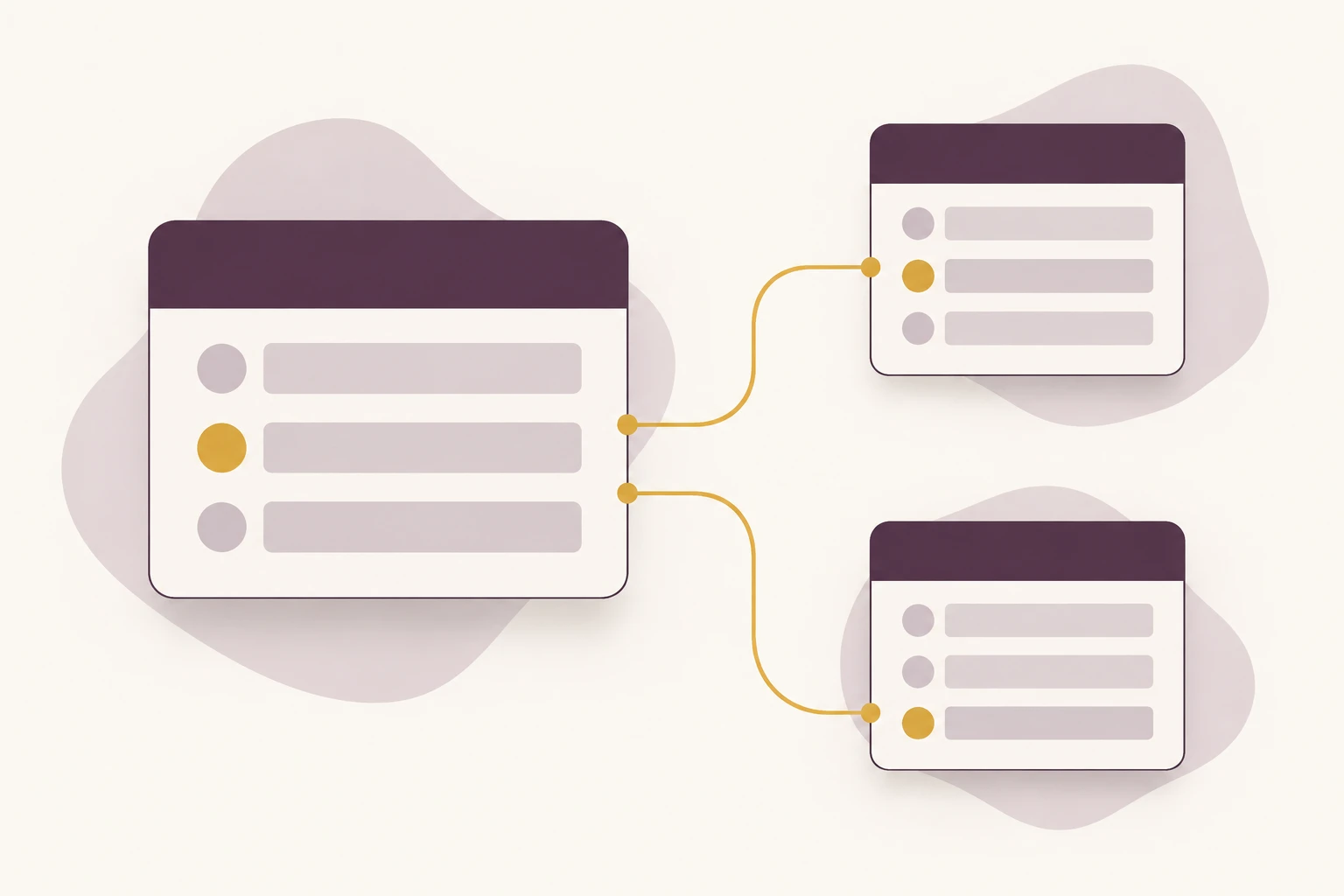
Separate people, organization and follow-up work into three connected tables. Add a restricted area when introducing private documents.
Employee ID · Name · Role · Department · Manager · Start date · Status
One row per person. Link the department and manager rather than using several spellings of the same team or colleague.
Department ID · Name · Lead · Location
Maintain the department name and responsible lead once. Use the relationship to group the associated employees.
Employee · Task · Owner · Due date · Status
Keep equipment preparation or a transfer checklist connected to the person. Owners and due dates make the next action visible.
Maintain a current register without collecting another spreadsheet from each lead.
Build an employee database for a service agency. Link Employees, Departments and Managers using stable IDs. Include location, start date and employment status. Create active-staff and new-starter views, plus searchable profile pages. Keep private HR documents separate from the team directory.
Find the right person and the team responsible for their work.
Create a multi-location employee directory with linked office and department records. Add search by name, role and employee ID, location filters and a manager link. Give HR an editing workflow and colleagues a directory showing only work details. Include a clear process for team transfers.
Coordinate HR and IT preparation around one new-starter record.
Build an employee database linked to onboarding tasks. Each task needs an employee, owner, due date and status. Add views for new starters and incomplete preparation. Keep employee IDs stable and show task progress on a profile page. Let me configure access for HR, IT and managers separately.
| What you need | A staff spreadsheet | An employee database in Teable |
|---|---|---|
| Maintain the register | Simple for one owner; shared copies need a reconciliation process. | Keep linked employee and department records in a shared project. |
| Answer team questions | Sort and filter rows, then save or share the relevant file. | Create views and app pages around the same underlying records. |
| Control access | File sharing and protected cells need careful setup. | Configure data and app permissions using the features in your plan. |
Clean representative rows. Agree on essential fields, employee IDs, team names and update ownership before importing the full register.
Describe the database or attach a spreadsheet. Review structure and links, then compare counts and sample records with the source.
Configure access, test daily tasks and invite the right roles. Assign an owner for joiners, transfers and leavers.
Download the blank CSV free without signing in. Teable's Free plan includes App Builder and a one-time AI allowance. After using it, upgrade to continue AI tasks. See pricing for current limits. Compare Teable plans
Yes. Use a header row and one employee per row. Check IDs, dates and duplicates before importing. Then review field types, record counts and manager links against your source.
Link department and manager records instead of repeating names. Update assignments when people move teams. Give these changes an owner, and add a dated history table if your reporting needs previous assignments.
Yes. Configure the relevant app and data permissions for each role using the features available in your plan. Keep general directory details separate from restricted HR information. Test the intended read and edit access with representative accounts before adding private records or inviting the whole team.
Build pages, forms and tasks around the same records. Configure sign-in, permissions and submission flows for the portal. The employee portal page includes request and onboarding examples.
Use this setup for employee records and operational tasks. Keep payroll calculations, statutory filings and specialist HR processes in their dedicated systems, and plan the required data exchange separately.
Keep a clear employment status and end date where needed. Remove access through your configured process, exclude leavers from active-staff views and assign follow-up tasks to an owner. Set the retention and deletion process according to your organization's requirements.

Products
AI app builder
No-code app builder
Excel to app
Spreadsheet to app
Dashboard Creator
AI project management
Online form builder
AI web scraper
Find Influencer
AI email parser
Workflow generator
All Products
Compare
Airtable Alternative
NocoDB Alternative
Baserow Alternative
n8n Alternative
Google Sheets Alternative
Excel Alternative
Smartsheet Alternative
Lovable Alternative
Zapier Alternative
SmartSuite Alternative
monday.com Alternative
All Compares


