
01
Create with Teable AI
Describe the records, roles and actions you need. Bring a spreadsheet or choose a data source, then use App Builder to create and refine the screens for your team.
Start with a briefFOR THE PEOPLE WHO BUILD THE SYSTEM
Keep data, sign-in and team workflows together. Build your internal app with Teable AI, Claude Code or Codex.
Choose an example, inspect its connected tables, then handle a request as a teammate. Carry the resulting blueprint into your app brief.
Interactive example · sample data
People
Name · Email · Team
Equipment
Asset ID · Type · Availability
Requests
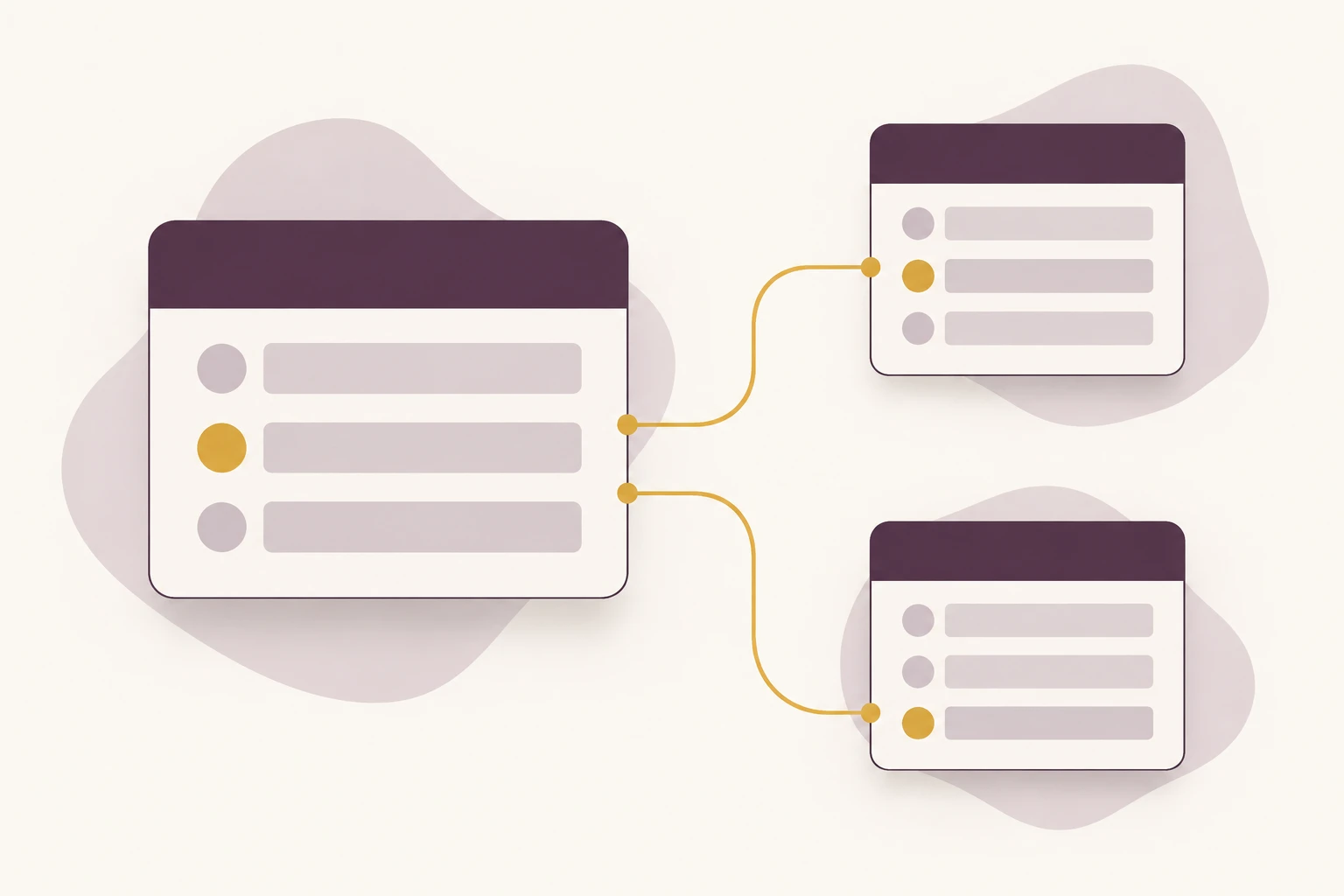
Requester → People · Item → Equipment · Status
↳ Connect records with linked fields and stable IDs
Build this internal tool in Teable. Use the following plan as a starting point.
Equipment requests

Connected tables
People: Name · Email · Team
Equipment: Asset ID · Type · Availability
Requests: Requester → People · Item → Equipment · Status
Connect records with linked fields and stable IDs

Responsibilities
Requester: Submit a request and follow your own items.
Operations team: Review the queue, assign work and close requests.

Request lifecycle: Submitted → In review → In progress → Done
Test the published app with separate requester and operator accounts before inviting the team.
Describe your process, attach a spreadsheet or add a data source. Start free in Teable.
Use this plan in your brief
Trusted by teams at








An internal tool builder turns your team’s data and recurring work into an app: submit a request, review it, assign it and track the result. Teable combines related tables with editable app screens. The builder maintains the model and access rules; colleagues update records and handle their tasks.
Start without hand-writing code, keep working with your agent, or develop the app in a repository. Each path builds on the same Teable data.
01
Describe the records, roles and actions you need. Bring a spreadsheet or choose a data source, then use App Builder to create and refine the screens for your team.
Start with a brief02
Add the Teable Skill or configure MCP in a compatible agent. Work on your tables and system structure from the coding workflow you already use.
Set up your agent03
Download and import app code when you need direct edits. Cloud Business and above adds two-way GitHub sync for repository-based development and code review.
See the code workflow01
Name the requester, reviewer and operator. Define the required fields, decision and finished state before generating screens.
02
Use a small spreadsheet sample or supported source. Define related tables, then build the interface with Teable AI or your coding agent.
03
Try separate accounts. Check record access, missing fields, rejected requests and the path from submission to completion.
04
Invite the intended team, name a maintainer and document everyday updates. Retest the affected workflow when data structures or access rules change.
01
Keep people, requests and resources in related tables. A request points to its owner and the item it concerns, instead of copying names across sheets. Build the interface around those relationships so a new screen uses the same records.
Use these briefs as a starting point. Replace the fields, decision rules and owners with your actual process.
An employee requests a device; operations checks availability and records the handover.
Build an equipment request app with linked People, Equipment and Requests tables. Employees submit requests and see their own items. Operations reviews the queue, assigns an available asset and records the handover date. Include a return status and a view of outstanding loans. Test record access with separate employee and operations accounts.
Department leads review purchases while the purchasing team follows approved orders through delivery.
Create a purchasing app with Departments, Vendors and Purchase Requests tables. Collect an item description, total, department and needed-by date. Route each request to its department reviewer, retain the decision and show approved items in a purchasing queue. Track ordered and received dates. Provide an overview of pending decisions for the process owner.
Teams submit issues once, then follow ownership and progress from the same record.
Build an internal service desk with linked Teams, Services and Tickets tables. Let colleagues choose a service, describe the issue and follow their ticket status. Give the service team an assignment queue and a view of unassigned work. Record the resolution before closure. Add a handover page explaining who maintains each service and its routing rules.
02
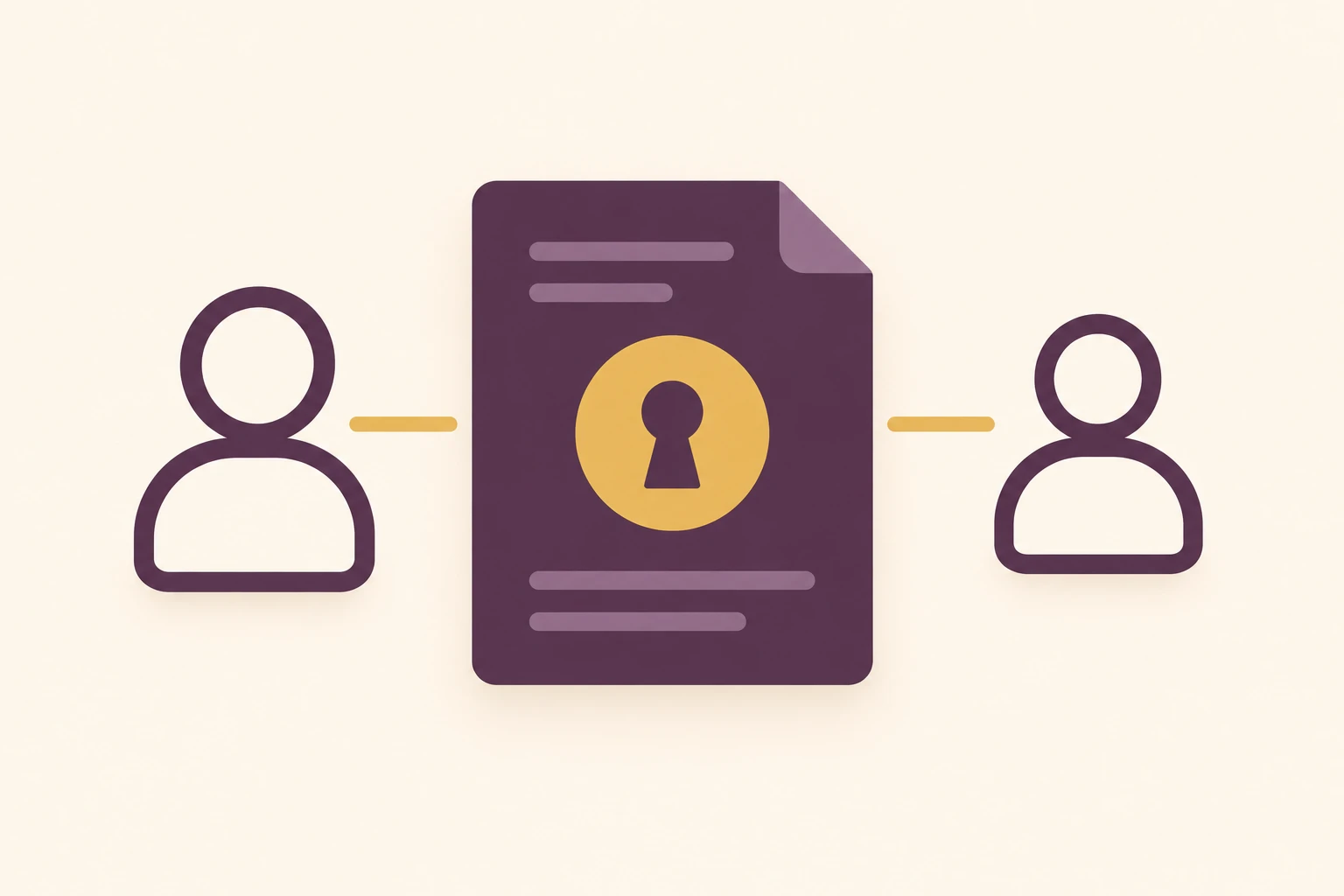
A good internal tool works for the person who did not build it. Add app sign-in, decide who can submit and review, and make the next action visible. Configure table permissions and app access for their respective jobs.
03
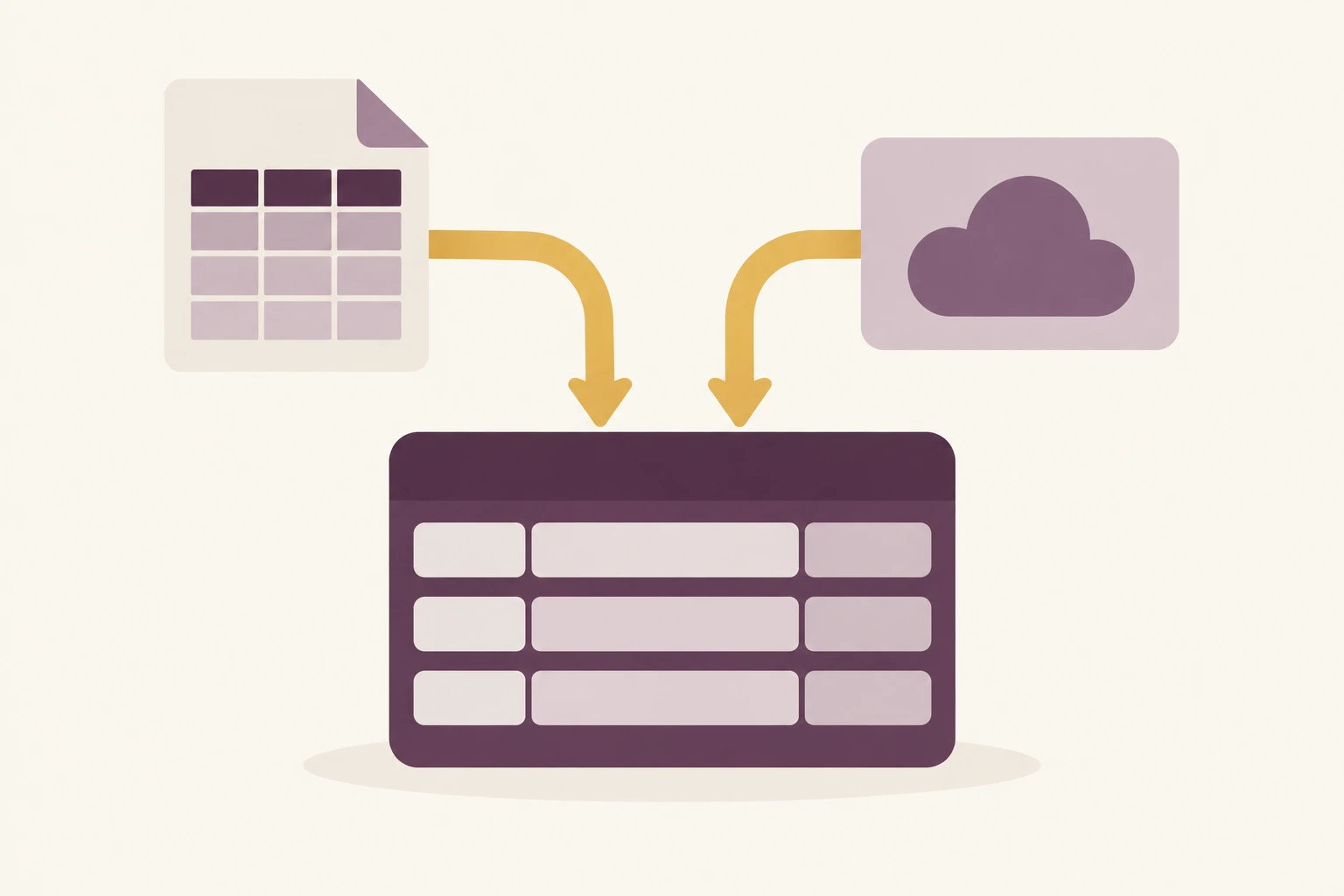
Use the source picker to add supported connections or read a webpage for context. Keep credentials in the app’s credential settings. Builders using Claude Code or Codex can use Teable’s Skill and MCP to work with their workspace.
Add Teable’s Skill to your coding workflow or configure its MCP endpoint. Let the agent work with Teable data and system structure while your team uses the resulting app and tables.
Read the setup guidenpx skills add teableio/agent-skillshttps://mcp.teable.ai/mcpConnect an authorized Teable account when setting up your agent.
| Your starting point | Spreadsheet + inbox | Self-managed code stack | Teable |
|---|---|---|---|
| Shared data | Reconcile copies and message threads | Design and operate the data layer | Related tables shared by apps and the team |
| Access | File sharing and manual routing | Implement and test authentication and rules | Configure app sign-in and table permissions; test role access |
| Changes | Adjust sheets and explain the new process | Update code, infrastructure and integrations | Edit records and views; review app and schema changes |
| Best fit | A small, occasional process | Custom runtime or infrastructure requirements | Business workflows with structured data and ongoing collaboration |
Read how Teable users bring data, apps and everyday workflows together.
AI Systems Builder · AI SCWORK

🧨 Teable does not just compete with Airtable. It exposes what Airtable is missing. Modern teams do not need nicer spreadsheets. They need operational systems that can run themselves. Teable turns tables into workflows, AI actions, and internal apps.
AI Consultant & AI Engineer · Adway

Teable 3.0 feels like a grown-up spreadsheet. It keeps the familiar grid and adds automations, AI actions, and internal app building in one platform. I finally got the control model I used to assemble manually.
AI Leader · Google DeepMind
I used Teable for a team with leads spread across sheets, CRM exports, and automations. We now import, follow up, and track dashboards in one flow. One system replaced half a dozen disconnected tools.
Yes. Teable’s Free plan includes App Builder. Start with a small workflow and a sample dataset. Check the pricing page for current AI allowances, capacity and collaboration limits. When you need more capacity or plan-specific features, choose the appropriate plan.
Both terms describe building apps for work inside a company. Here you can plan linked data, roles and a repeatable workflow, then use Teable App Builder to create the app. Your app and team work with the same records.
Yes. Use Teable’s Skill or MCP with a compatible agent. App Builder also supports code download and import. Two-way GitHub sync is available on Cloud Business plans and above, so you can review and develop app code in a repository.
Attach a spreadsheet or choose a supported connection in the input area. Add the source, the fields you need and the intended action. Webpage reading can supply context for the brief; the connected tables should hold the records your workflow uses.
Configure the app’s login options and intended audience, then set the relevant data permissions. Decide what each role can view and change. Test the published app with separate accounts before inviting the wider team.
Yes. Teammates can update records in Teable tables and use the app’s forms and actions. Give each person suitable permissions and document the process. Structural changes to the app or database should still have a responsible owner.
You can build a dedicated portal and configure app access for the intended audience. Keep internal operations and external-facing views clearly defined, and test each audience’s access. Use the client portal and vendor portal guides to plan those workflows.
Update the affected tables, app screens and rules together, then retest the workflow. App version history can help manage code changes; database records and schema changes need their own backup and change process. Keep the maintainer and handover guide current.

Products
AI app builder
No-code app builder
Excel to app
Spreadsheet to app
Dashboard Creator
AI project management
Online form builder
AI web scraper
Find Influencer
AI email parser
Workflow generator
All Products
Compare
Airtable Alternative
NocoDB Alternative
Baserow Alternative
n8n Alternative
Google Sheets Alternative
Excel Alternative
Smartsheet Alternative
Lovable Alternative
Zapier Alternative
SmartSuite Alternative
monday.com Alternative
All Compares


